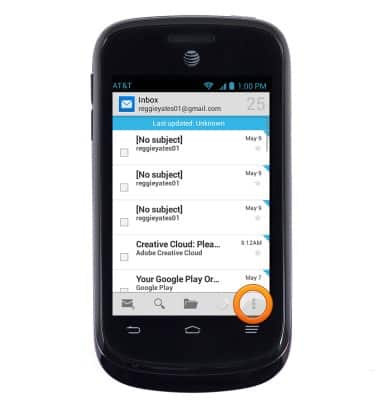
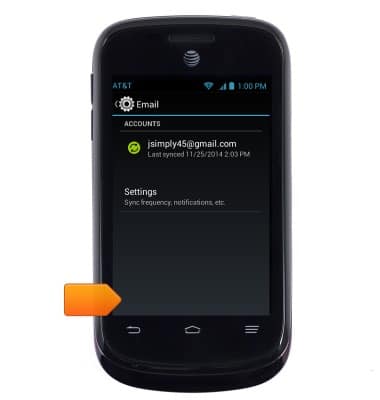
- To delete an email account from the device, from the Email screen, tap the Menu icon.
- Tap Settings.
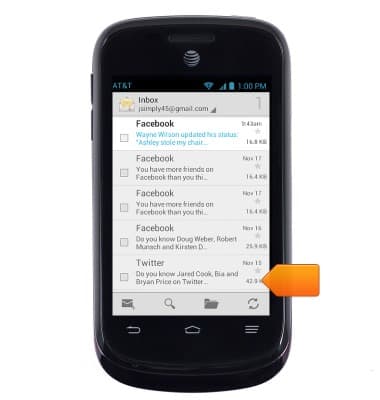
- Tap the personal email account.
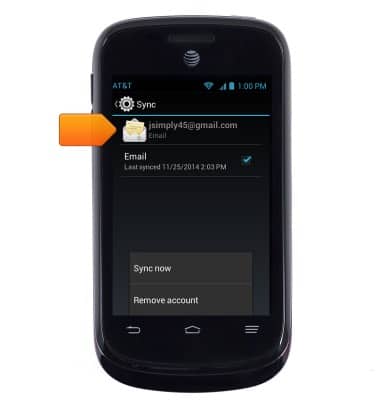
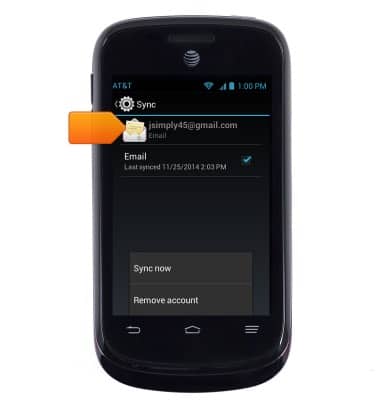
- Scroll to, then tap Remove account.
- Tap OK.
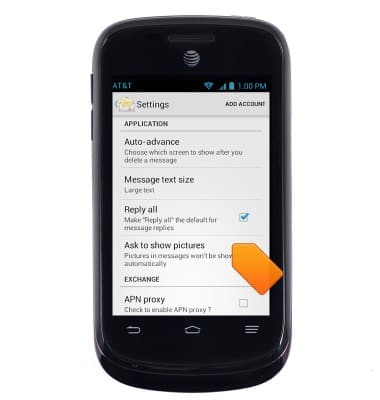
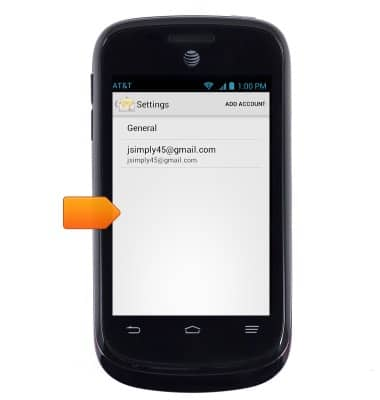
- For options for all email accounts, tap General in the settings menu.
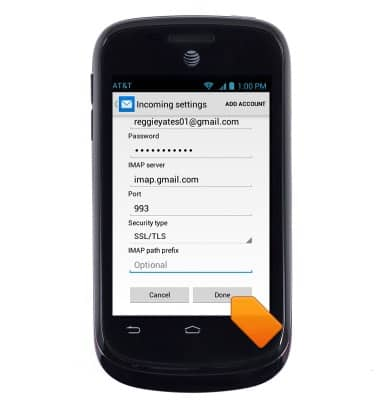
- To change your password, scroll to, then tap Incoming settings from the account settings menu.
- Edit the settings, then tap Done.
- To add an email signature, tap the desired account in the Settings menu.
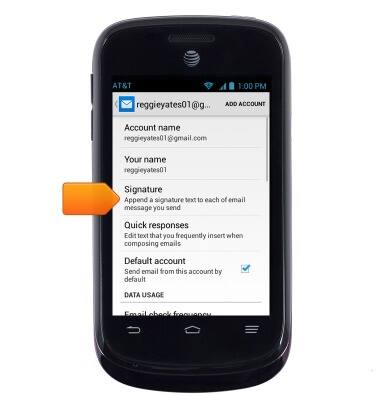
- Tap Signature.
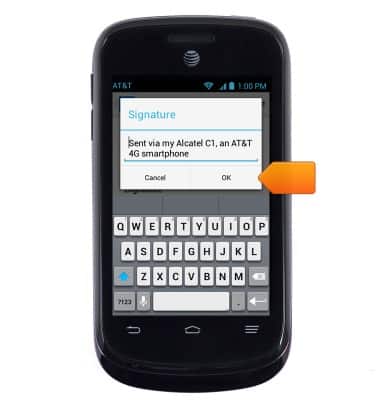
- Enter the desired signature, then tap OK.
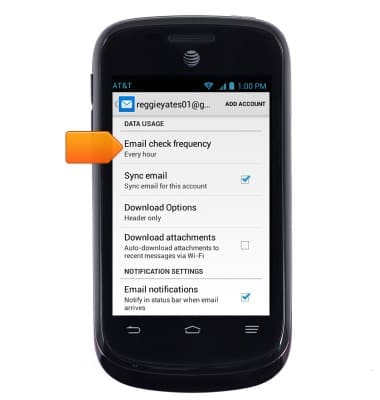
- Tap Email check frequency in the account settings menu to change how often the device checks for new email.
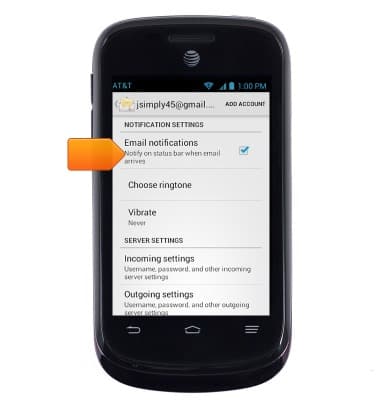
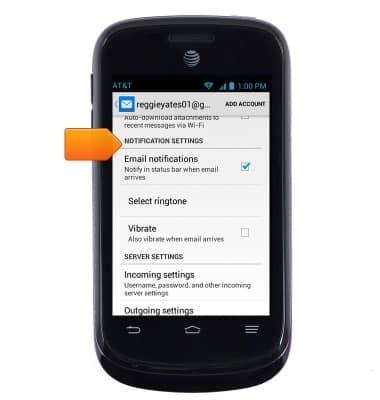
- Tap the options under NOTIFICATION SETTINGS in the account settings menu to set preferences.
Email settings
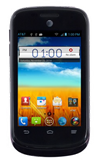
ZTE Avail 2 (Z992)
Email settings
Manage email settings such as sync frequency, server settings, signature, deleting an email account, and more.
INSTRUCTIONS & INFO