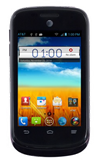
- Touch and drag either left or right to swipe between screens.
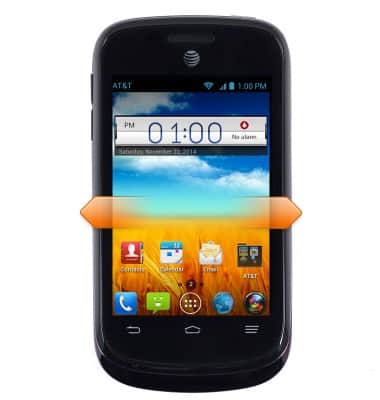
- Touch and drag to scroll up and down menus and websites.
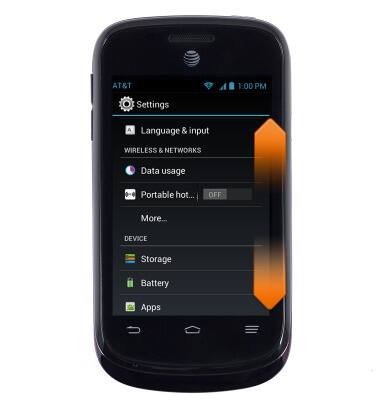
- Tap an icon to open the desired app.
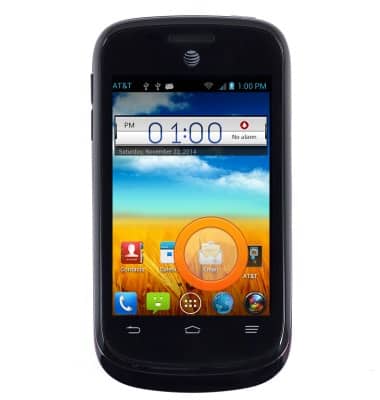
- To add an app or widget, tap the Apps icon.
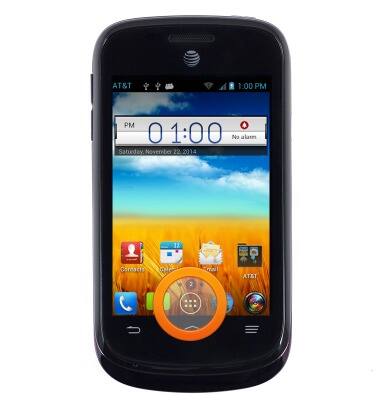
- Swipe to the desired app or widget, then tap and hold it.
Note: This tutorial demonstrates how to add a widget.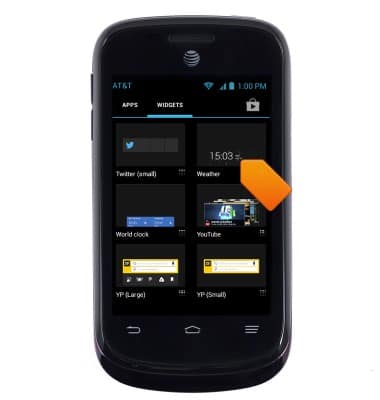
- Drag and drop the widget in any available open space on the homescreen.
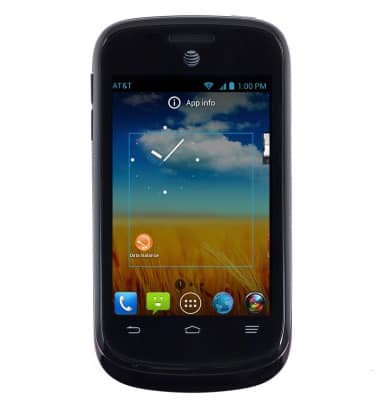
- To remove an app, touch and drag the app to X Remove.
Note: The app and X Remove will turn red.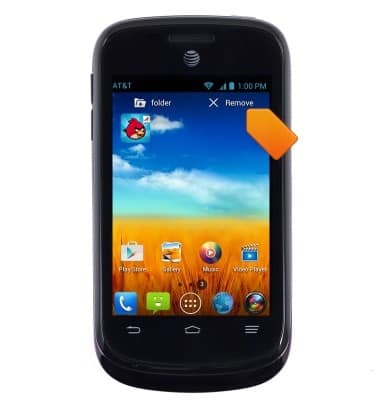
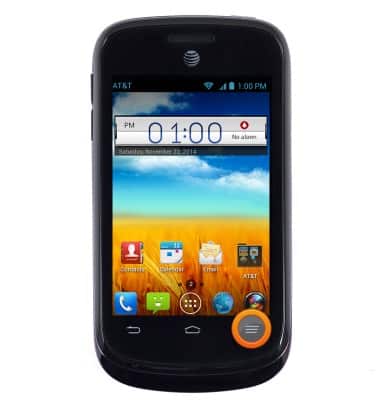
- To adjust screen brightness, Press the Menu key.
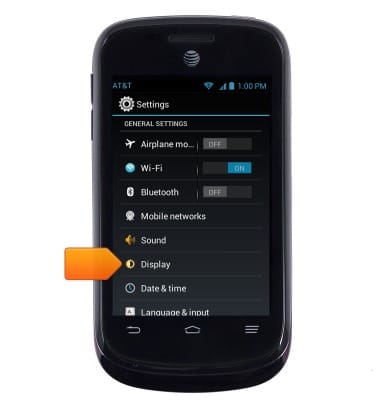
- Tap Display.
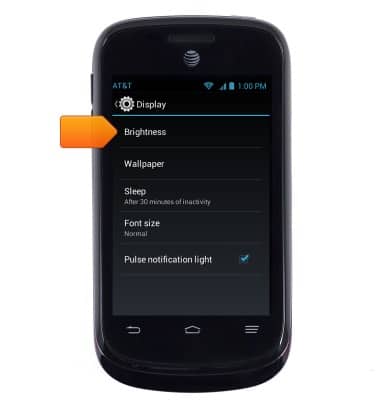
- Tap Brightness.
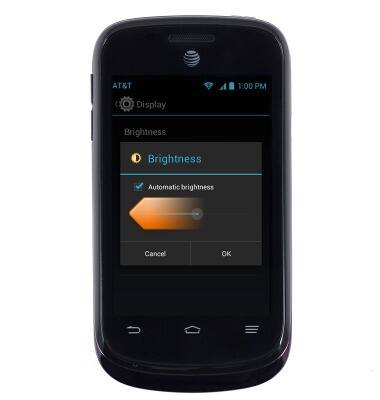
- Touch and drag the Brightness slider to the desired adjustment.
Learn & customize the home screen
ZTE Avail 2 (Z992)
Learn & customize the home screen
Add shortcuts and widgets, access the notification panel, changing wallpaper, and more.
Use the Home screen
This video describes how to interact with the home screen on your device.
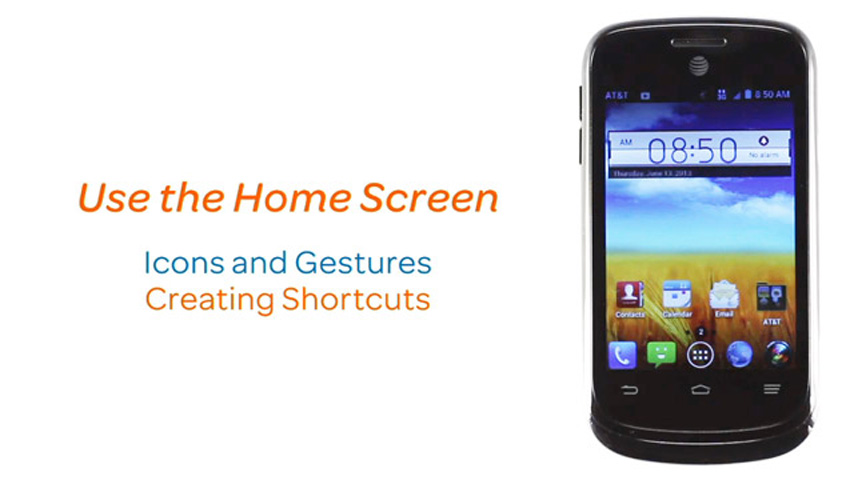
Use the Home screen
1:24
INSTRUCTIONS & INFO