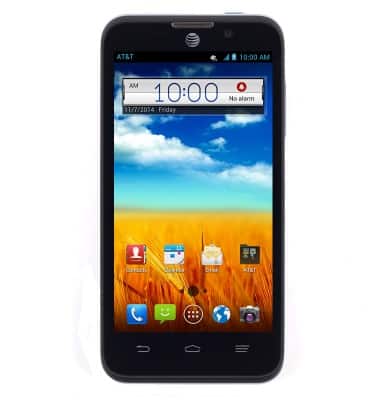
- From any home screen, touch and hold an empty space.
- Tap Home.
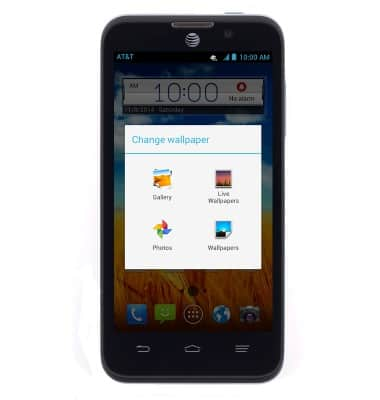
Note: Using "Live wallpapers" can increase battery consumption. For this demonstration, tap Gallery.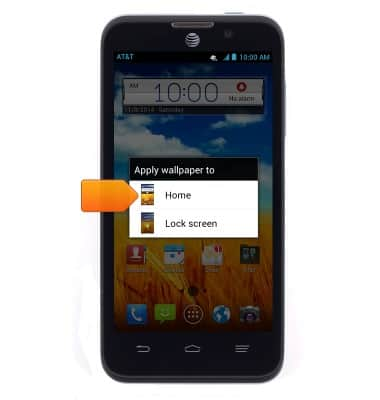
- Tap the desired category.
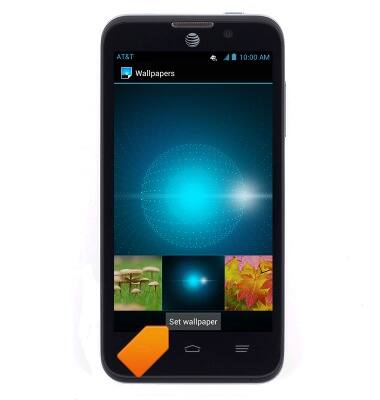
- Swipe to the desired wallpaper.
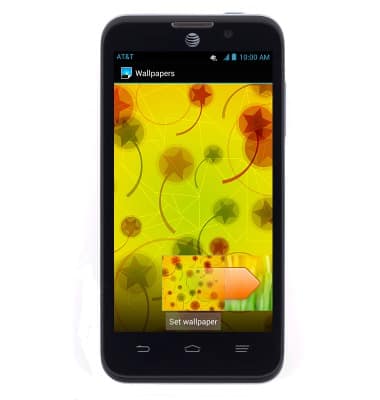
- Tap Set wallpaper.
Change wallpaper
ZTE Z998
Change wallpaper
This article describes how to change the wallpaper, or background, of the home screens.
INSTRUCTIONS & INFO