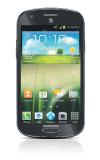
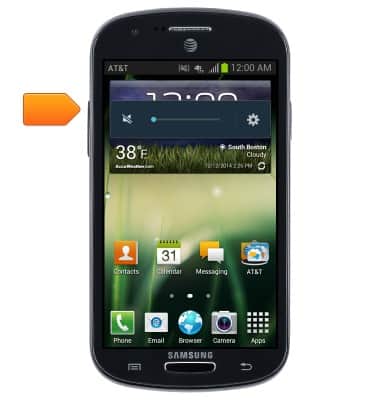
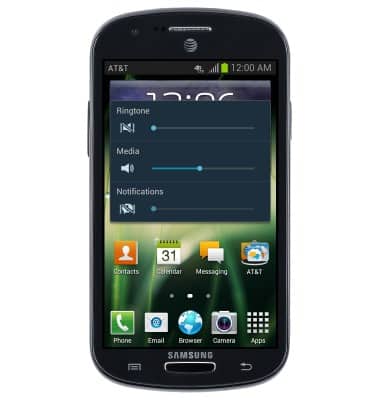
- From the home screen, press the Volume Up Key to increase the ringtone volume.
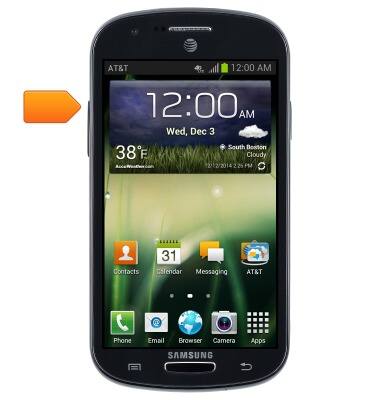
- Press the Volume Down Key to decrease the ringtone volume.
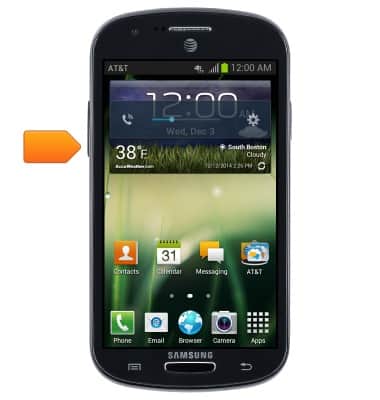
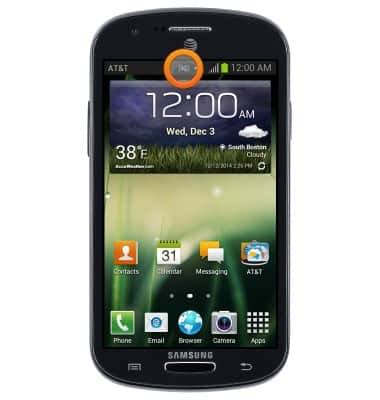
- With the ringtone volume at the lowest setting, press the Volume Down Key to enable Vibrate mode.
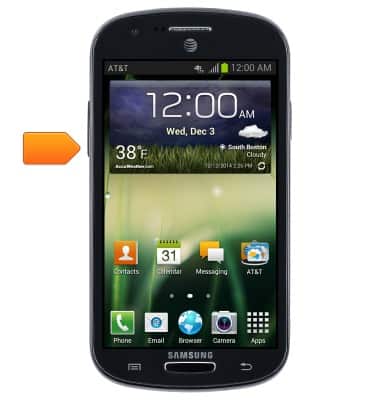
- When vibrate mode is on, the Vibrate icon will be displayed in the Notifications Bar.
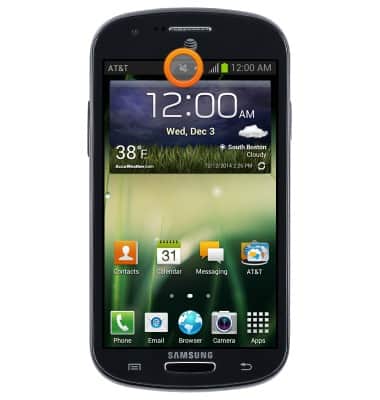
- With the device in Vibrate Mode, press the Volume Up Key to enable Silent Mode.
- When silent mode is on, the Silent icon will be displayed in the Notifications Bar.
- Tap the Volume Settings icon to adjust the device volume settings.
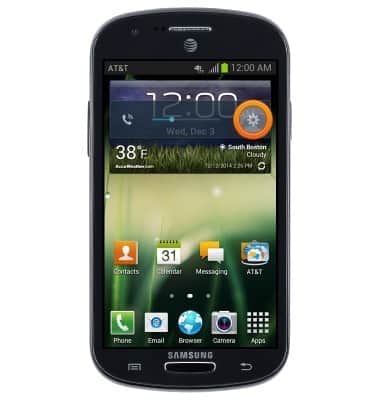
- Touch, then drag the desired slider to adjust the desired volume setting.
Sounds & alerts
Samsung Galaxy Express (I437/I437p) OS 4.0-4.1
Sounds & alerts
Change volume settings, ringtones, and notification alerts.
INSTRUCTIONS & INFO