- NFC is a wireless technology that allows your device to communicate by touching, or being in close proximity to, other NFC devices or tags.
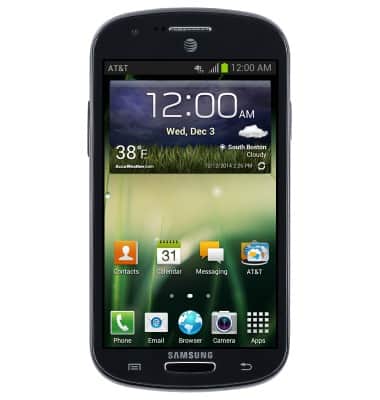
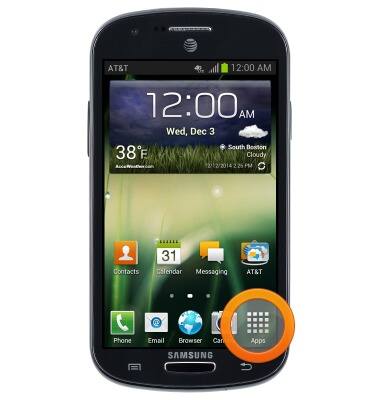
- From the home screen, tap Apps.
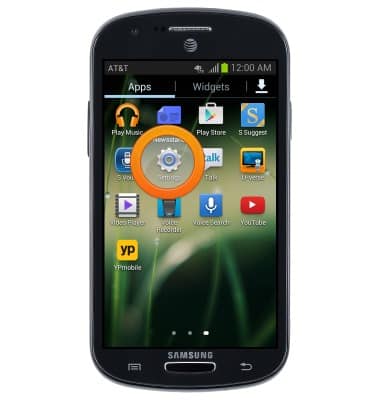
- Swipe to, then tap Settings.
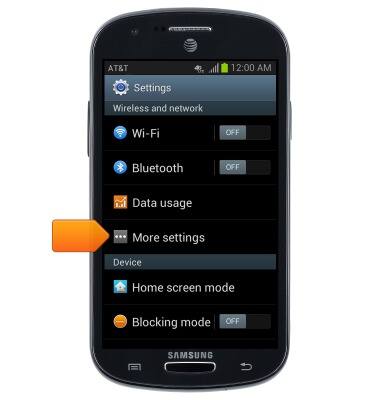
- Tap More settings.
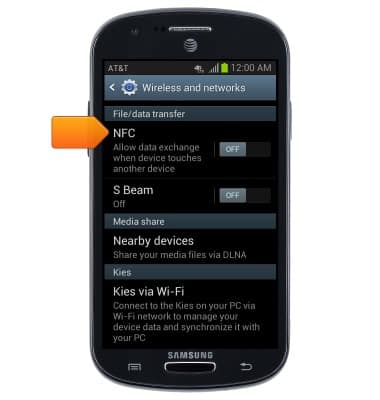
- Tap NFC.
- With any media, website, or contact on screen, touch the back of both devices to each other, then tap Touch to beam. to beam the desired content.
Note: Both devices must be NFC capable, and have NFC enabled for "Touch to beam" to work.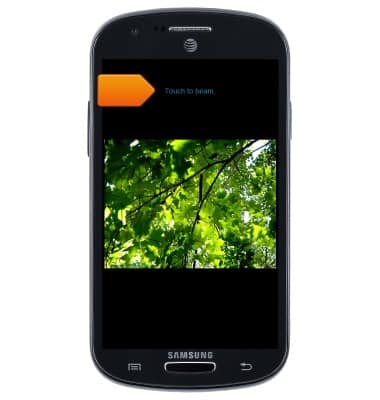
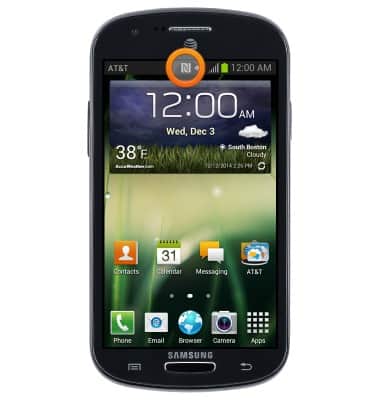
- When NFC is enabled, the NFC icon will be displayed in the notifications bar.
NFC
Samsung Galaxy Express (I437/I437p) OS 4.0-4.1
NFC
Use NFC to share content such as photos and contacts between compatible devices.
INSTRUCTIONS & INFO