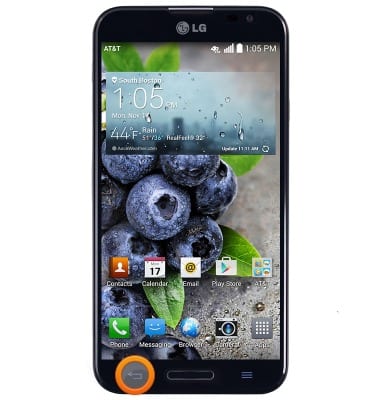
- Press the Back key to return to the previous screen.
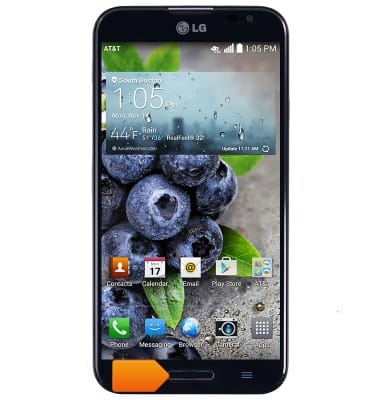
- Press the Home key to return to the home screen. Press and hold to view running apps.
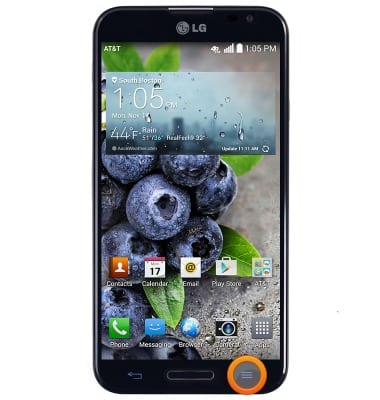
- Press the Menu key to access the menu for the current screen.
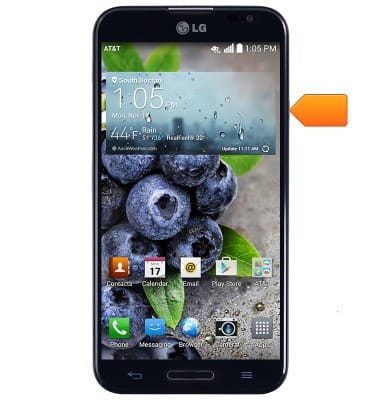
- Press the Volume keys located on the side of the device to adjust the device volume.
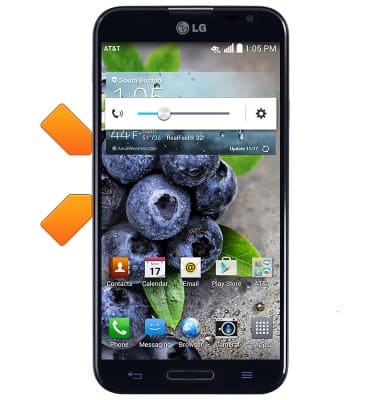
- When you press the QuickButton, you are taken to Quick Memo. If you press and hold the QuickButton, you can customize the button to launch a desired app.
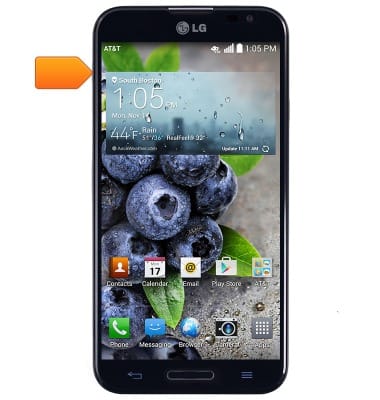
- Press the Power/Lock key to lock/unlock the screen. Press and hold to power the device on/off.
- The Front camera is located on the front of the device.
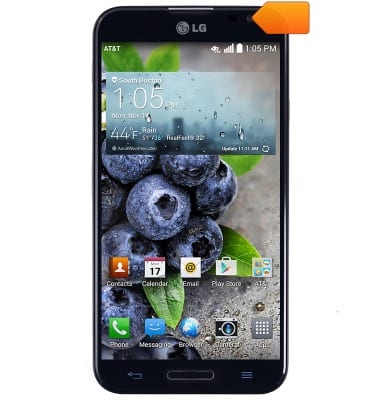
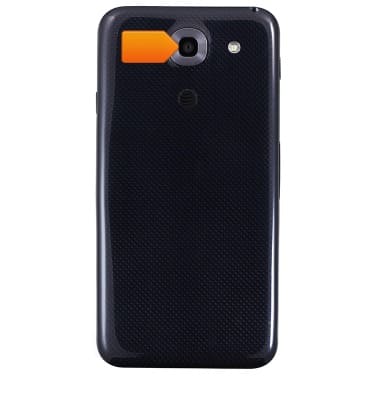
- The Rear camera is located on the back of the device.
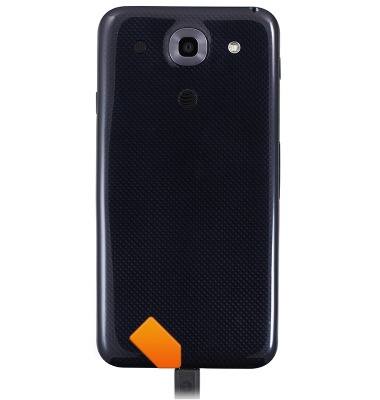
- The MicroUSB/Charging port is located on the bottom of the device.
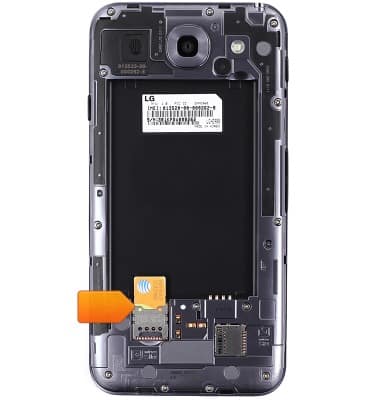
- The SIM card slot is located in the device interior, and can be accessed by removing the back cover.
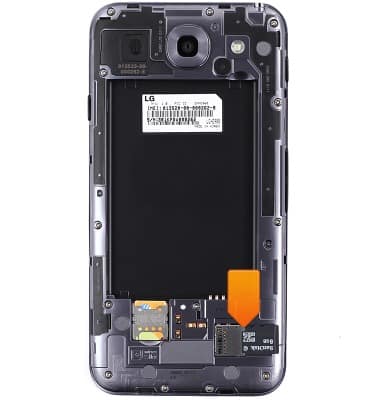
- The Memory card slot is located in the device interior, and can be accessed by removing the back cover.
Device layout
LG Optimus G Pro (E980)
Device layout
Provides an overview of the device layout.
INSTRUCTIONS & INFO