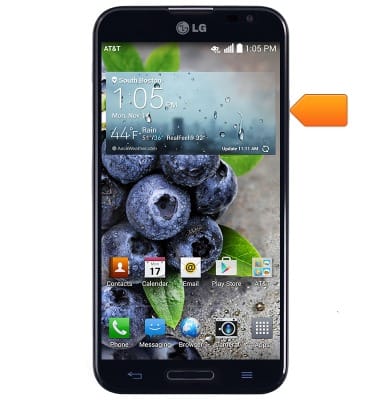
- To lock the device screen, press the Power/Lock key.
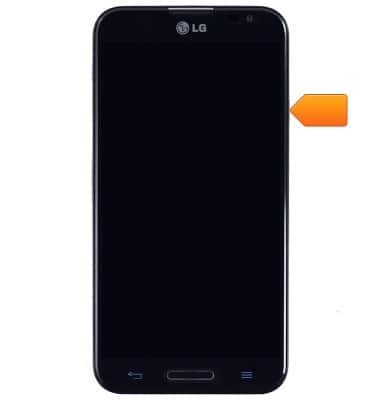
- To unlock the screen, press the Power/Lock key.
- Swipe in any direction to unlock.
Note: To learn more about requesting a device unlock for your AT&T mobile device, visit www.att.com/deviceunlock.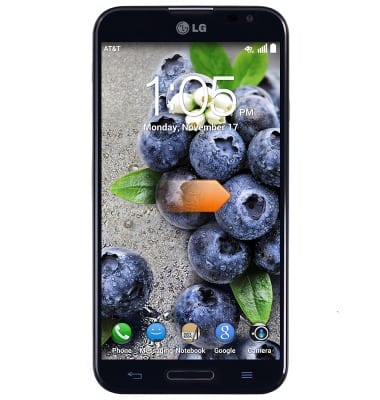
Secure my device
LG Optimus G Pro (E980)
Secure my device
Lock the device screen, set and change security lock, and locate device.
INSTRUCTIONS & INFO