
- NFC is a wireless technology that allows your phone to communicate by touching, or being in close proximity to, other NFC devices or tags.
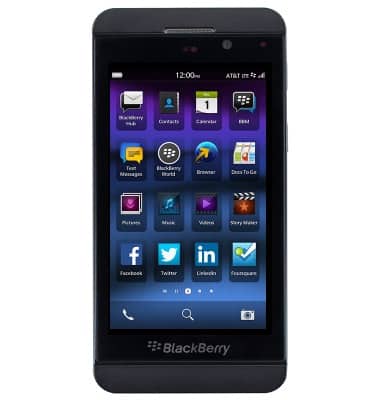
- From the home screen, swipe down from the status bar.
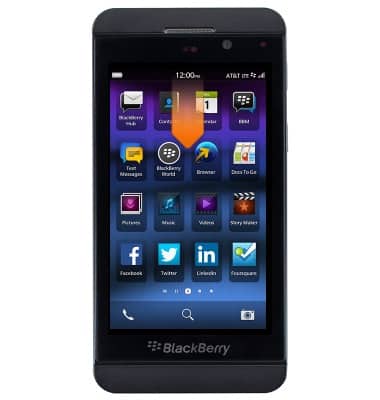
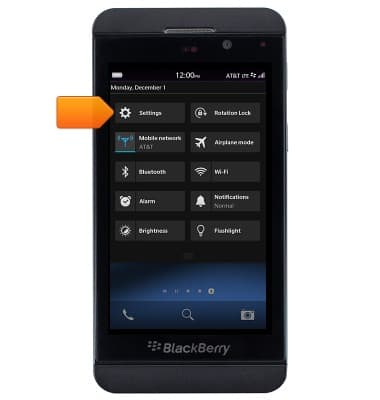
- Tap Settings.
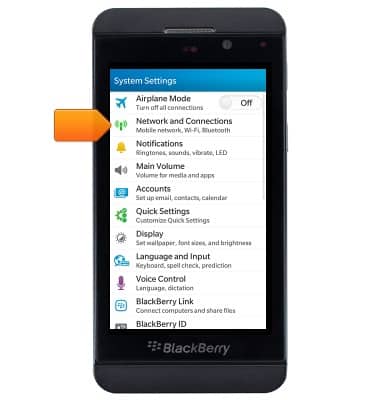
- Tap Network and Connections.
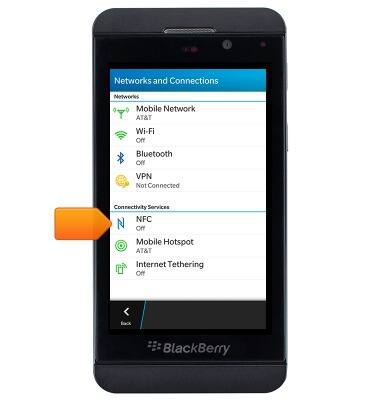
- Tap NFC.
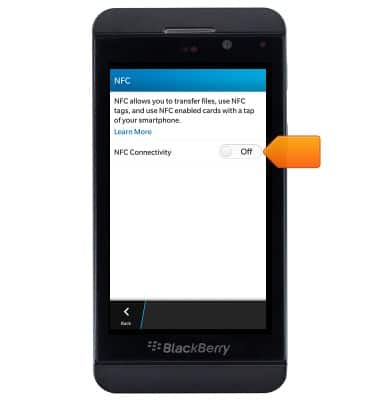
- Tap the NFC switch to turn it on or off.
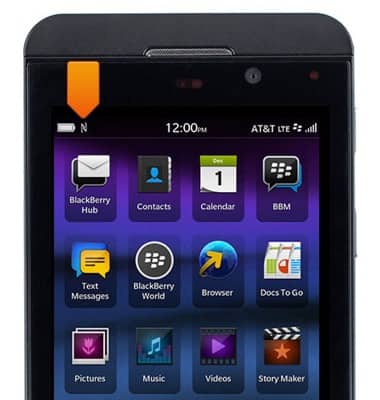
- When NFC is on, the NFC icon will be displayed in the Notifications bar.
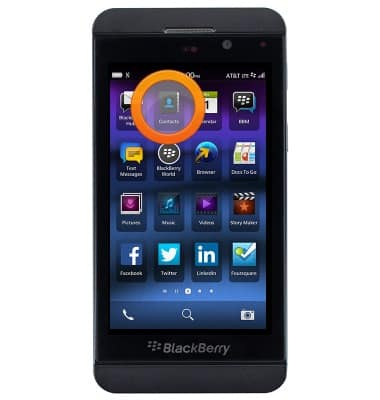
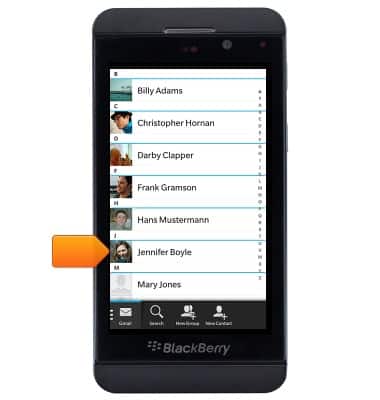
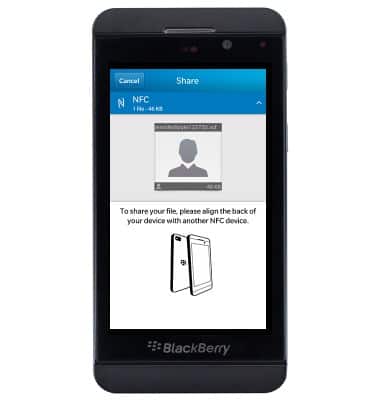
- To share a contact's information via NFC, from the home screen, tap Contacts.
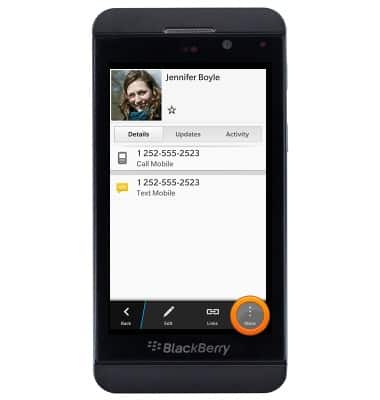
- Tap the desired contact.
- Tap More.
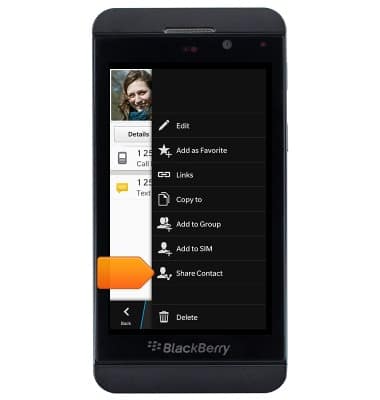
- Tap Share Contact.
- Tap NFC.
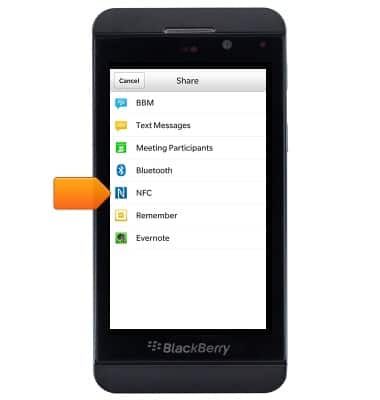
- Hold the device against the back of another NFC-enabled device to complete the transfer.
NFC
BlackBerry Z10 (STL100-3)
NFC
Use NFC to share content such as photos and contacts between compatible devices.
INSTRUCTIONS & INFO