
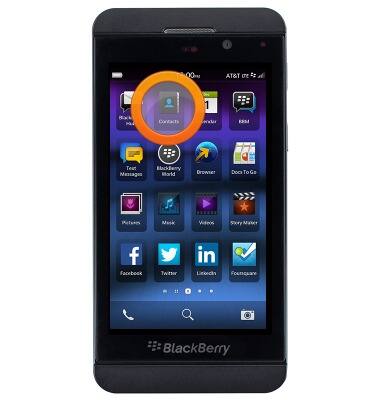
- From the home screen, tap Contacts.
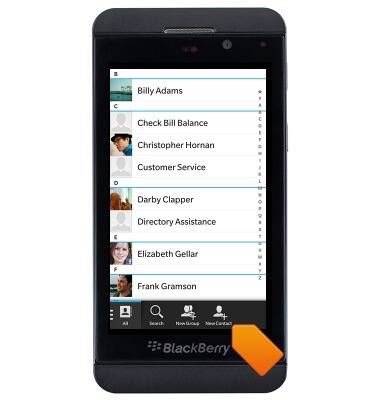
- To create a new contact, tap New Contact.
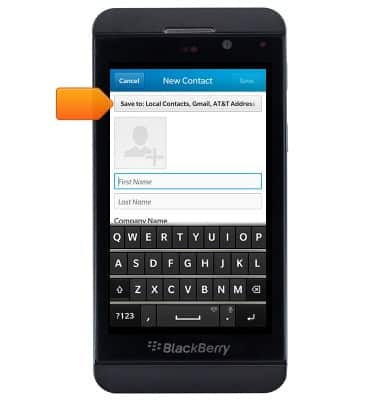
- Tap the Save to field.
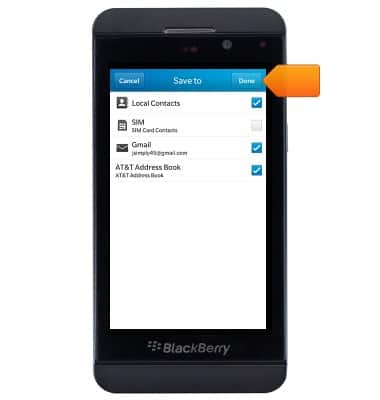
- Select the desired location to save the contact, then tap Done.
- Enter the desired first name in the First name field.
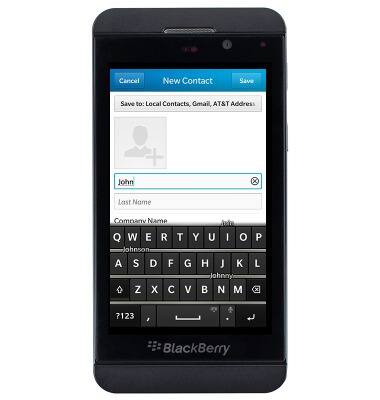
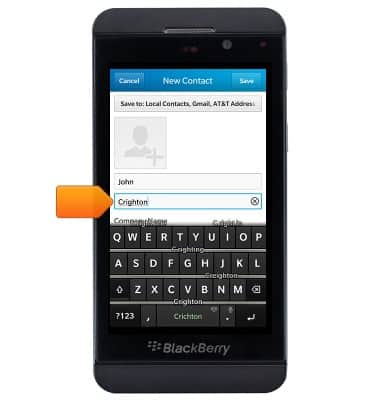
- Tap the Last name field, then enter the desired last name.
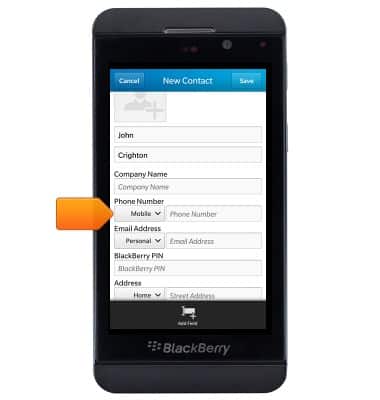
- Tap the Phone Number type field.
- Tap the desired option.
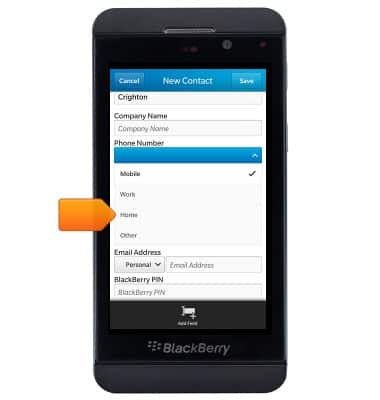
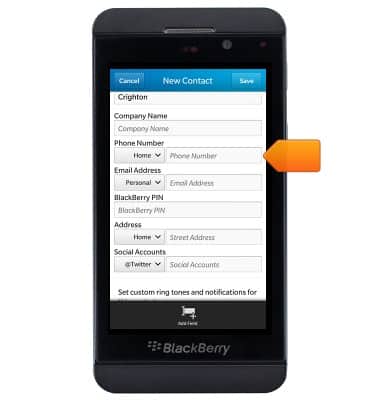
- Tap the Phone Number field, then enter the desired phone number.
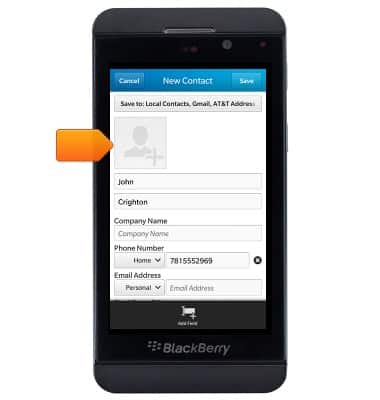
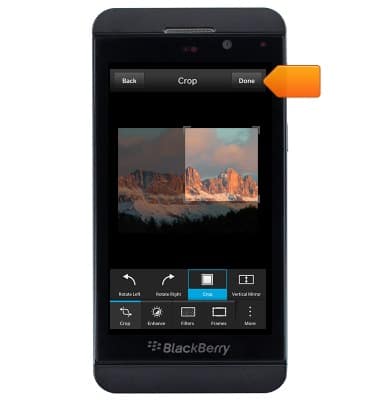
- To add a contact photo, scroll to and tap the Add photo icon.
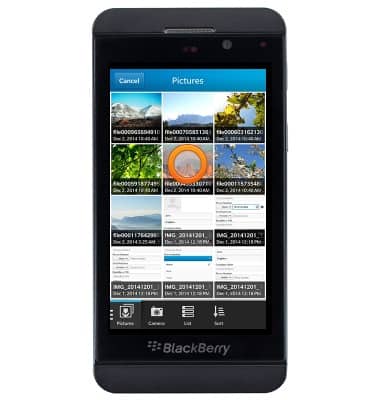
- Tap the desired photo.
- Edit the photo as desired.
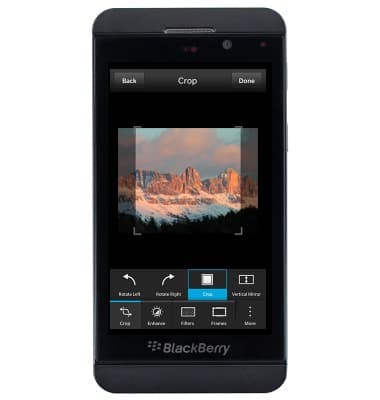
- Tap Done.
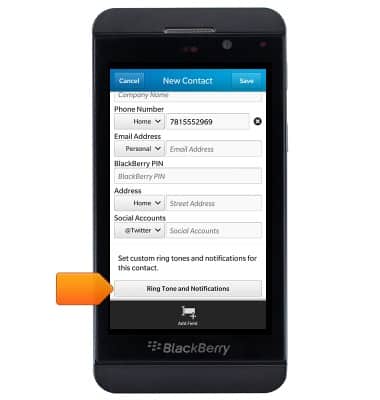
- To add a ringtone, scroll to and then tap Ring Tone and Notifications.
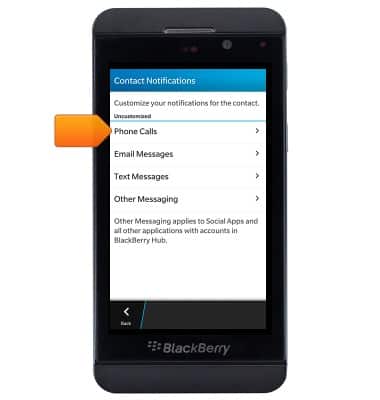
- Tap Phone Calls.
- Tap Tone.
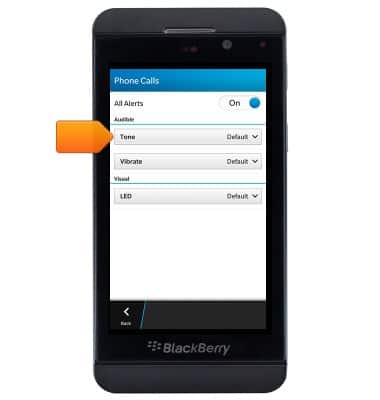
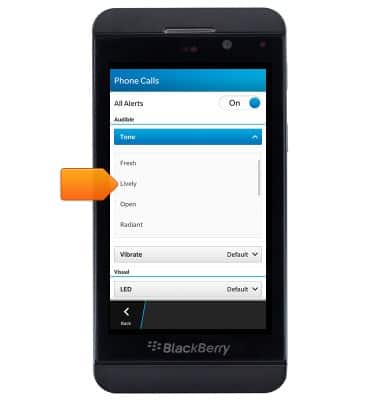
- Scroll to, then tap the desired ringtone.
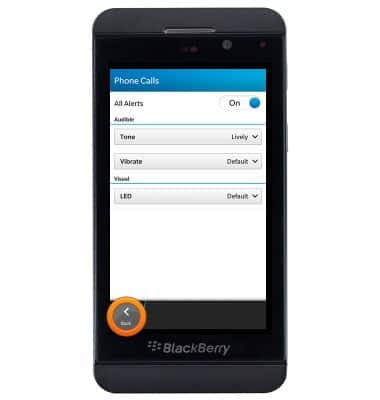
- Tap Back twice to navigate to the New Contact page.
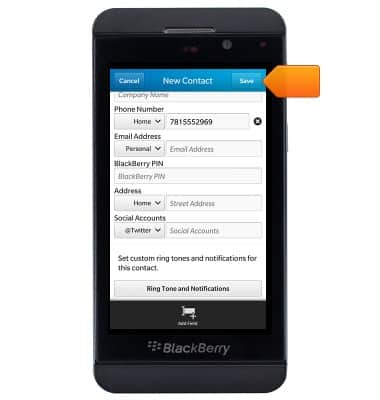
- Edit additional details as desired, the tap Save.
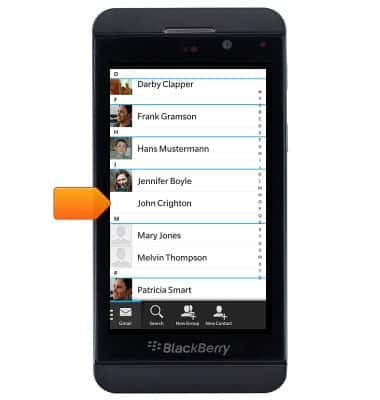
- To edit a contact, tap the desired contact.
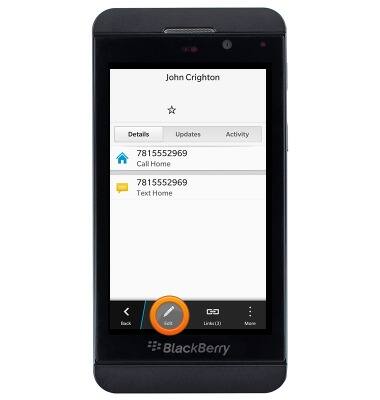
- Tap the Edit icon.
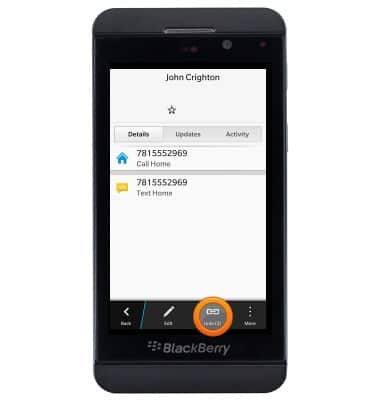
- To link contacts, tap Links.
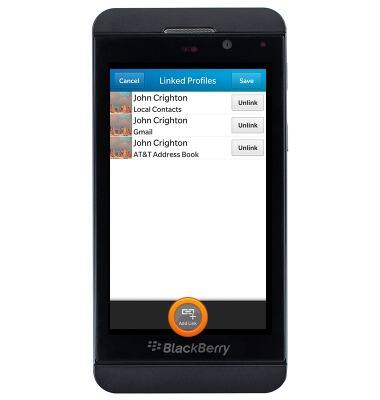
- Tap Add Link.
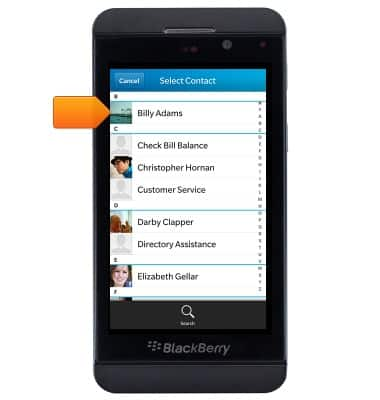
- Tap the desired contact.
- To unlink a contact, tap Unlick next to the desired contact.
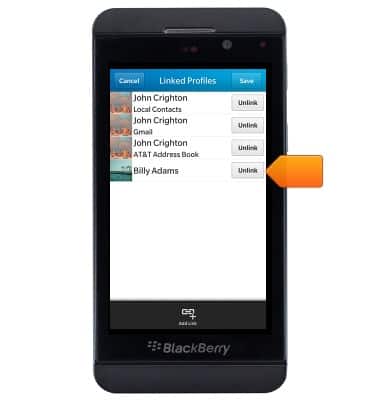
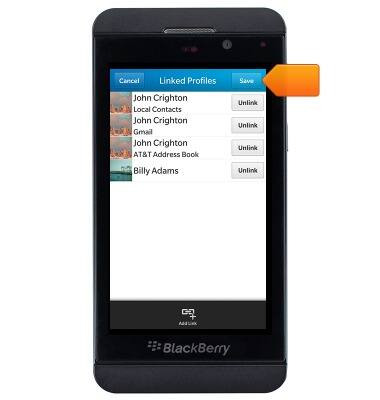
- Tap Save to save changes.
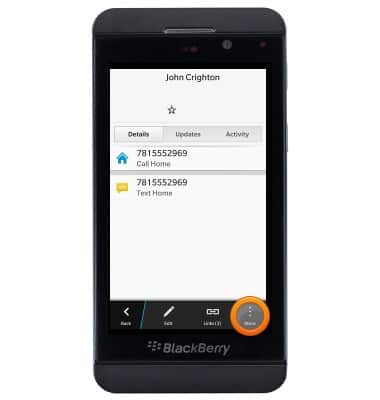
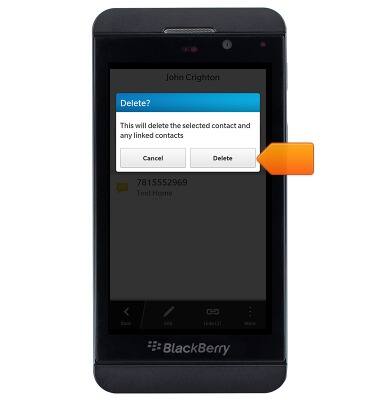
- To delete a contact, tap More.
- Tap Delete.
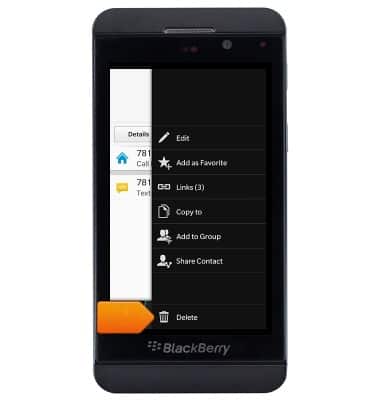
- Tap Delete.
Contacts
BlackBerry Z10 (STL100-3)
Contacts
Add, view, delete, and customize contacts by adding a picture or ringtone.
Contacts
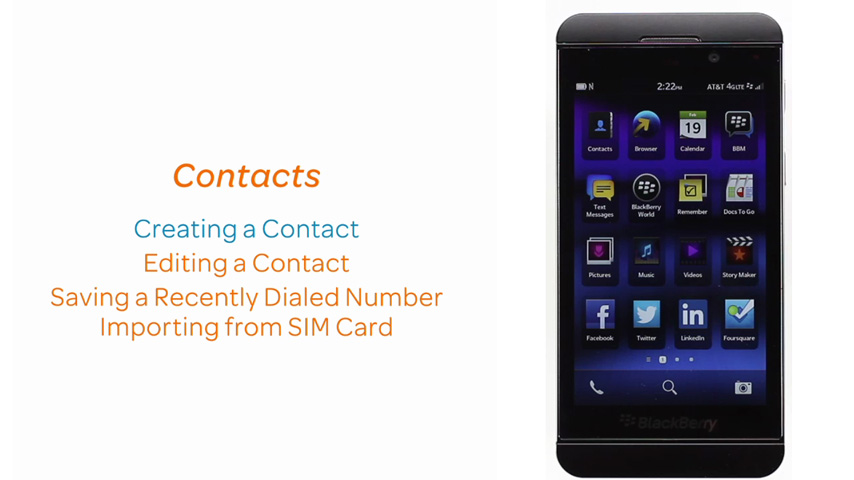
This video demonstrates the contacts features of the device.
Contacts
1:57
INSTRUCTIONS & INFO