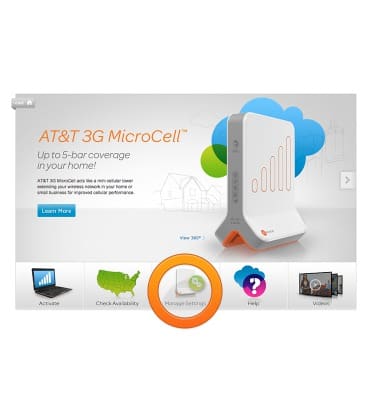
- Open a web browser on your computer, and navigate to www.att.com/MicroCell, then click Manage Settings.
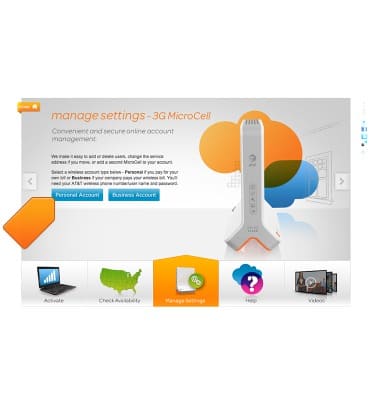
- Click your account type.
- Enter your myAT&T User ID and Password then click Log in.
Note: If you do not have an AT&T login, please follow the prompts on the right side of the screen to register.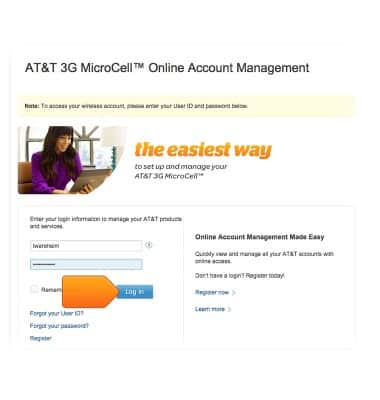
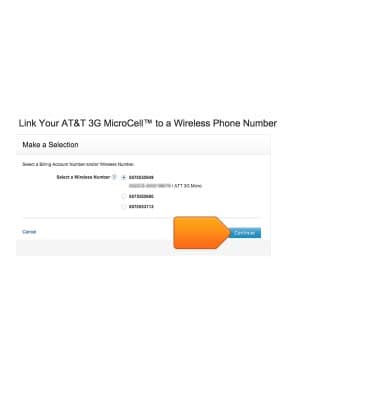
- Click the desired wireless number that is linked to your MicroCell device, then tap Continue.You are now logged in, and ready to adjust any settings as desired.
Login to MicroCell Website
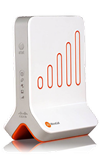
Cisco MicroCell (DPH-151 & DPH-153)
Login to MicroCell Website
This tutorial shows how to log in to the microcell website.
INSTRUCTIONS & INFO