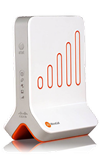
- If your MicroCell is located next to or in close proximity to another wireless broadcasting device, move the MicroCell at least one foot away from that device.
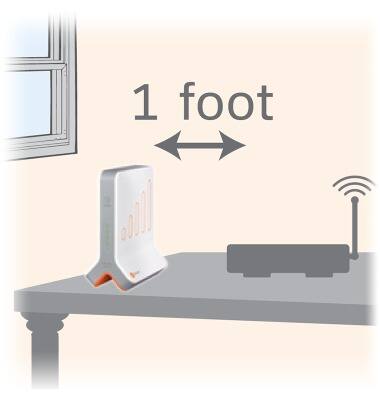
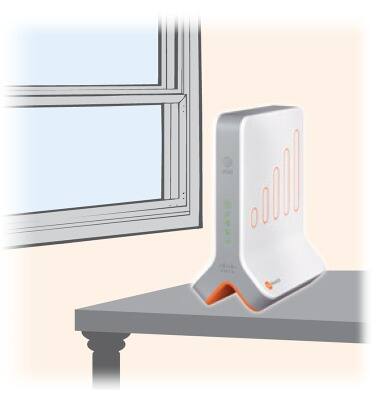
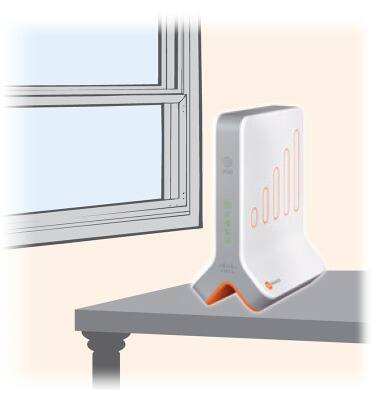
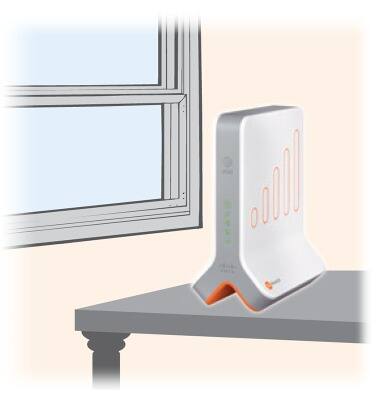
- If your MicroCell is located on the floor, then move it off the floor and onto a desk or table.
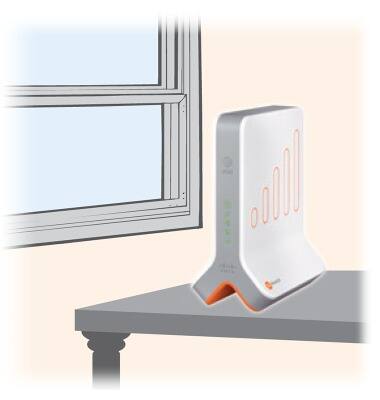
- If your MicroCell is located in a cabinet or closet, then move it out of the cabinet or closet.
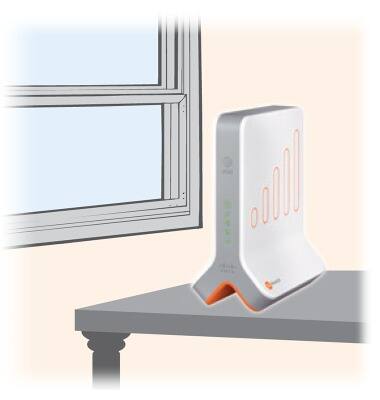
- If your MicroCell is located behind or next to any furniture or other insulated or radiating devices (such as a couch, microwave, flat panel TV, etc...) that may interfere with the MicroCell's broadcasting signal, then move it to a new location.
- If re-locating your Microcell does not resolve the issue, or does not apply to you, then run a speed test at www.att.com/speedtest to ensure your broadband connection meets the minimum requirements of 1.5Mbps download and 256Kbps upload speeds. If necessary, upgrade to a higher broadband speed.
- If your issue cannot be resolved via the troubleshooting steps provided, please visit AT&T MicroCell Help or call AT&T Support at 1-800-331-0500.
Limited MicroCell range
AT&T MicroCell (DPH-151 & DPH-153)
Limited MicroCell range
This tutorial shows what to do if the microcell range is limited.
INSTRUCTIONS & INFO