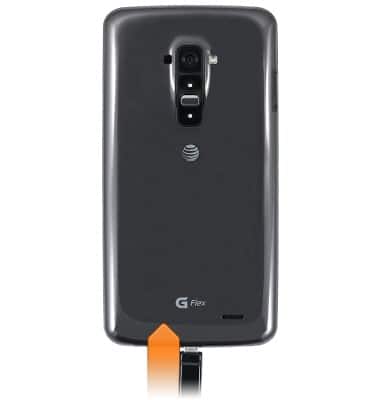
- With the device powered on, insert the microUSB end of the microUSB cable into the port on the bottom of the device.
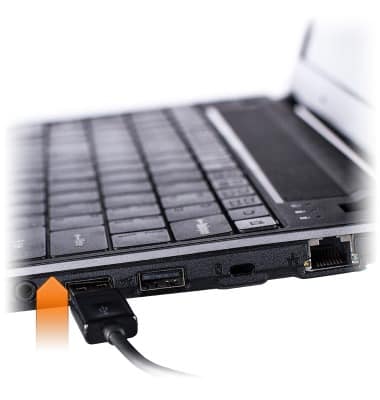
- Insert the USB end of the microUSB cable into an open port on the PC.
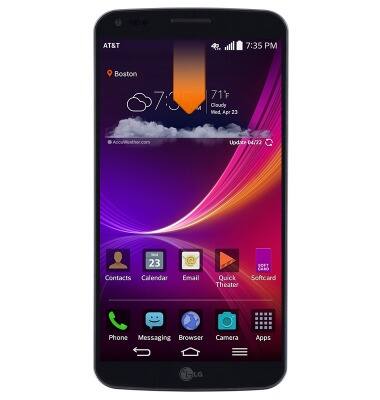
- From the home screen, drag down from the top of the screen to reveal the Notifications menu.
- Tap the USB icon.
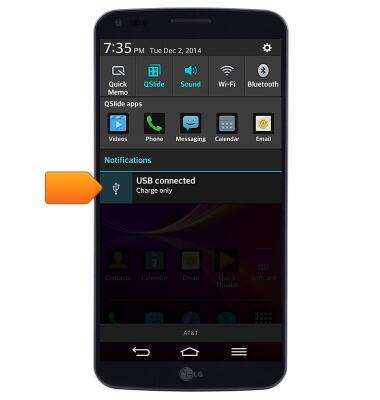
- Tap the desired USB connection setting.
Note: Select 'Media sync (MTP)' to access files on the device.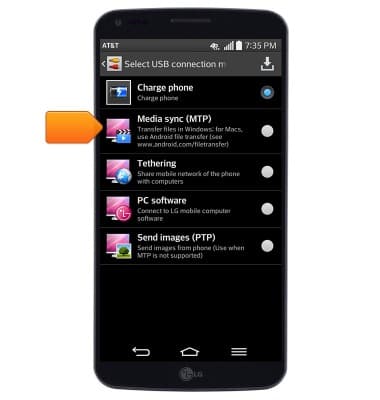
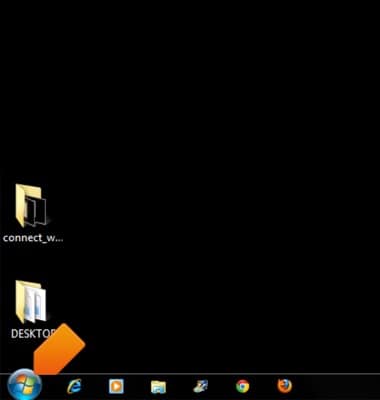
- On the PC, click Start.
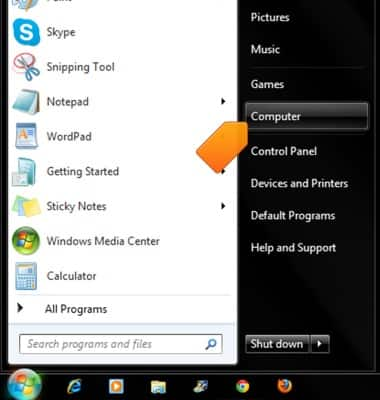
- Click Computer.
- Open the newly connected device drive.
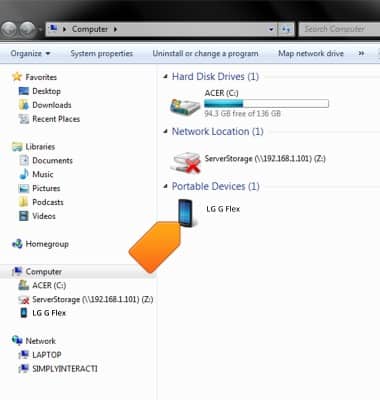
- Navigate to the desired storage location.
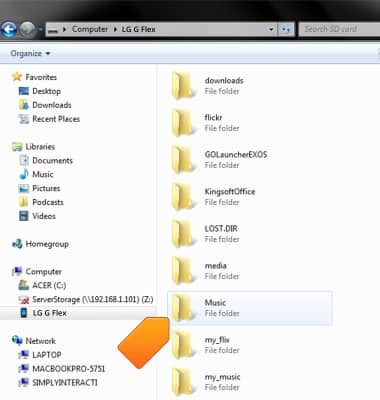
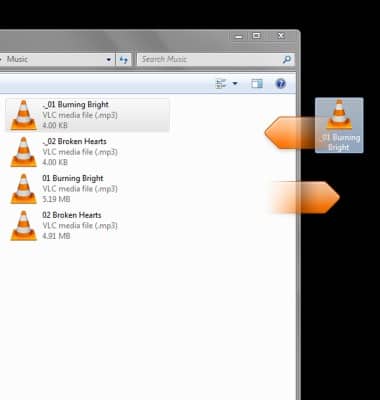
- Drag files to/from the device to transfer.
Transfer media to & from computer
LG G Flex (D950)
Transfer media to & from computer
Transfer files to or from your device and a computer.
INSTRUCTIONS & INFO