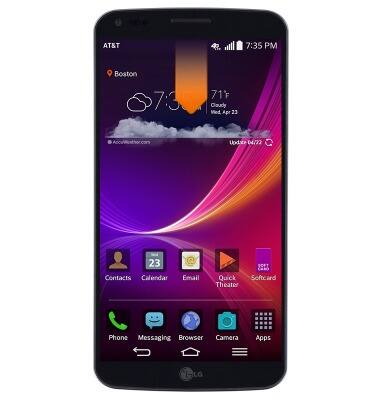
- From any screen, drag down from the notifications bar.
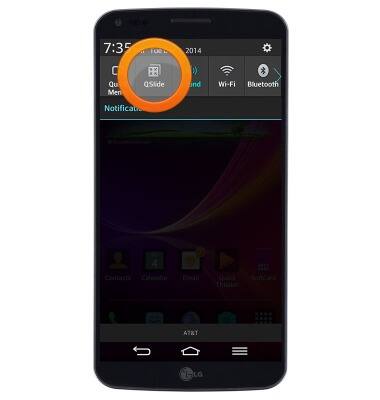
- Tap QSlide.
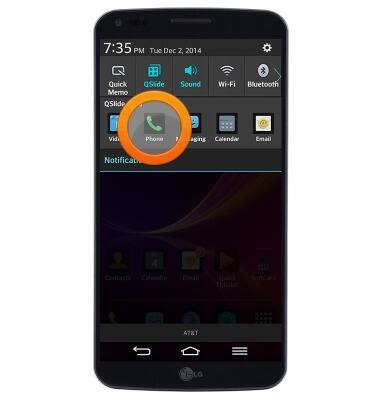
- Tap the desired QSlide app.
- To resize a window, touch and hold the bottom right corner of the window, then drag to the desired size.
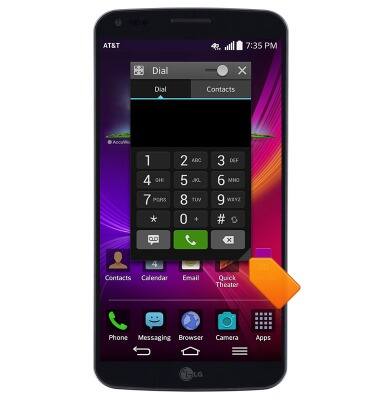
- To move a window, touch and hold the Title bar, then drag to the desired location.
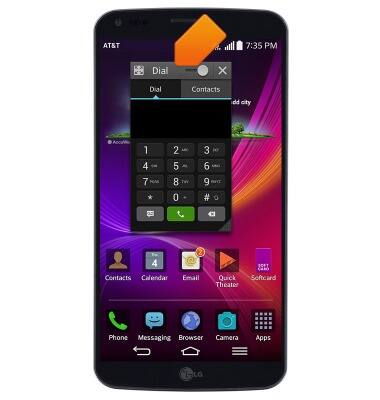
- Drag the Transparency slider to adjust the window transparency.

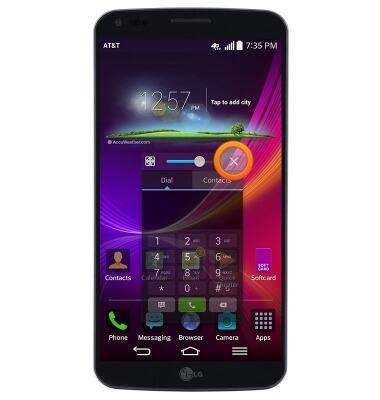
- Tap the Close icon to close the window.
QSlide
LG G Flex (D950)
QSlide
Add an overlay on your phone's display for easy multitasking
INSTRUCTIONS & INFO