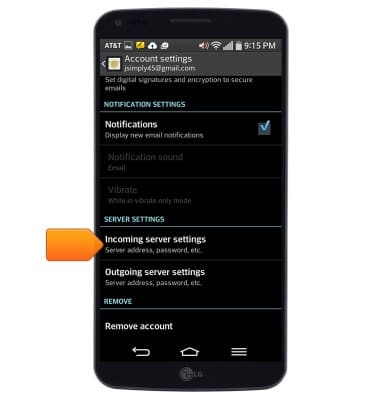
- To update your account password, first, tap Incoming server settings.
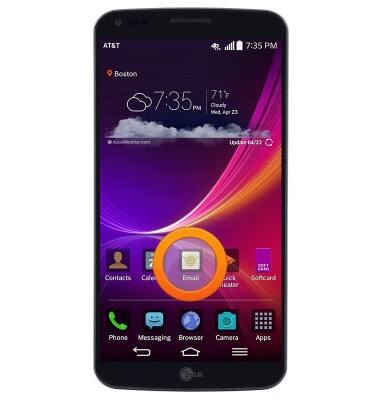
- Press the Menu key.

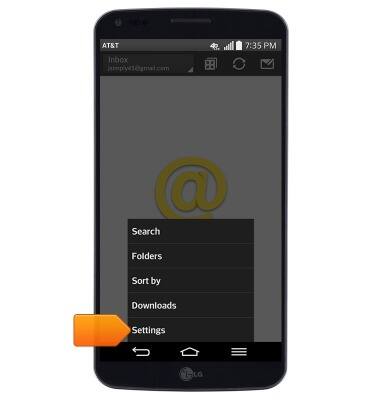
- Tap Settings.
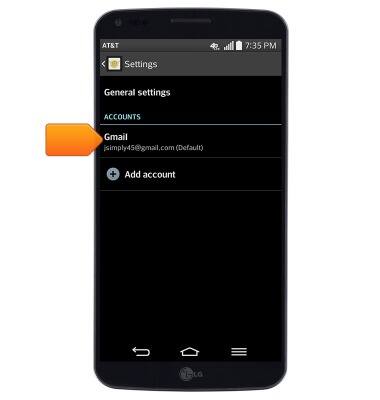
- To add an email account, tap Add account.

- To edit account settings, tap the desired email account.
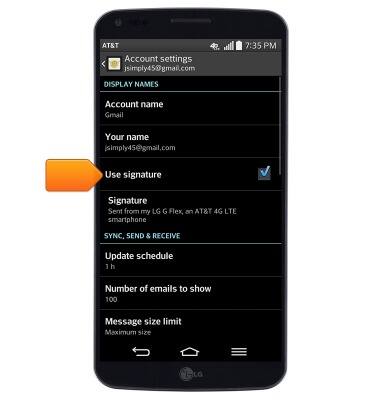
- Tap Use signature to toggle your email signature on/off.
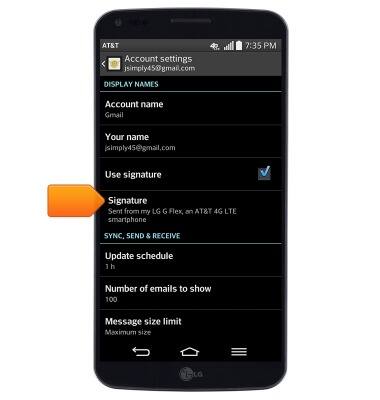
- Tap Signature to edit your email signature.
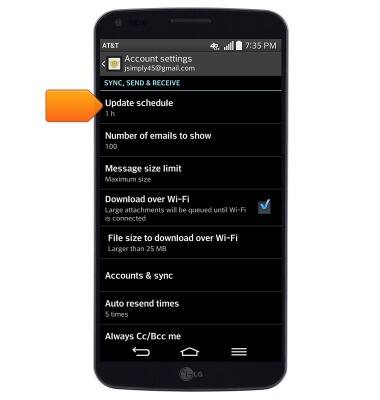
- To change email sync frequency, scroll to, then tap Update schedule.
- To edit incoming server settings, scroll to, then tap Incoming server settings.
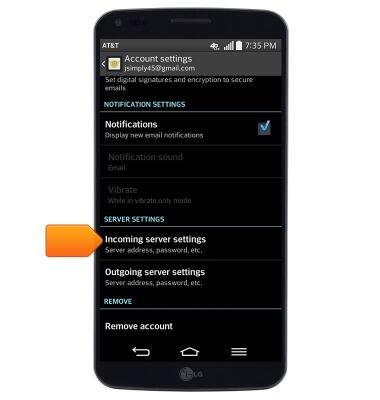
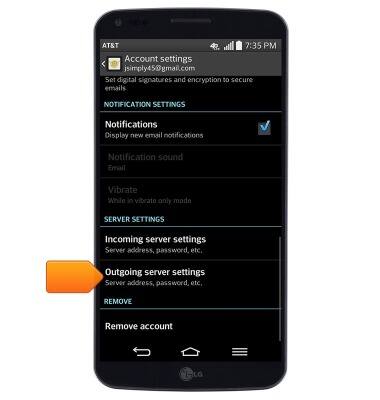
- To edit outgoing server settings, tap Outgoing server settings.
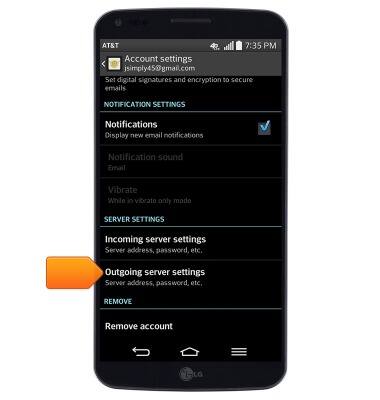
- To update your account password, first, tap Incoming server settings.
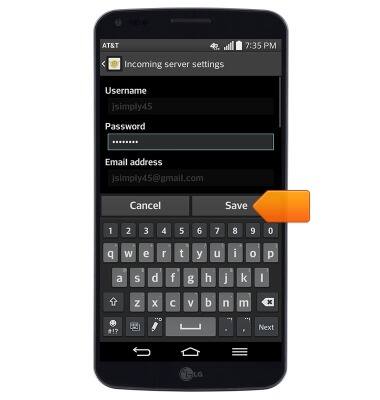
- Enter the desired password, then tap Save.
- Next, tap Outgoing server settings.
- Scroll to, then tap the Password field.
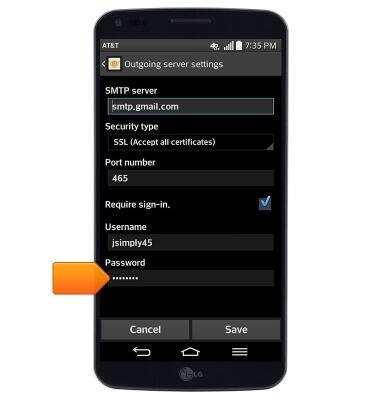
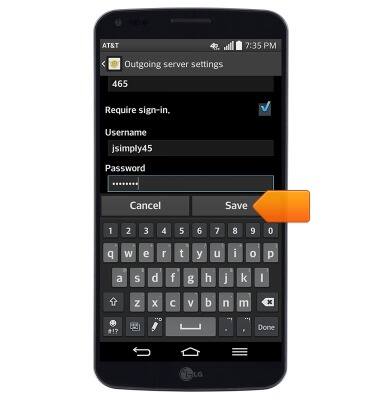
- Enter the desired password, then tap Save.
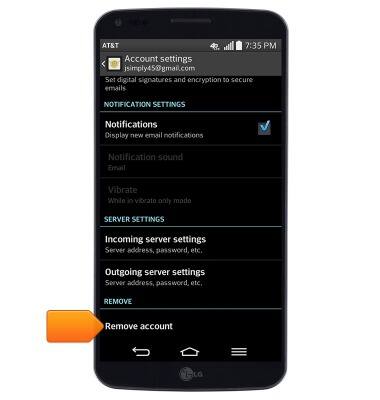
- To remove the selected account, tap Remove account.
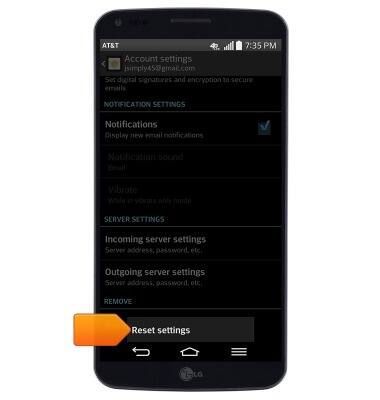
- To restore default email settings, press the Menu key.
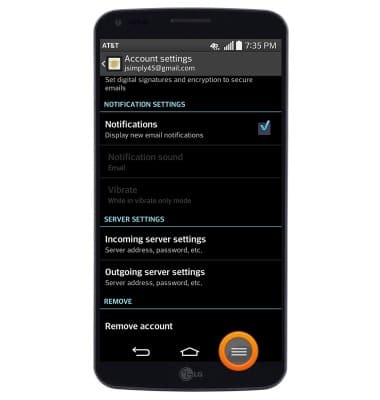
- Tap Reset settings.
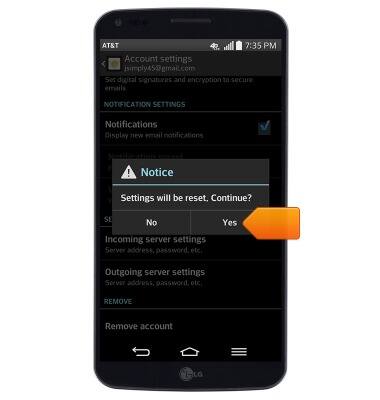
- Tap Yes.
Email settings
LG G Flex (D950)
Email settings
Manage email settings such as sync frequency, server settings, signature, deleting an email account, and more.
INSTRUCTIONS & INFO