- From the home screen, tap Apps.
Note: Your voicemail must already be set up. See the article about Set up Visual Voicemail for more information.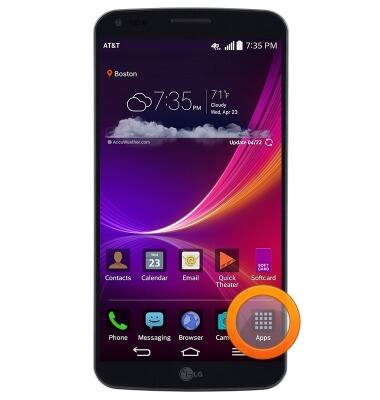
- Swipe to, then tap Visual Voicemail.
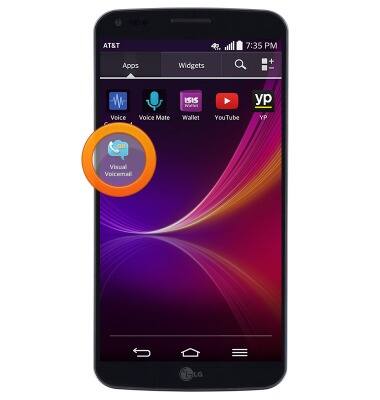
- Tap the desired voicemail message.

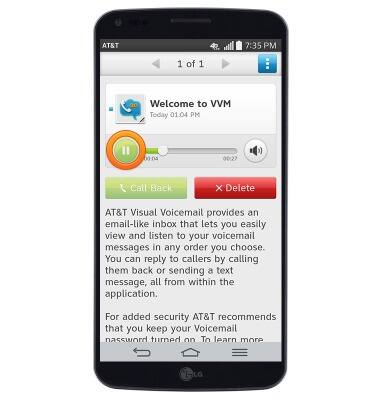
- Tap the Play icon to listen to the message.
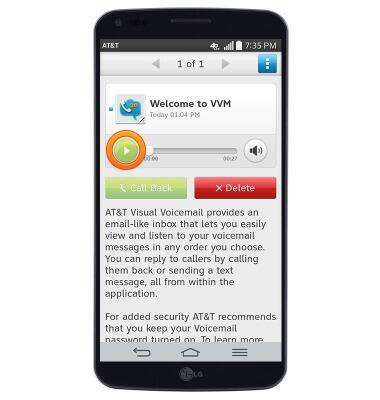
- Tap the Pause icon to pause playback.
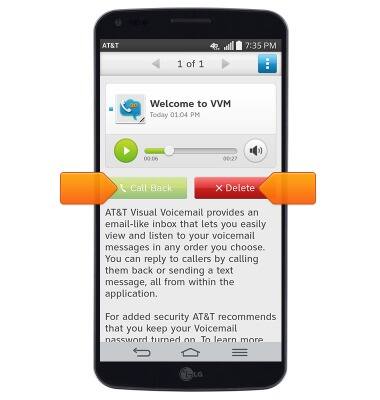
- To delete the voicemail, tap Delete. To return the call, tap Call Back.
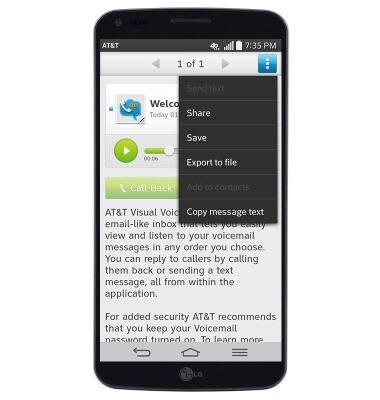
- To save, share, or export a voicemail, tap the Menu icon.

- Tap the desired option.
Access Voicemail
LG G Flex (D950)
Access Voicemail
Check your voicemail messages.
INSTRUCTIONS & INFO