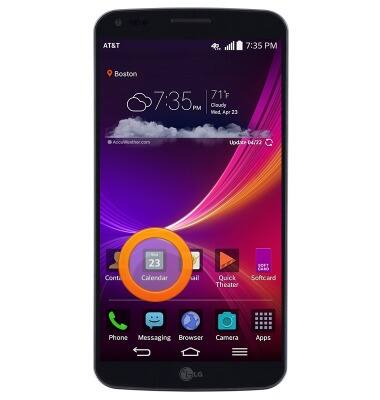
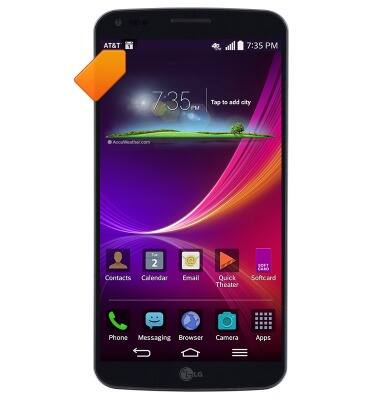
- From the home screen, tap Calendar.
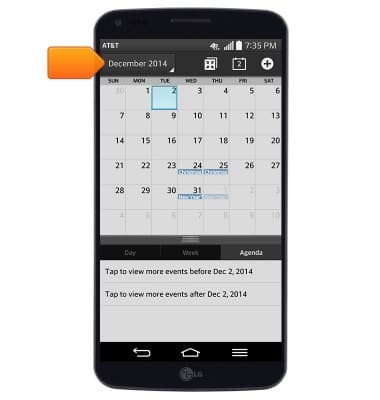
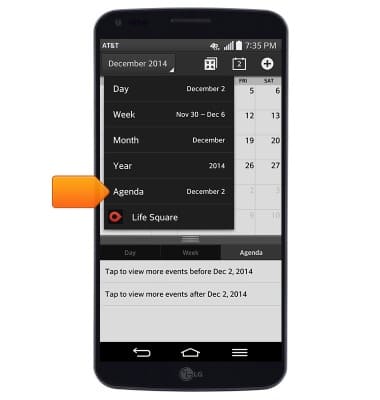
- To change the calendar view, tap the View drop-down menu.
- Tap the desired calendar view.
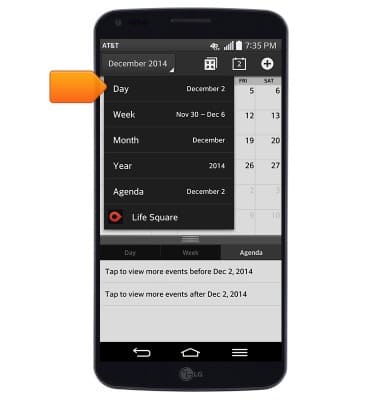
- Tap Agenda to view a list of upcoming events.
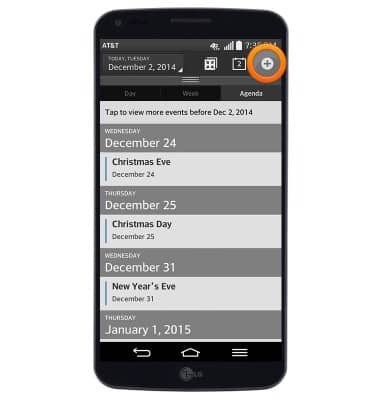
- To create a new event, tap the Add icon.
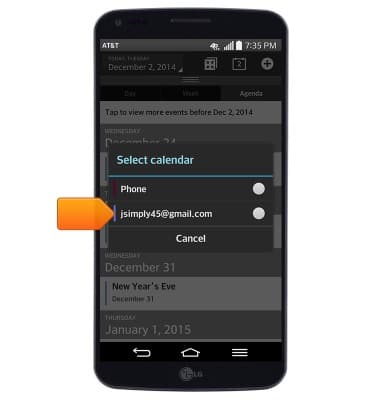
- Tap the desired calendar.
- Enter the desired event name.
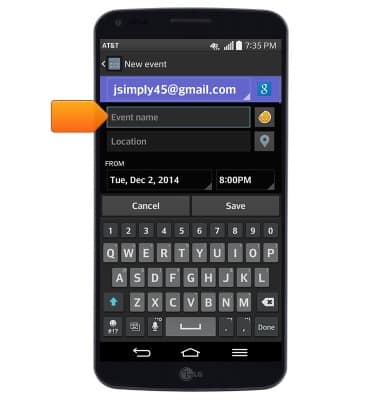
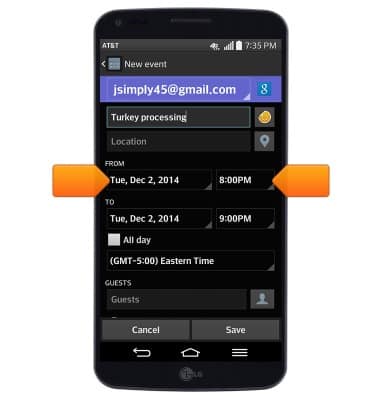
- Tap the FROM date and FROM time fields to edit the event's start date and time.
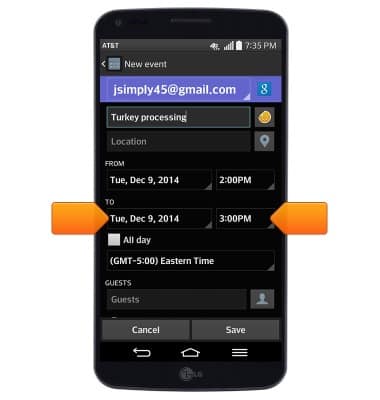
- Tap the TO date and TO time fields to edit the event's end date and time.
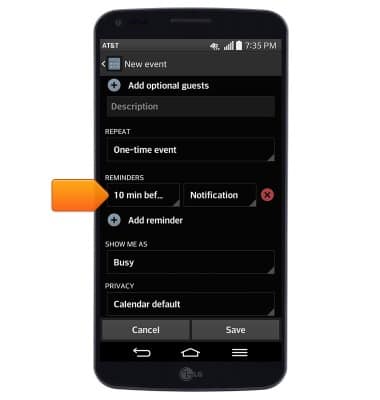
- Scroll to, then tap the REMINDERS field to set a reminder alert for the event.
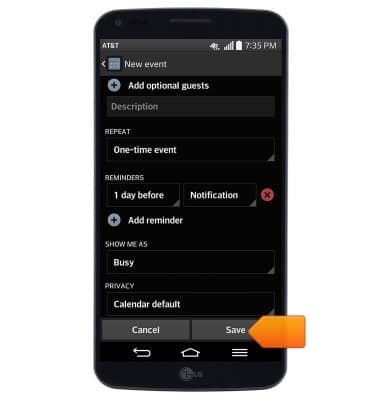
- Edit additional settings as desired, then tap Save.
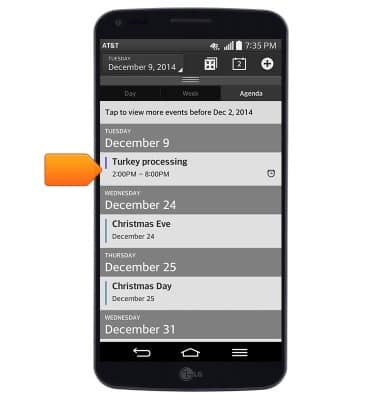
- To edit or delete a calendar event, navigate to, then tap the desired event.
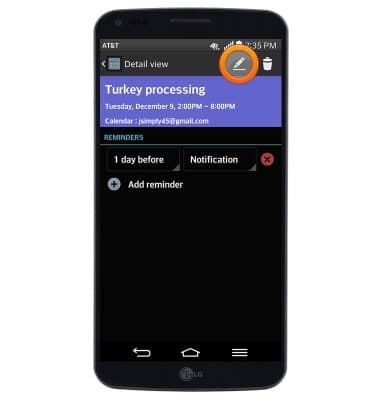
- To edit an event, tap the Edit icon.
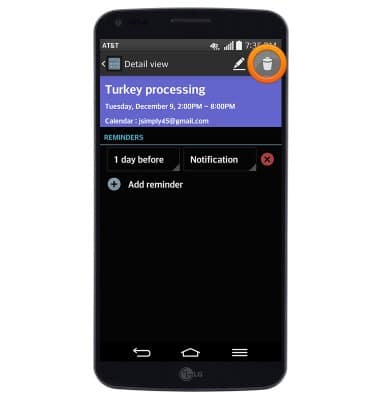
- To delete an event, tap the Delete icon.
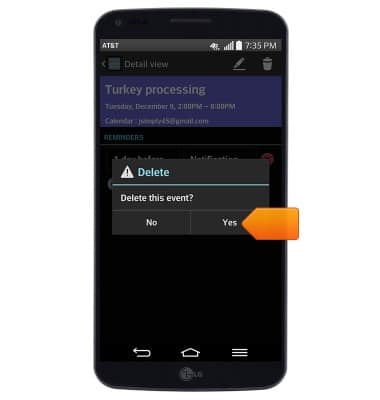
- Tap Yes.
- When a calendar event is approaching, the Event icon will display in the notifications bar.
Calendar
LG G Flex (D950)
Calendar
Learn how to access the calendar and manage events.
INSTRUCTIONS & INFO