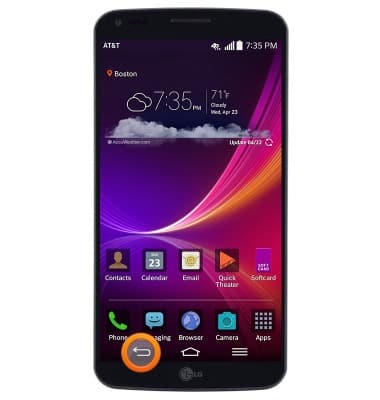
- Press the Back key to return to the previous screen.
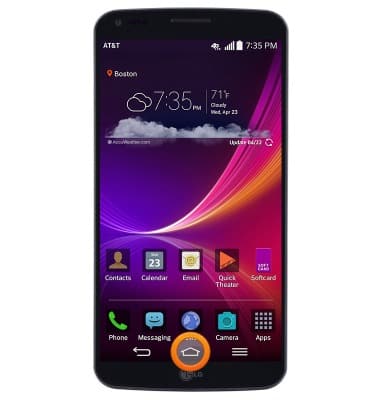
- Press the Home key to return to the home screen. Press and hold to view running apps.
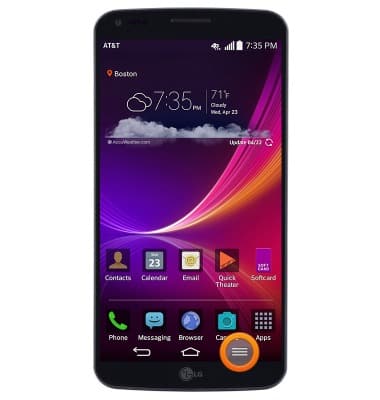
- Press the Menu key to access the menu for the current screen.
- Press the Volume keys located on the back of the device to adjust the device volume.
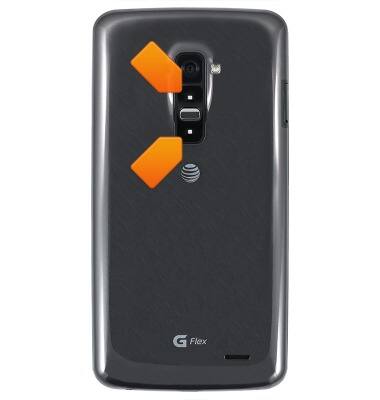
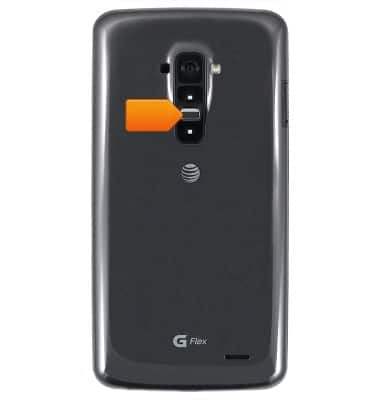
- Press the Power/Lock key to lock/unlock the screen. Press and hold to power the device on/off.
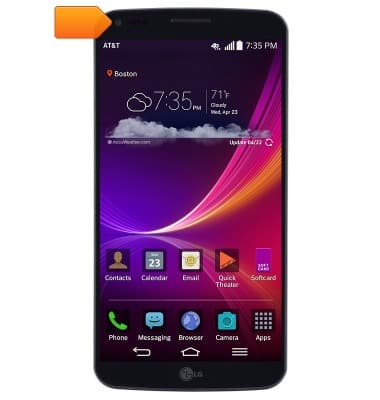
- The Front camera is located on the front of the device.
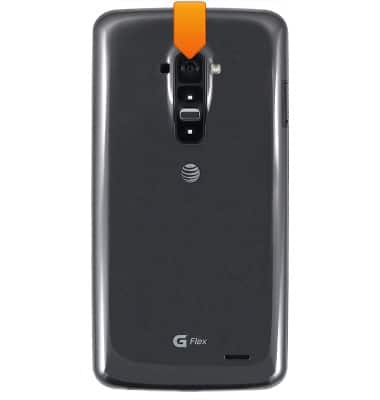
- The Rear camera is located on the back of the device.
- The MicroUSB/Charging port is located on the bottom of the device.
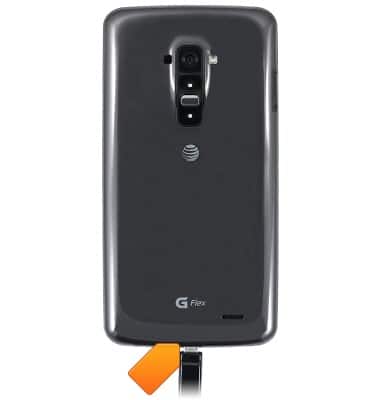
Device layout
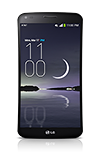
LG G Flex (D950)
Device layout
Provides an overview of the device layout.
Device overview
This video shows how to insert the SIM card and turn the device on.
Device overview
1:08
INSTRUCTIONS & INFO