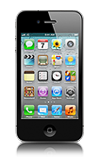
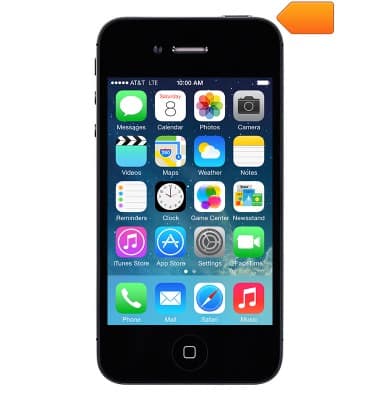
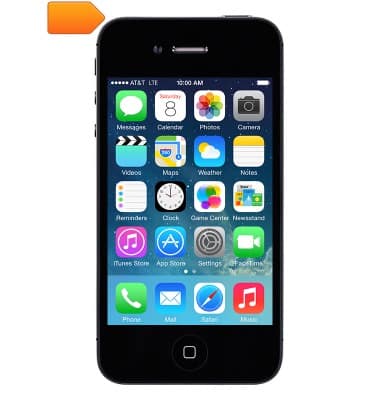
- Press the Sleep/Wake button to lock the device screen, or power the device on/off.
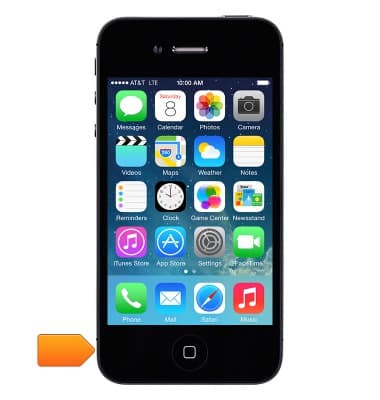
- Press the Home button to return to the home screen. Press the Home button twice to view currently running applications.
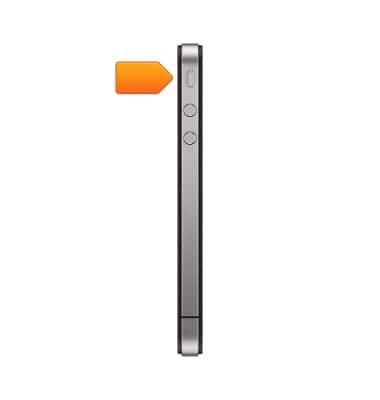
- Press the Volume buttons on the left side of the device to adjust the volume.
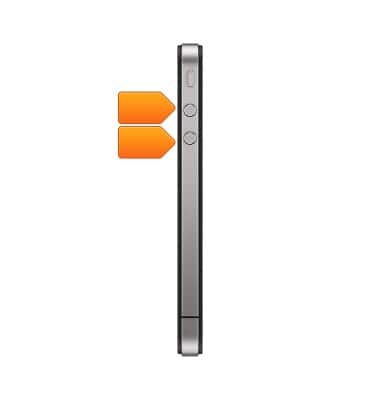
- Use the Ring/Silence switch on the left side of the device to switch between the ring and silence modes.
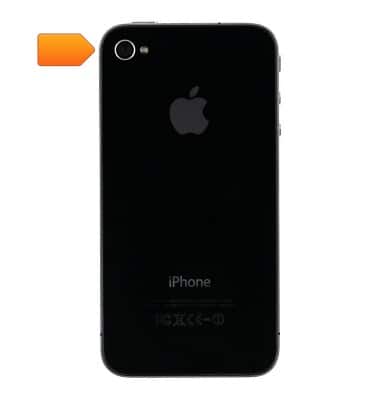
- The iSight camera is located on the back of the device.
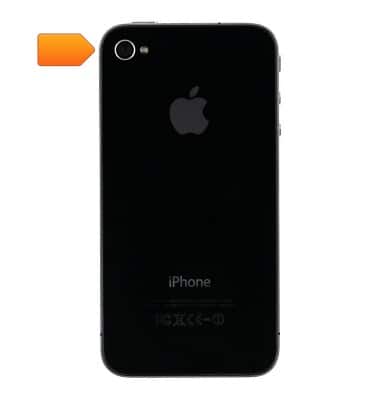
- The LED Flash is located on the back of the device.
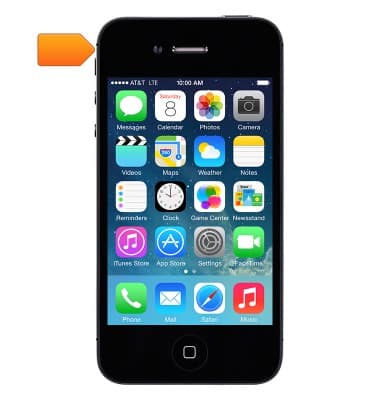
- The FaceTime camera is located on the top left of the device.
- The Headset jack is located on the top of the device.
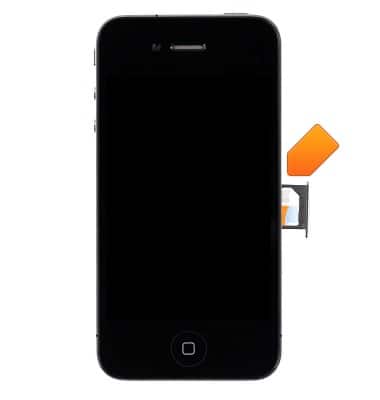
- The SIM card tray is located on the right side of the device. The device uses a Micro-SIM card.
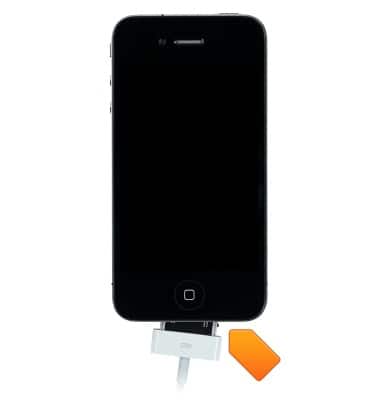
- The 30-pin connector is located on the bottom of the device.
Device layout
Apple iPhone 4
Device layout
Provides an overview of the device layout.
INSTRUCTIONS & INFO