- Search the web:
Enter a URL or search term in the search field at the top of the page, then tap Go or a suggested term.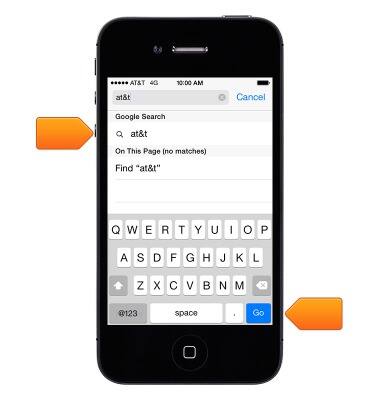
- Have your favorites top the list:
Tap Settings > Safari > Favorites.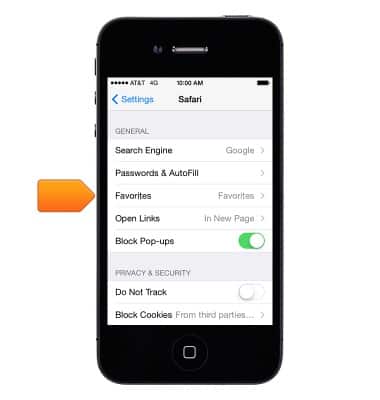
- Search the page:
Scroll to the bottom of the suggested results list and tap the entry under On This Page. Tap to see the next occurrence on the page.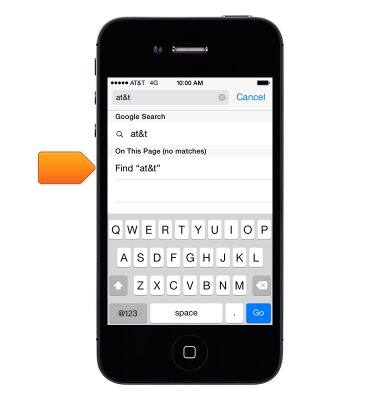
- Choose your search tool:
Go to Settings > Safari > Search Engine.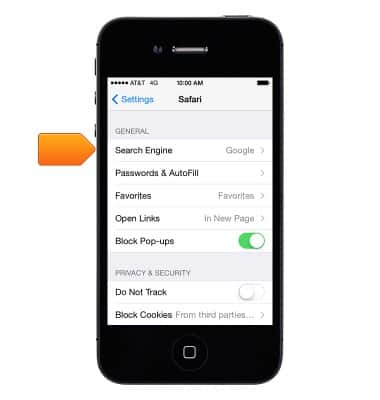
- Browse open pages:
Tap the open pages icon. To close a page, tap X or swipe the page to the left.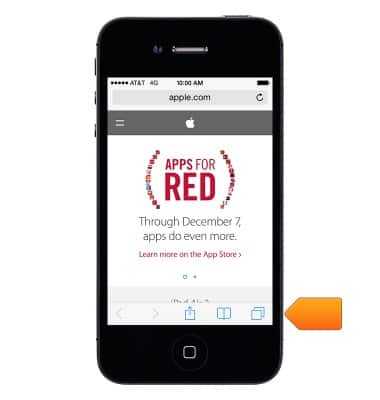
- Look before you leap:
To see the URL of a link before you go there, touch and hold the link.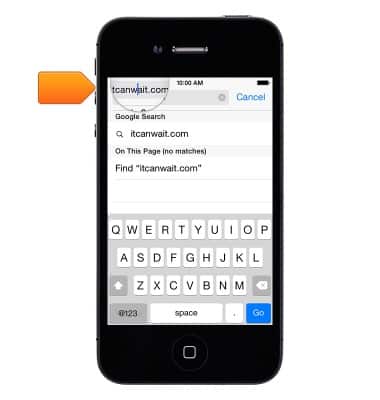
- Open a link in a new page:
Touch and hold the link, then tap Open in New Page. If you'd rather open new pages in the background, go to Settings > Safari > Open Links.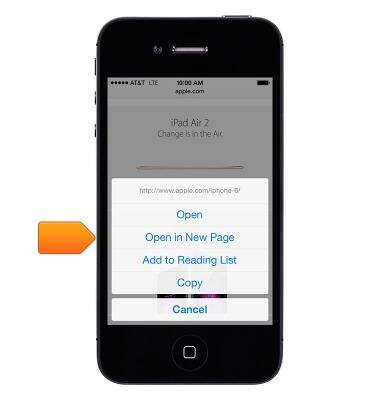
- Get back to the top:
Tap just above the search field to return to the top of the page.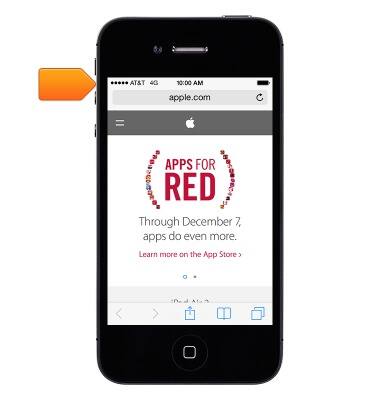
- See the latest:
Tap the refresh icon next to the address in the search field to update the page.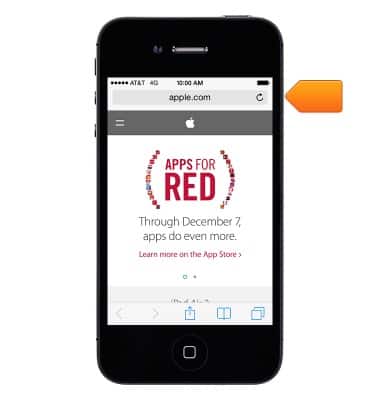
Browse the web
Apple iPhone 4
Browse the web
Learn to browse the web and manage tabs and bookmarks.
INSTRUCTIONS & INFO