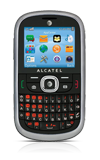
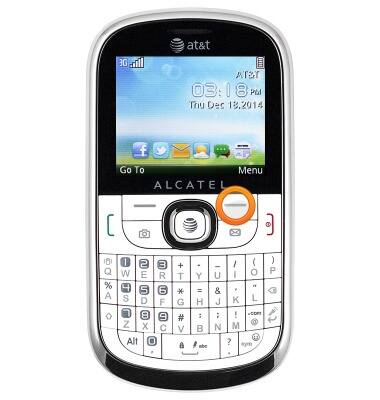
- From the home screen, press the Right soft key.
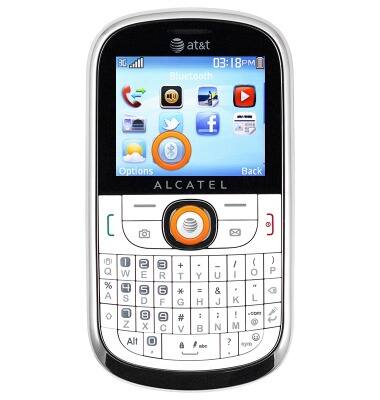
- Scroll to the 'Bluetooth' icon, then press the Center nav key.
- To toggle Bluetooth on/off, select 'Power', then press the Center nav key.
Note: To optimize battery life, turn Bluetooth off when not in use.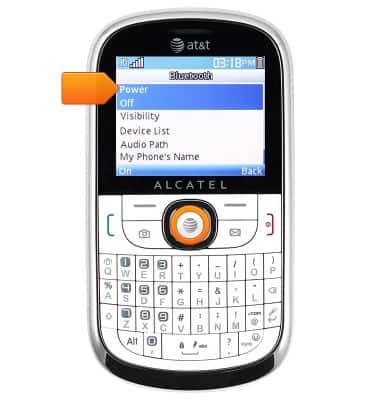
- When Bluetooth is enabled, the Bluetooth icon will display in the notification bar.
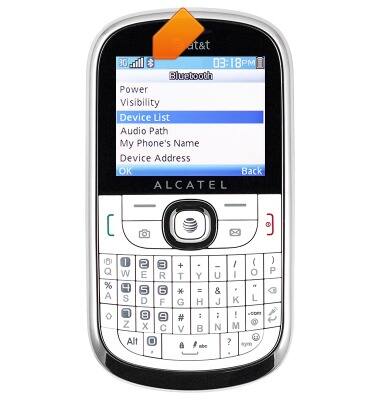
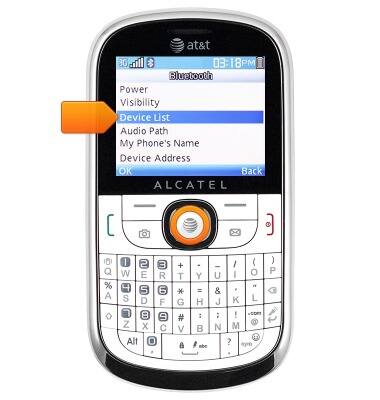
- To scan for nearby Bluetooth devices, scroll to 'Device List', then press the Center nav key.
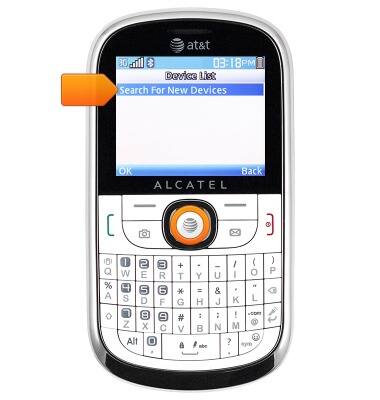
- Select 'Search for New Devices', then press the Center nav key.
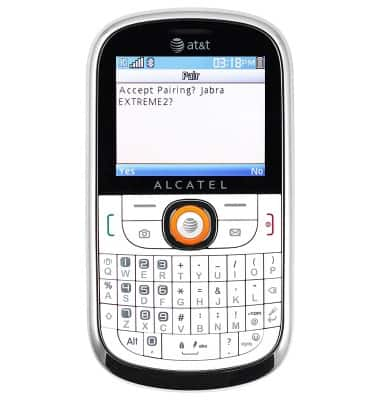
- To connect to another Bluetooth device, select the desired device, then press the Center nav key.
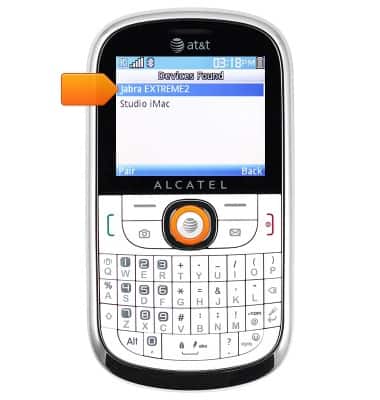
- Press the Center nav key.
Bluetooth
Alcatel 871A
Bluetooth
Turn Bluetooth on or off, scan and connect to other Bluetooth devices, and unpair a connected device.
INSTRUCTIONS & INFO