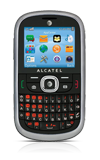
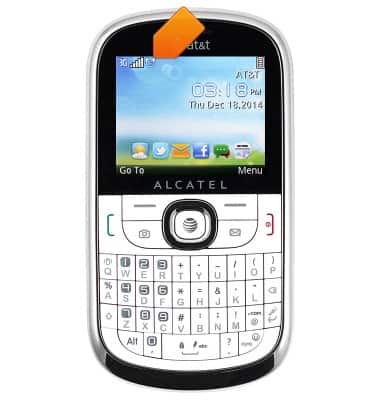
- From the home screen, press the Right soft key.

- Scroll to the 'Tools' icon, then press the Center nav key.

- Scroll to the 'Calendar' icon, then press the Center nav key.

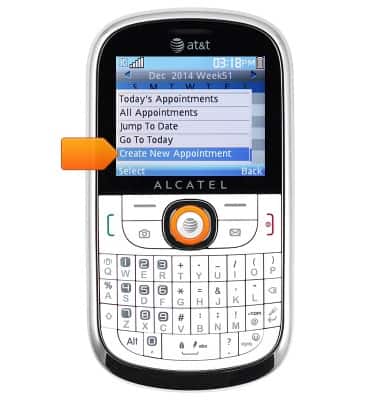
- To create an Event, press the Left soft key.

- Scroll to 'Create new Appointment', then press the Center nav key.
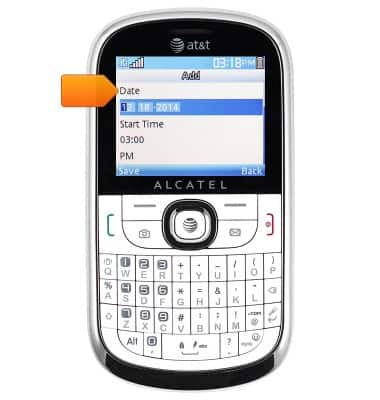
- Select 'Date', then enter the desired event date.
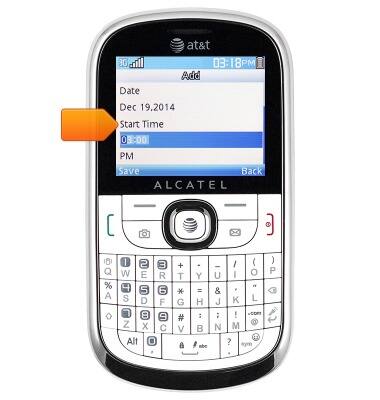
- Scroll to 'Start Time', then enter the desired start time.
- Scroll to 'End Time', then enter the desired end time.
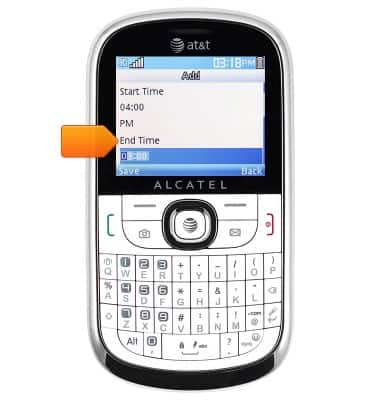
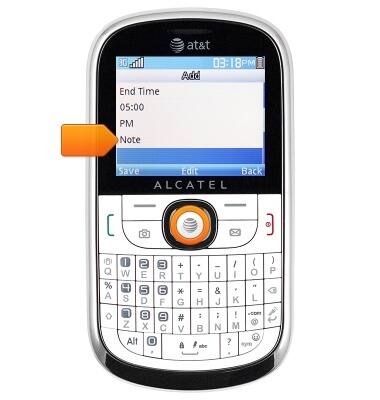
- Scroll to 'Note', then press the Center nav key.
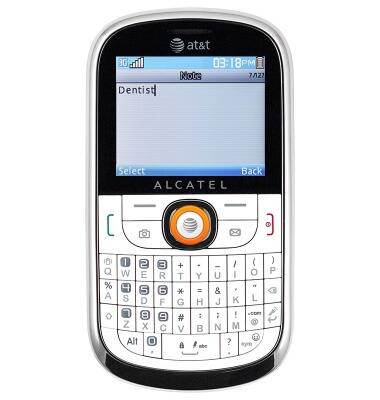
- Enter the desired event information, then press the Center nav key.
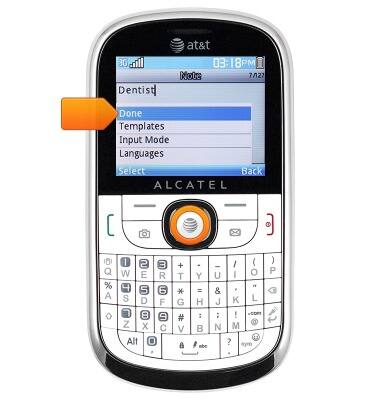
- Select 'Done', then press the Center nav key.
- Scroll to 'Alarm', then use the Left or Right nav key to toggle a reminder alarm on/off.
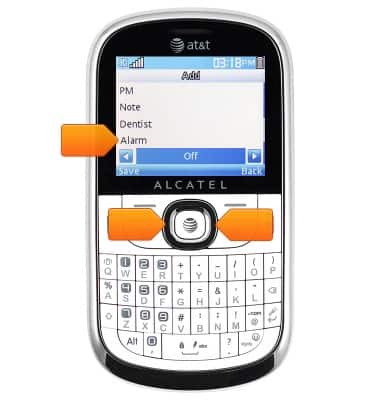
- Edit additional settings as desired, then press the Left soft key to save.

- To edit or delete an existing Event, navigate to the desired event date, then press the Center nav key.
Note: Alternatively, press the Left soft key > 'All Appointments' to view a list of upcoming Events.
- Select the desired event, then press the Left soft key.
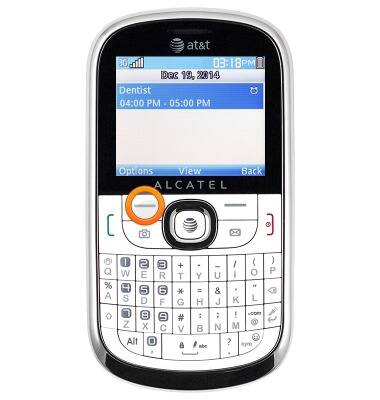
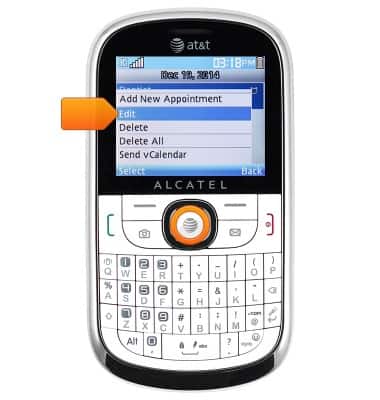
- To edit, scroll to 'Edit', then press the Center nav key.
- To delete, scroll to 'Delete', then press the Center nav key.
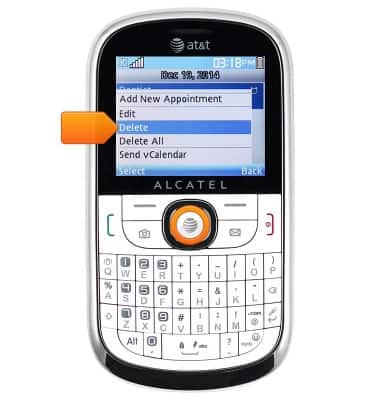
- Press the Center nav key.

- When an Event with a reminder alarm set is approaching, the Alarm icon will display in the notification bar.
Calendar
Alcatel 871A
Calendar
Learn how to access the calendar and manage events.
INSTRUCTIONS & INFO