
- From the home screen, press the Volume keys located on the side of the device to adjust ringtone volume.

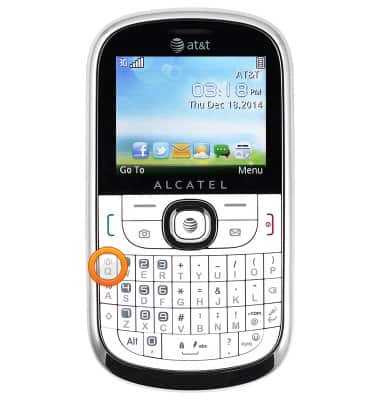
- Press and hold the 'Q' key to toggle between the General sound profile and the Vibration profile.
- To enable the Silent profile, press the Right soft key.

- Scroll to the 'Profiles' icon, then press the Center nav key.

- Scroll to 'Silence', then press the Center nav key to activate.

- When the Silent profile is active, the Silent mode icon will display in the notification bar.

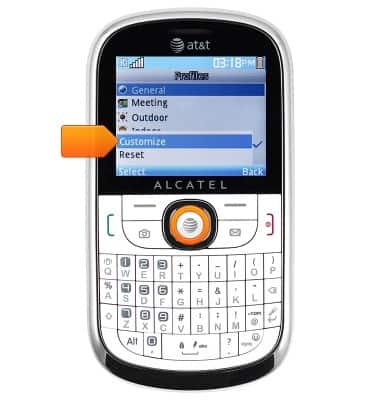
- To adjust additional settings, scroll to the desired profile, then press the Left soft key.

- Select 'Customize', then press the Center nav key.
Sounds & alerts
Alcatel 871A
Sounds & alerts
Change volume settings, ringtones, and notification alerts.
INSTRUCTIONS & INFO