
- While on a call, press the Volume keys to adjust the call volume.
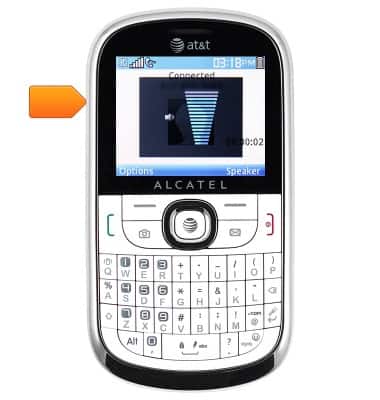
- Press the Right soft key to toggle speakerphone on/off.

- To access further options, press the Left soft key.

- To mute the microphone, select 'Mute', then press the Center nav key.
Note: To unmute, select 'Unmute'.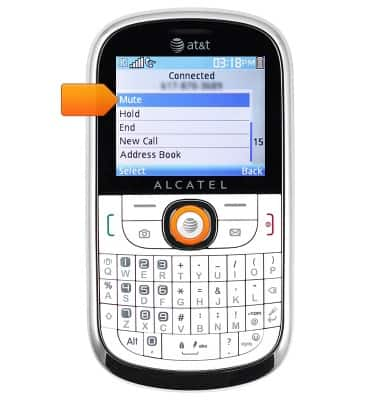
- To place the current call on hold, scroll to 'Hold', then press the Center nav key.
Note: To return to a call on hold, select to 'Retrieve'.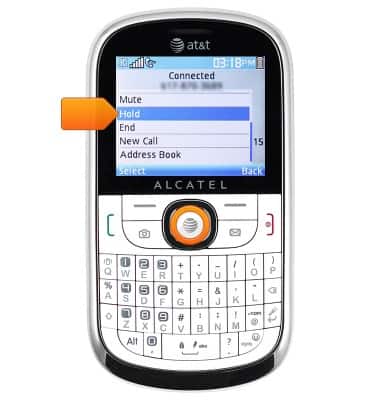
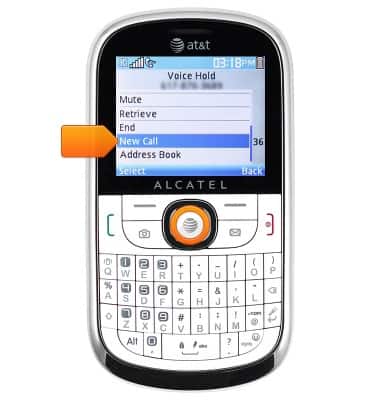
- When a call is on hold, the Hold icon will display in the notification bar.

- To hold the current call and dial another number, scroll to 'New Call', then press the Center nav key.
- Press the End key to hang up.
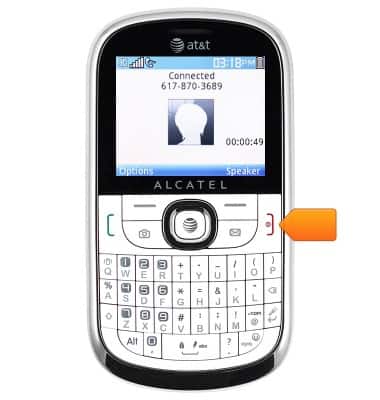
In-call options
Alcatel 871A
In-call options
Learn what features are available while on an active call.
INSTRUCTIONS & INFO