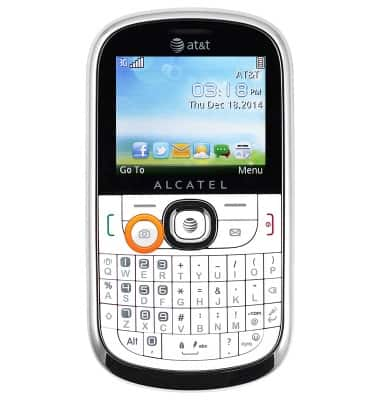
- From the home screen, press the Camera key.
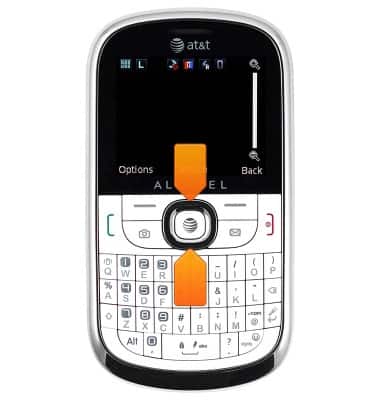
- Press the Up and Down nav keys to zoom in/out.
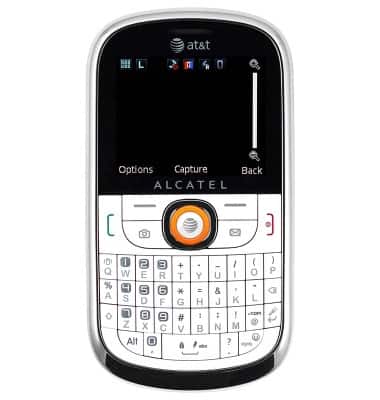
- Press the Center nav key to take a photo.
- To switch to video mode, press the Left soft key.
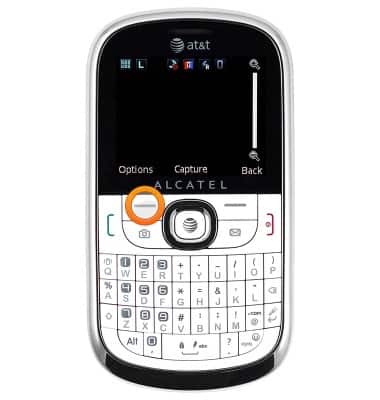
- Select the 'Switch To Video' icon, then press the Center nav key.
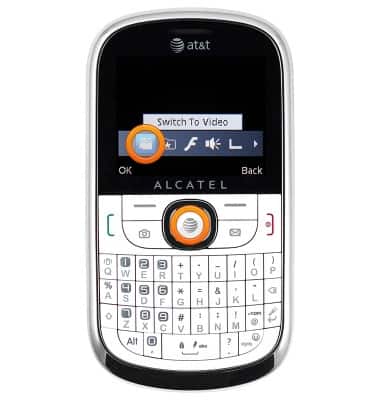
- To record a video, press the Center nav key.
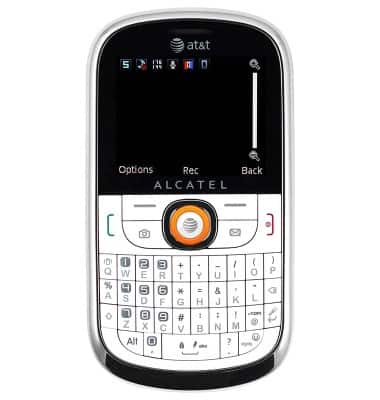
- To pause recording, press the Right soft key. Press again to resume recording.
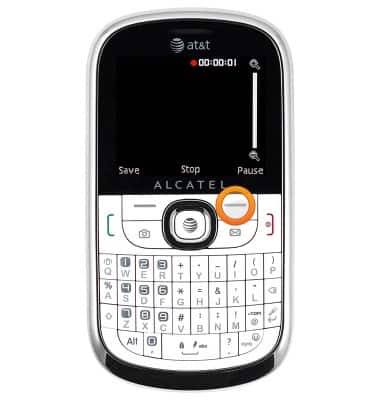
- Press the Left soft key to stop recording and save the video.
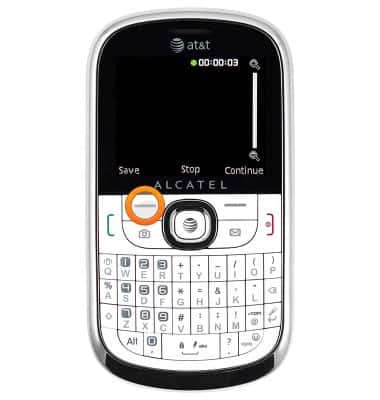
- After capturing a photo or video, a number of viewing and sharing options may display. Select the desired option, or press the Right soft key to return to the Camera app.
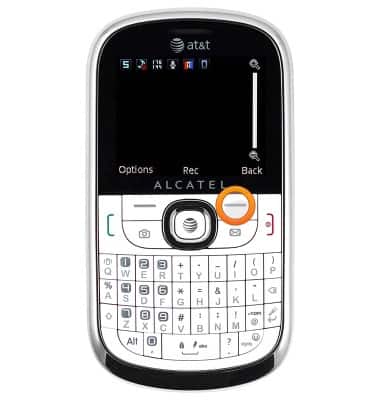
- To view saved photos and videos, press the Left soft key.
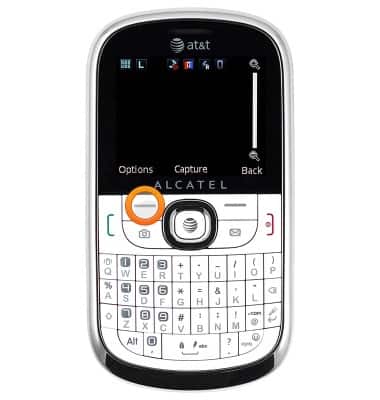
- Scroll to the 'Gallery' icon, then press the Center nav key.
Note: When in Video mode, scroll to the 'My Videos' icon.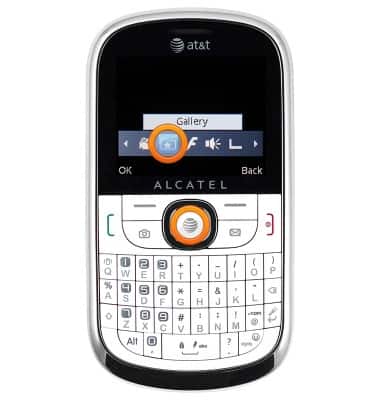
- The Alcatel 871A rear camera is 2MP.
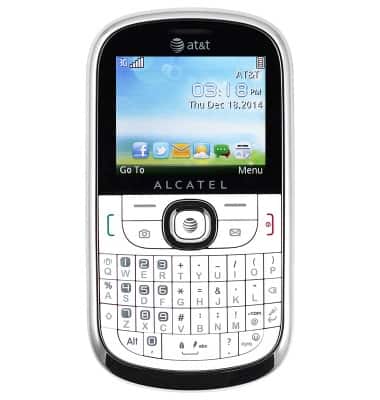
Take a picture or video
Alcatel 871A
Take a picture or video
Take and edit a picture or video, use the front and rear camera, and switch between camera and video modes.
INSTRUCTIONS & INFO