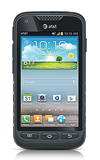
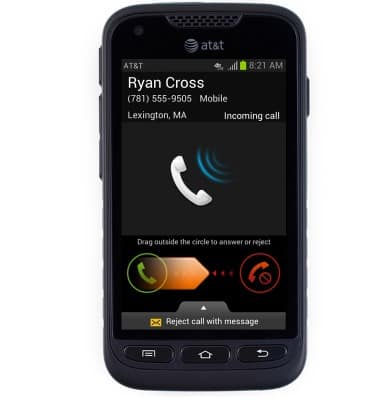
- To pick up an incoming call, while on the line, touch and drag the Answer icon to the right to unlock.
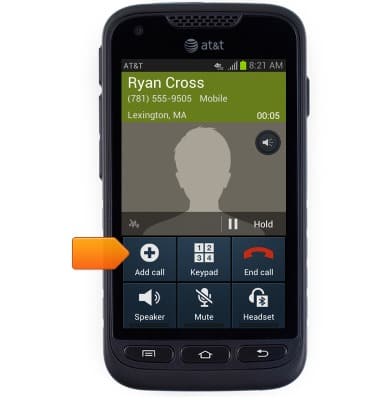
- While on a call, tap Add call.
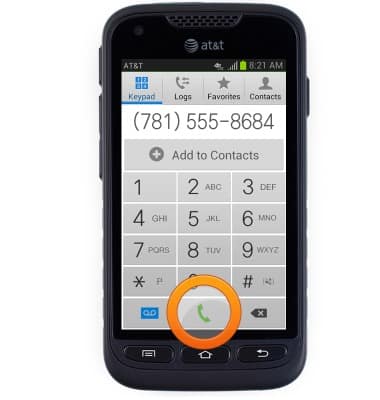
- Enter the desired phone number.
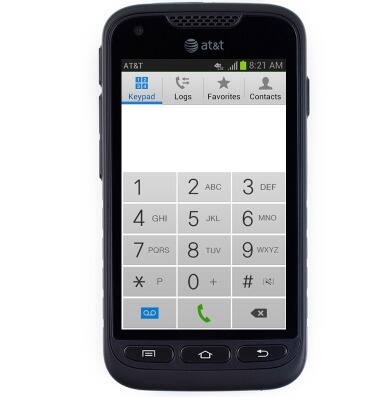
- Tap the Call icon.
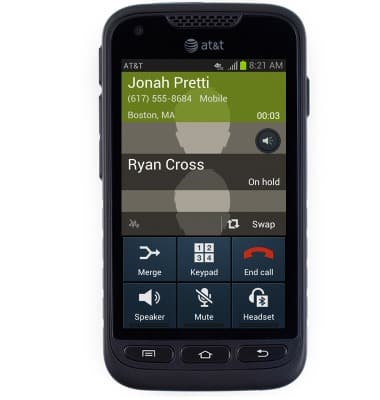
- With both calls on the line, tap Merge to begin 3-way calling.
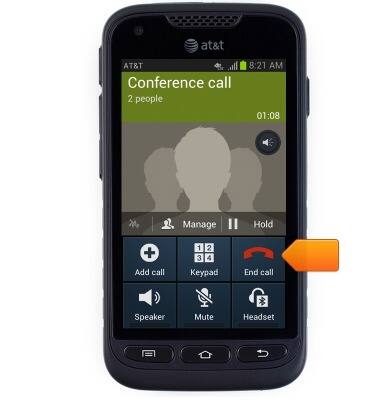
- Tap End call to end both calls.
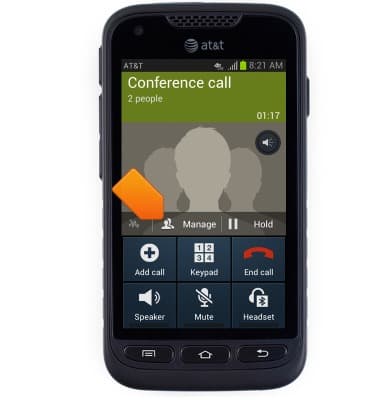
- To place a call on hold, tap Manage.
- Tap the Merge icon to pick up the desired call and place the other call on hold.
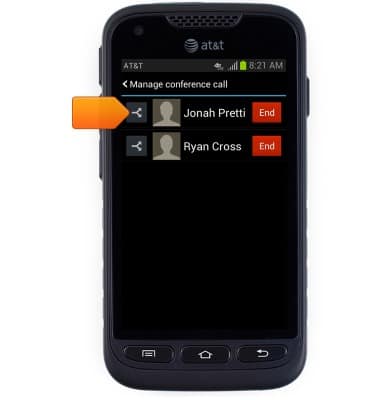
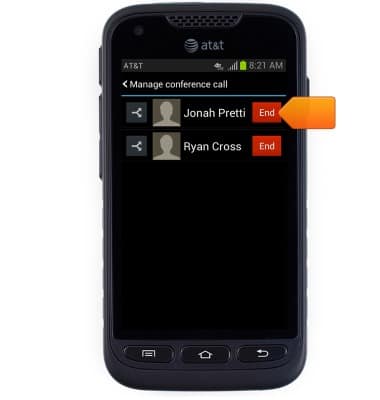
- Tap End to hang up a single call.
Conference calling
Samsung Galaxy Rugby Pro (I547) OS 4.0-4.1
Conference calling
Add another person to your call, merge calls, place someone on hold and more.
INSTRUCTIONS & INFO