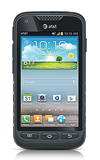
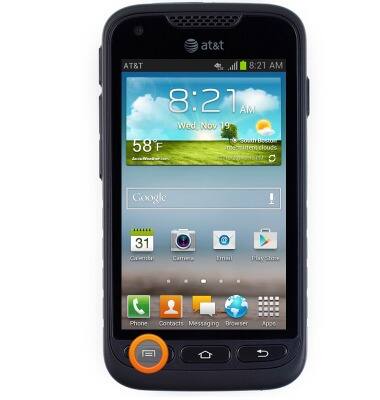
- From the home screen, tap Menu.
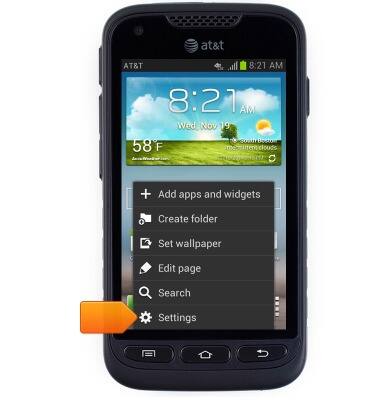
- Tap Settings.
- Scroll to, then tap Bluetooth.
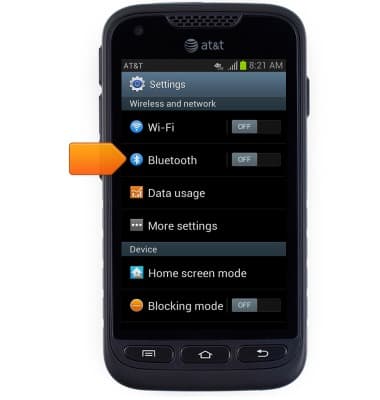
- Tap the Bluetooth switch to toggle Bluetooth on / off.
Note: To optimize battery life, turn Bluetooth off when not in use.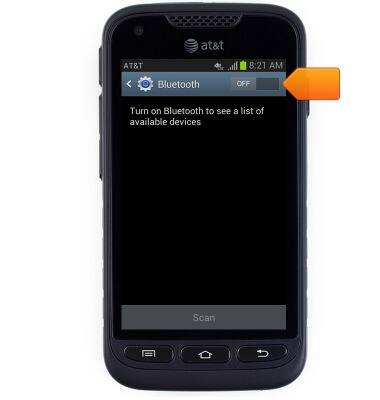
- Tap the desired Bluetooth device.
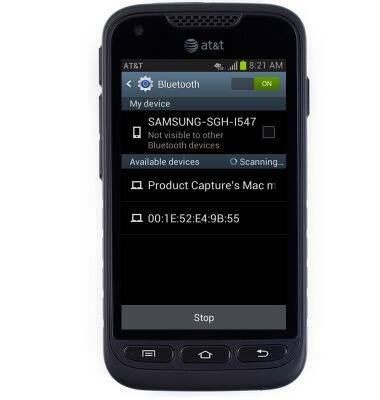
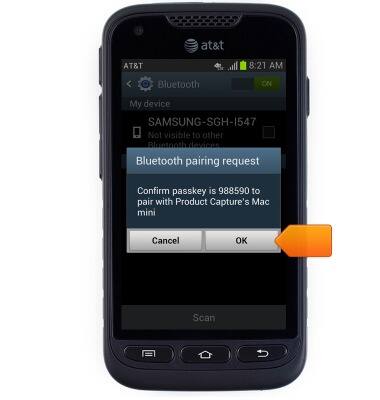
- Confirm the passkey on the connecting device, then tap OK.
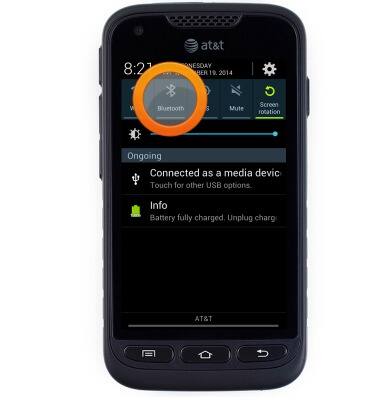
- To quickly toggle Bluetooth on / off, first touch and drag down from the top of the screen to reveal the Notifications menu.
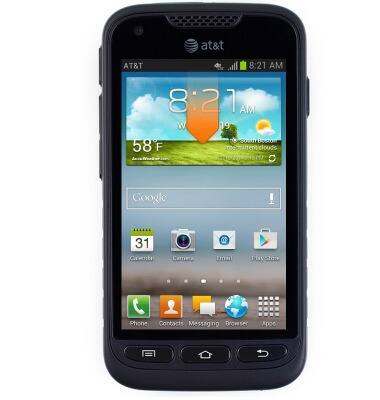
- Tap Bluetooth to toggle on / off.
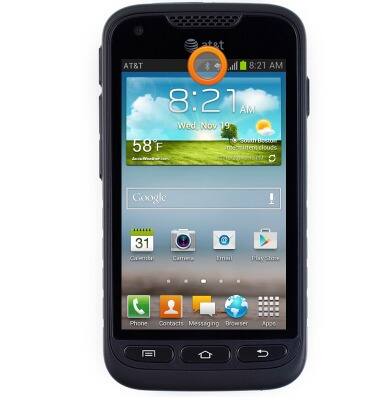
- While Bluetooth is toggled on, a Bluetooth icon will appear in the Notifications bar.
Bluetooth
Samsung Galaxy Rugby Pro (I547) OS 4.0-4.1
Bluetooth
Turn Bluetooth on or off, scan and connect to other Bluetooth devices, and unpair a connected device.
INSTRUCTIONS & INFO