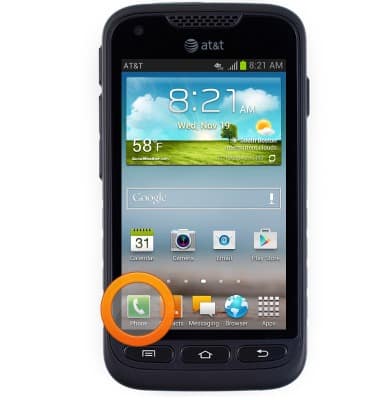
- From the home screen, tap Phone.
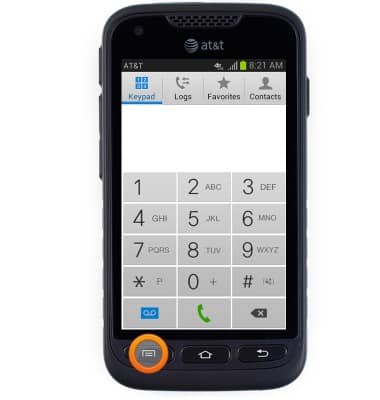
- Press the Menu key.
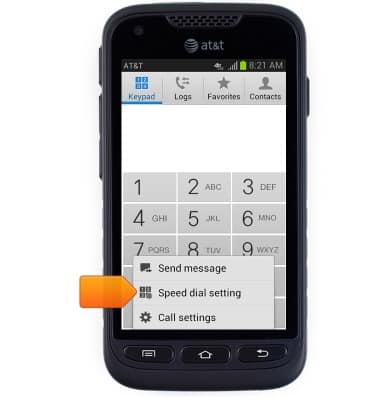
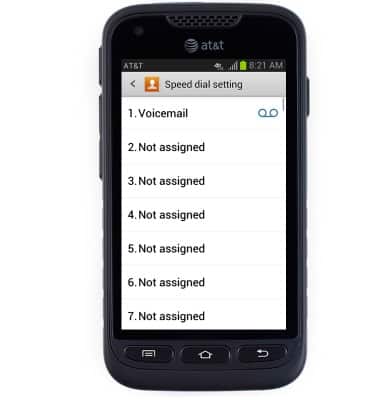
- Tap Speed dial setting.
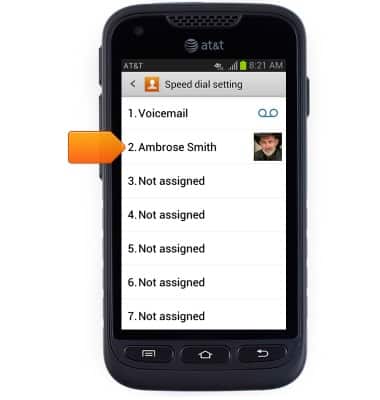
- Tap the desired speed dial number.
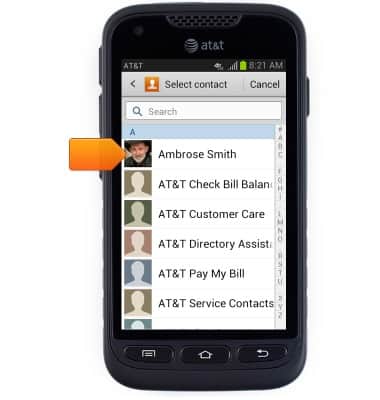
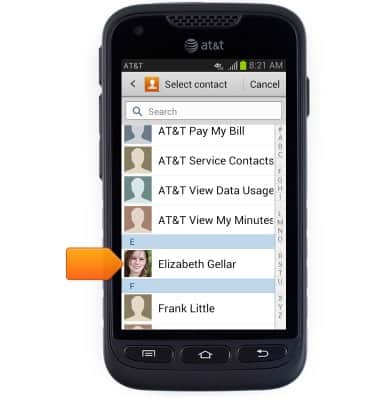
- Scroll to, then tap the desired contact name.
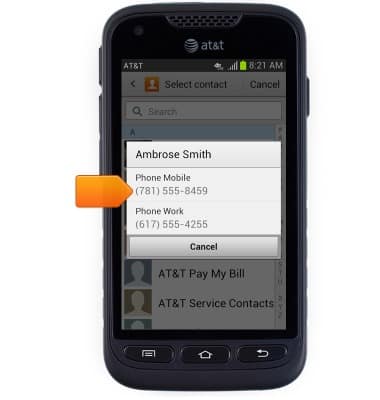
- Tap the desired phone number, if prompted.
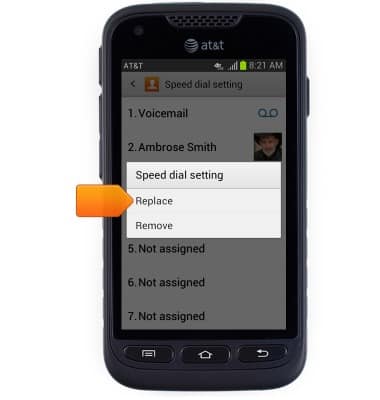
- To edit a speed dial entry, first touch and hold the desired speed dial number.
- Tap Replace.
- Scroll to, then tap the desired contact.
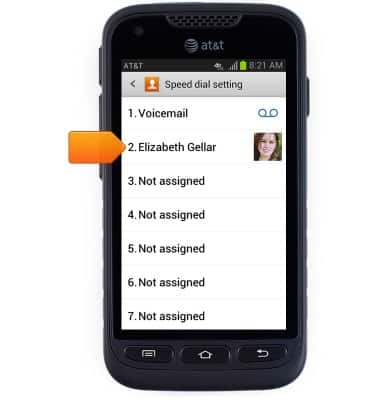
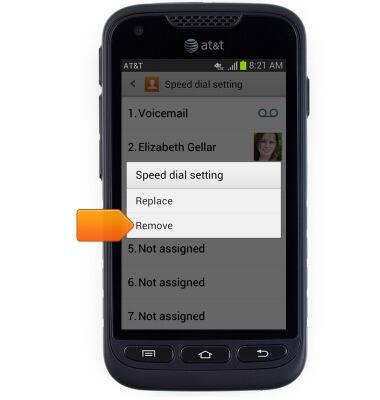
- To delete a speed dial entry, first touch and hold the desired speed dial entry.
- Tap Remove.
- To activate a speed dial number, touch and hold the desired number.
Note: Enter the desired number, then tap the Call icon to activate two-digit speed dial numbers.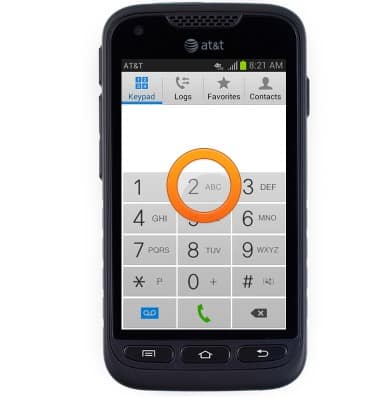
Speed dial
Samsung Galaxy Rugby Pro (I547) OS 4.0-4.1
Speed dial
Learn how to use speed dial and manage speed dial contacts.
INSTRUCTIONS & INFO