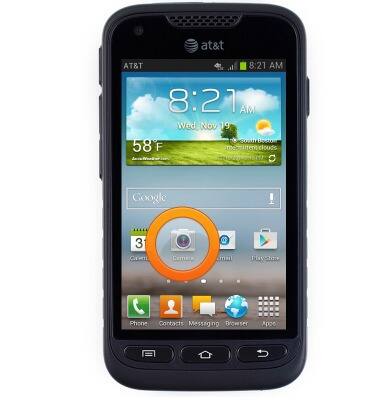
- From the home screen, tap Camera.
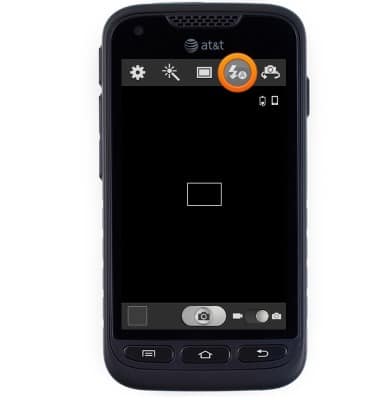
- Tap the Flash icon to adjust flash.
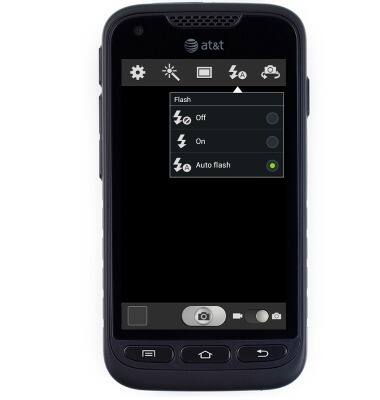
- Tap the desired option.
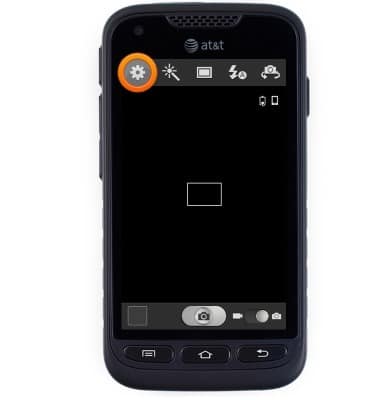
- To adjust camera settings, tap the settings icon.
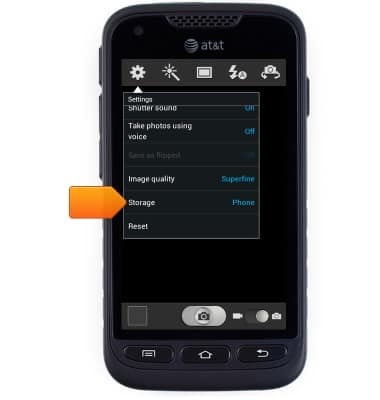
- Scroll to, then tap Storage to adjust the storage location.
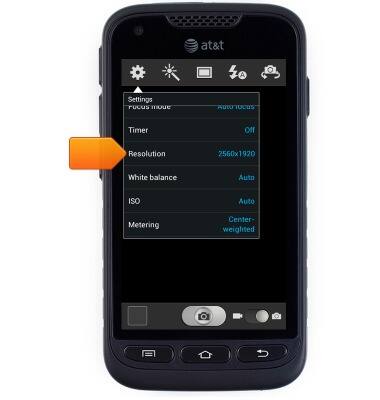
- Scroll to, then tap Resolution to adjust the image size.
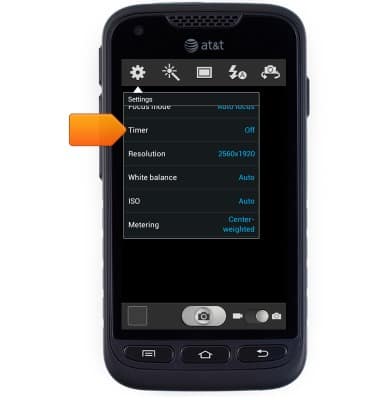
- Scroll to, then tap Timer to adjust camera timer settings.
- Scroll to, then tap Shutter sound to adjust the camera shutter sound.
Note: To learn more about your camera settings and features, download the user manual.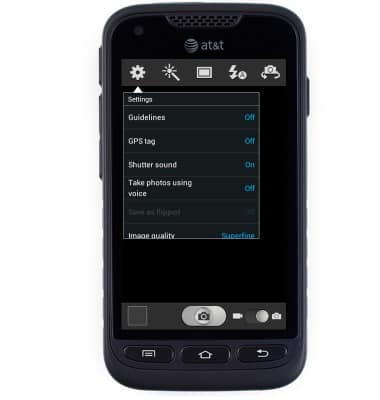
Camera & video settings
Samsung Galaxy Rugby Pro (I547) OS 4.0-4.1
Camera & video settings
Manage camera and video settings including flash, timer, voice control, recording mode, storage location, and more.
INSTRUCTIONS & INFO