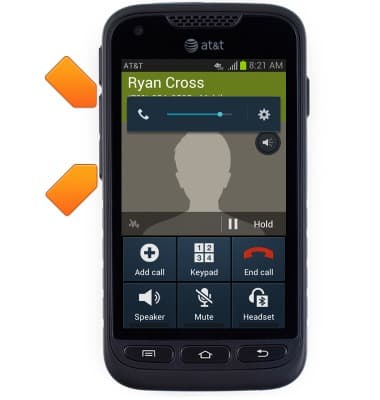
- While on an active call, press the Volume keys to adjust call volume.
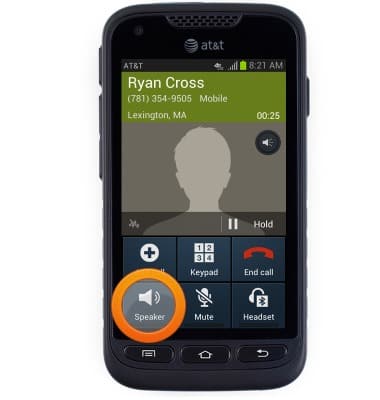
- Tap Speaker to toggle speakerphone on / off.
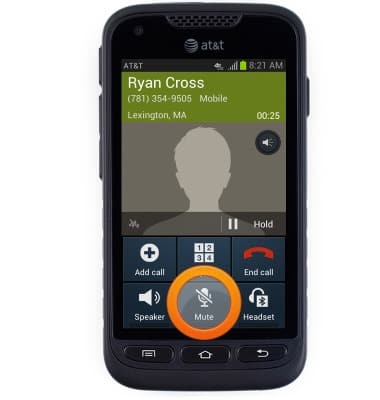
- Tap Mute to toggle mute on / off.
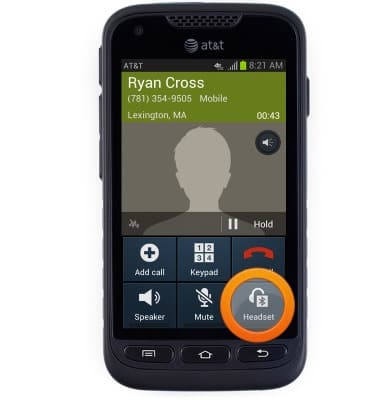
- Tap Headset to toggle headset features on / off.
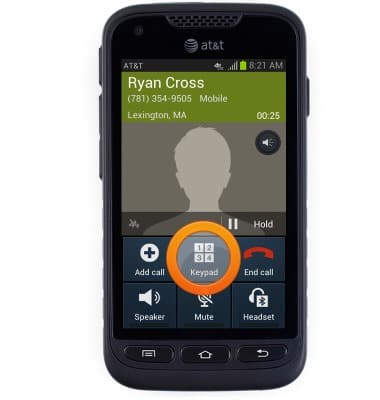
- Tap Keypad to show the keypad.
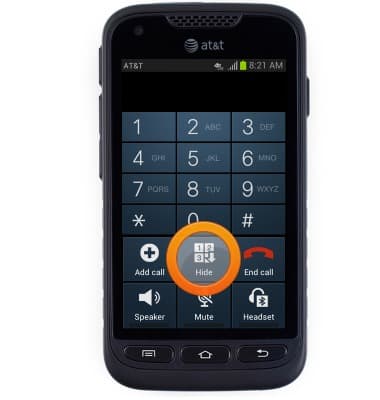
- Tap Hide to hide the keypad.
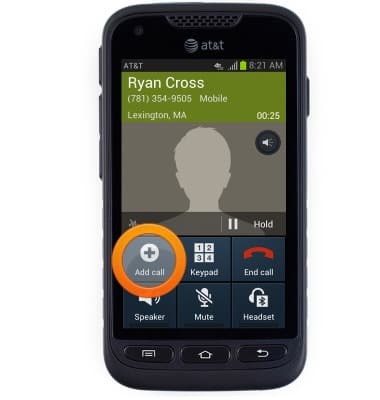
- To add a call, tap Add call.
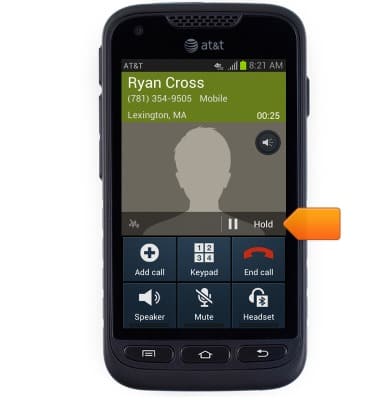
- To place a call on hold, tap the Hold icon.
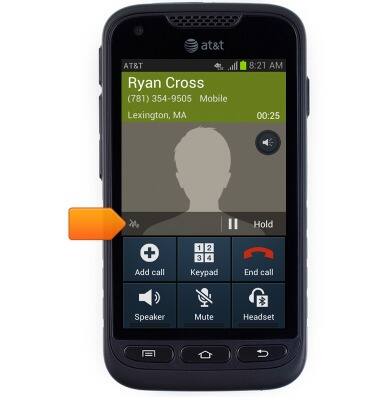
- Tap the Noise reduction icon to toggle noise reduction on / off.
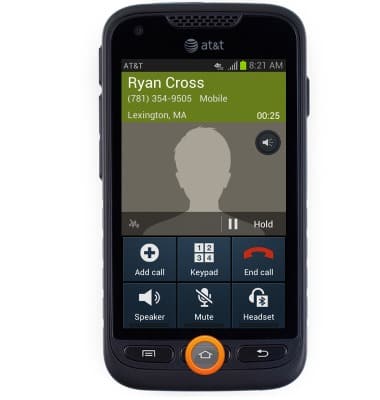
- Press the Home key to return to the home screen.
- To return to the call, touch and drag down the Notifications bar to reveal the menu.

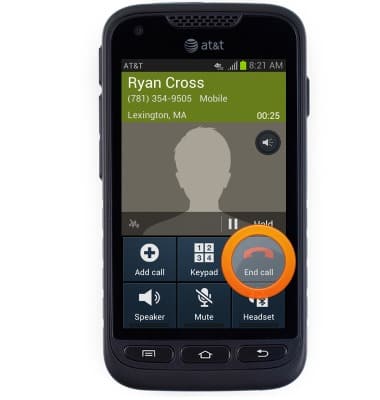
- Tap End call.
In-call options
Samsung Galaxy Rugby Pro (I547) OS 4.0-4.1
In-call options
Learn what features are available while on an active call.
INSTRUCTIONS & INFO