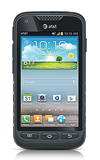
- While using the device, press and hold the Home key to view recent apps.

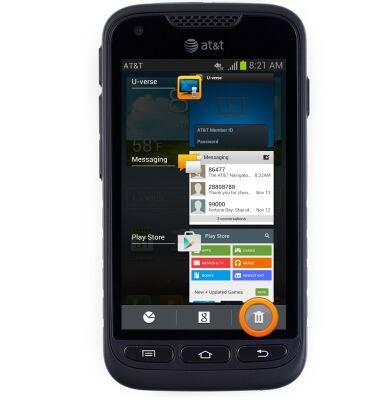
- Recent apps will be displayed.
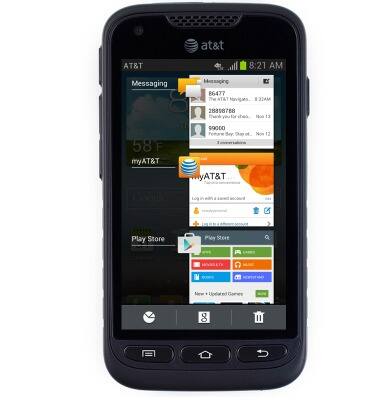
- Tap the desired app to open.
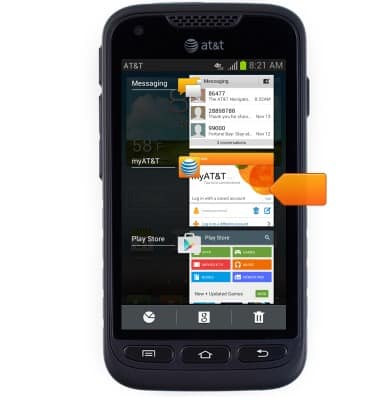
- Touch and drag the desired app left or right to close running applications.
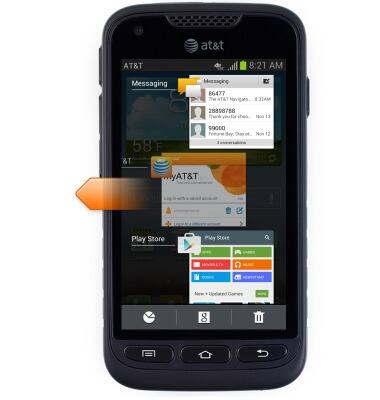
- Tap the Trash icon to close all running applications.
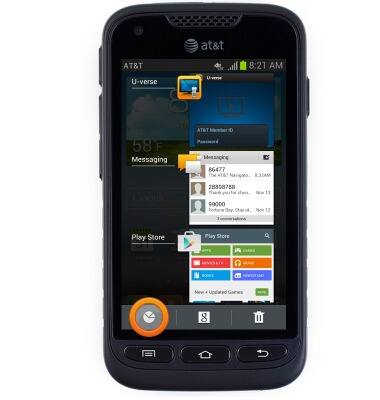
- Tap the Task manager icon to bring up the task manager.
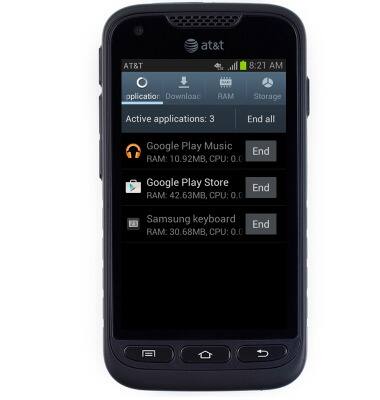
- Running tasks will be displayed.
View or close running apps
Samsung Galaxy Rugby Pro (I547) OS 4.0-4.1
View or close running apps
How to view, switch between, and close running applications
INSTRUCTIONS & INFO