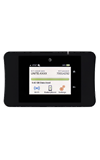
- Guest Wi-Fi allows you to set up a separate Wi-Fi network for temporary users, and use the main network for trusted devices.
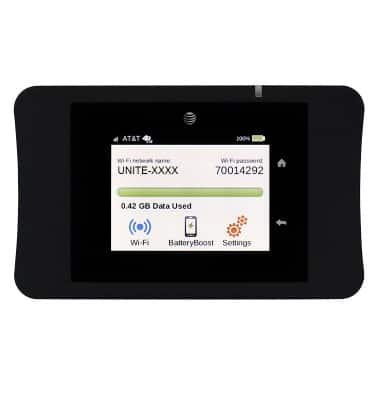
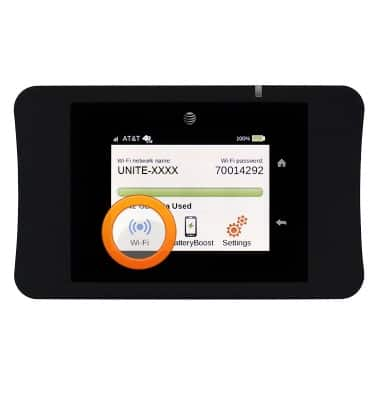
- From the home screen, tap Wi-Fi.
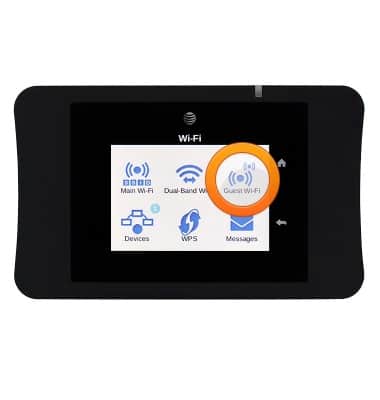
- Tap Guest Wi-Fi.
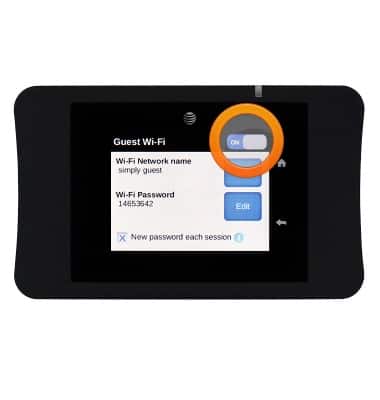
- Tap the Guest Wi-Fi switch to toggle on.
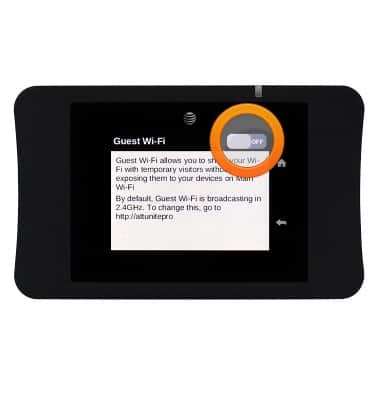
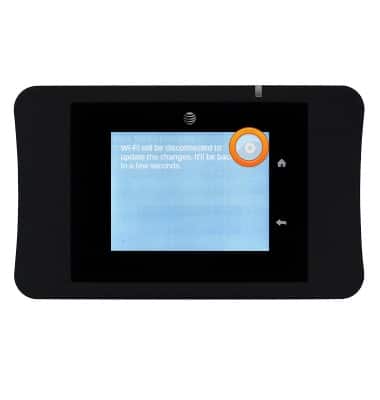
- Tap the X icon.
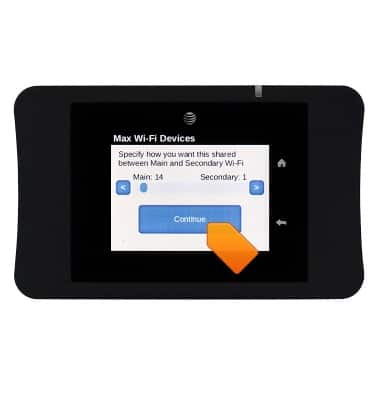
- If desired, tap the Left and Right arrow icons to determine the number of devices, then tap Continue.
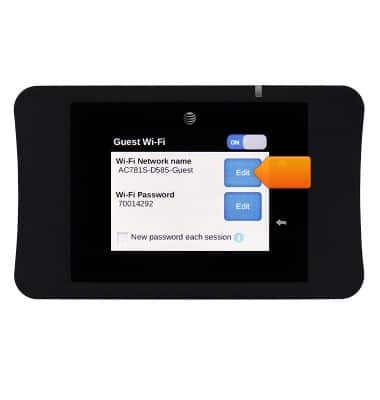
- If desired, tap the Edit icon to change the Guest Wi-Fi network name.
- Tap Continue.
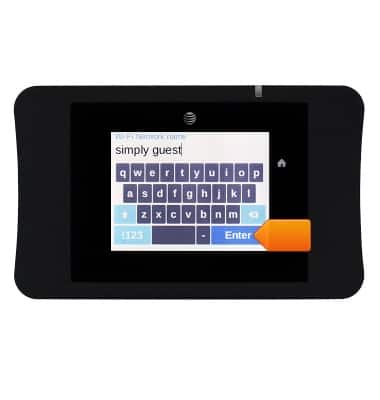
- Enter the desired information in the Wi-Fi Network name field, then tap Enter.
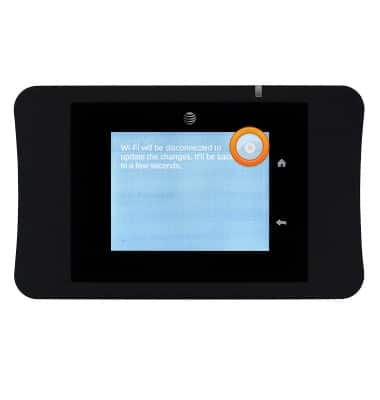
- Tap the X icon.
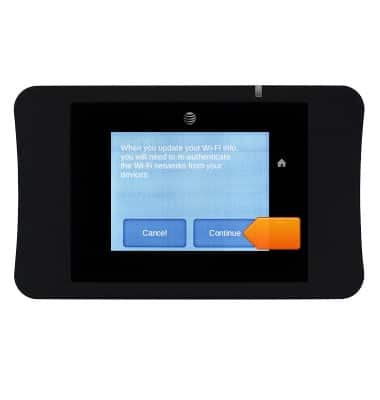
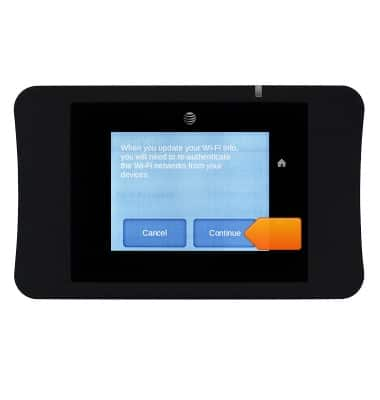
- If prompted, tap Continue.
- If desired, tap the Edit icon to change the Guest Wi-Fi password.
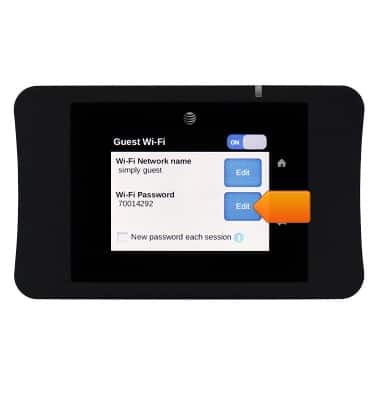
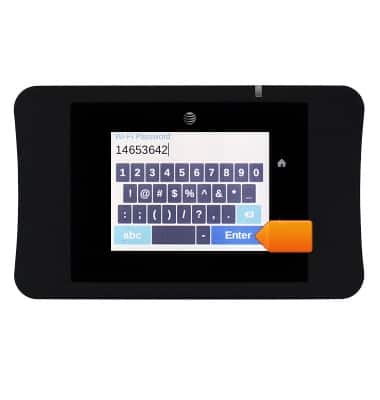
- Enter the desired information in the Wi-Fi Password field, then tap Enter.
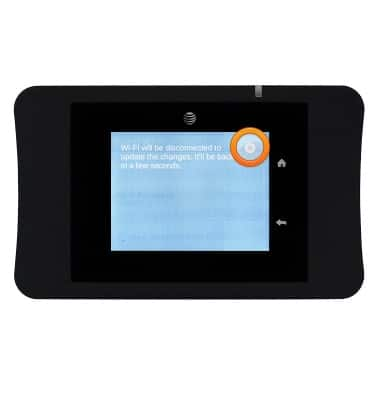
- Tap the X icon.
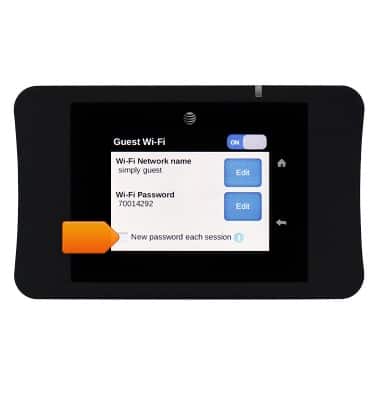
- If desired, tap the New password each session checkbox to toggle on.
- To disable Guest Wi-Fi, tap the Guest Wi-Fi switch.
Guest Wi-Fi
AT&T Unite Pro (AC781S)
Guest Wi-Fi
Learn how to set up guest Wi-Fi.
INSTRUCTIONS & INFO