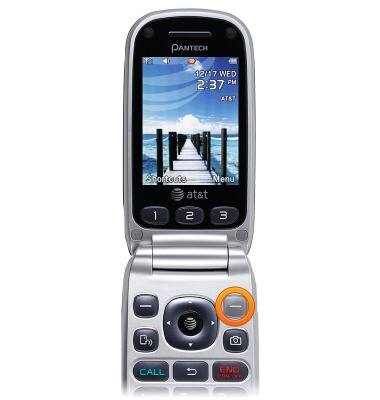
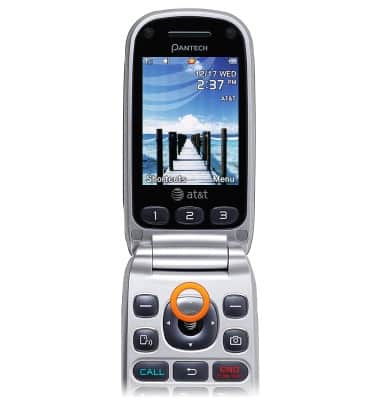
- From the home screen, press the Right Soft key.
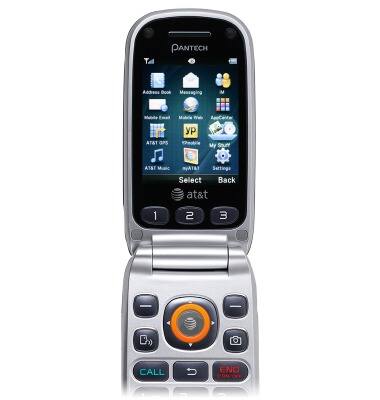
- Select My Stuff, then press the AT&T key.
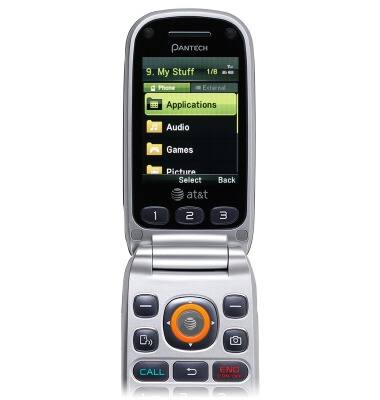
- Select the desired storage location, then press the AT&T key.
- Scroll to the desired image, then press the AT&T key to view.
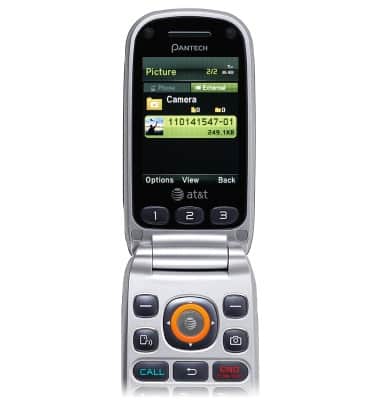
- To share, from the home screen, press the Up Nav key.
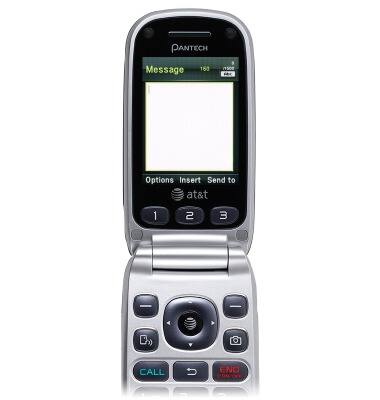
- Enter the desired message.
- Press the AT&T key.
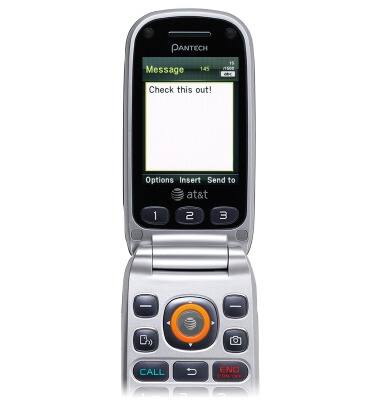
- Select the desired insert type.
Note: This tutorial selects 'Insert'.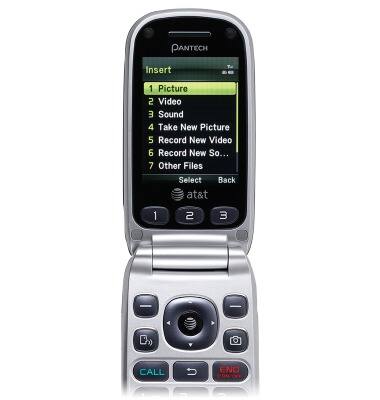
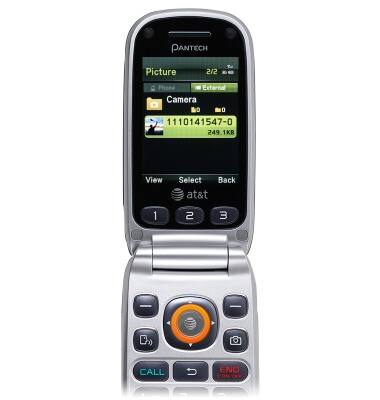
- Press the AT&T key to select the desired image.
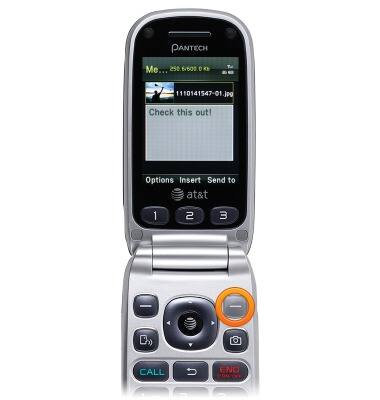
- Press the Right Soft key.
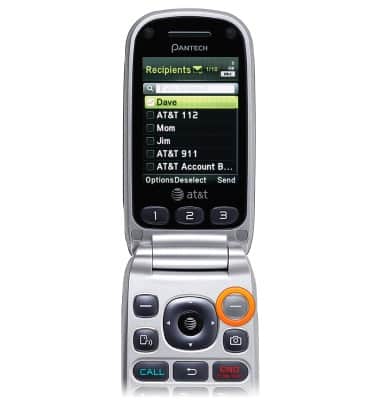
- Select the desired contact and press the AT&T key, or press the Left Soft key to manually enter a phone number.
Note: This tutorial selects a contact.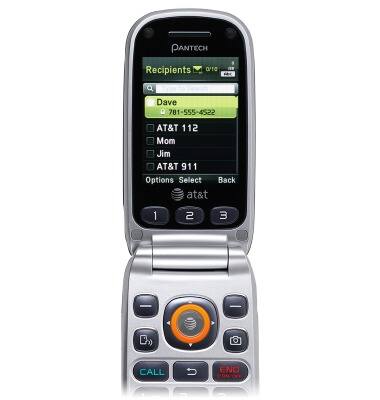
- Press the Right Soft key to send.
View & share photos or videos
Pantech Breeze III (P2030)
View & share photos or videos
Access, view, and share your photos and videos.
INSTRUCTIONS & INFO