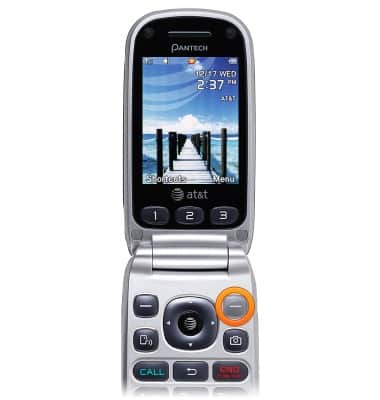
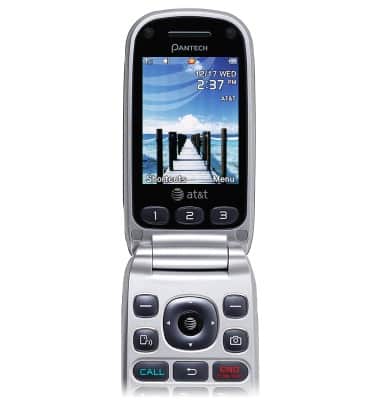
- From the home screen, press the Right Soft key.
- Select Settings, then press the AT&T key.

- Select My Stuff, then press the AT&T key.
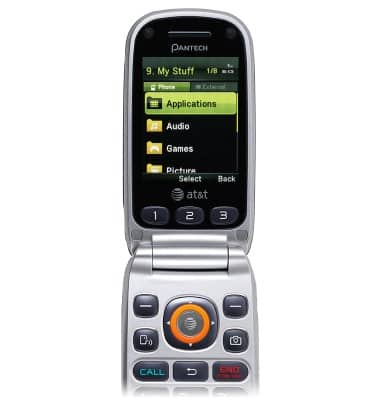
- Scroll to the bottom of the desired list to select Used Space, then press the AT&T key.
Note: External memory indicates memory stored on the SD card.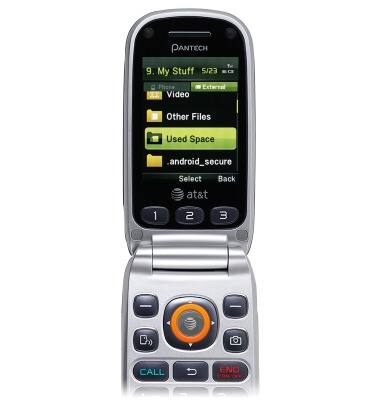
- Remaining space will be displayed.
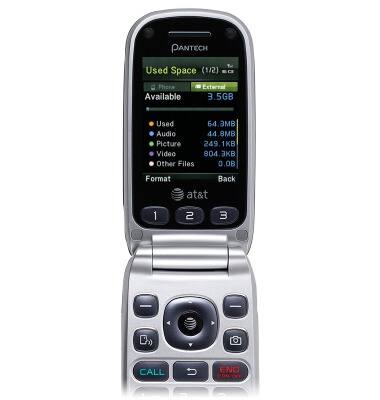
- The internal storage of the device is 80MB and the external memory can handle memory cards up to 32GB.
Available memory
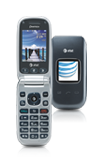
Pantech Breeze III (P2030)
Available memory
Check the available device storage.
INSTRUCTIONS & INFO