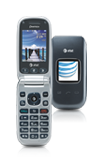
- From the home screen, press the Right Soft key.

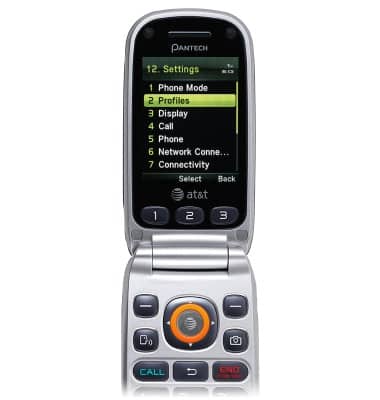
- Select Settings, then press the AT&T key.

- Scroll to Profiles, then press the AT&T key.
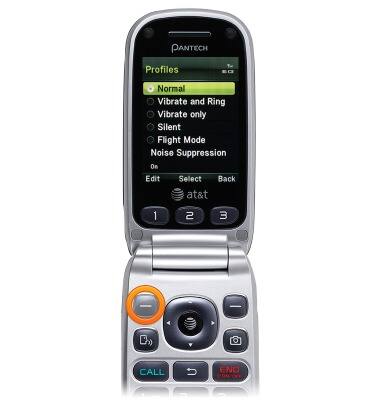
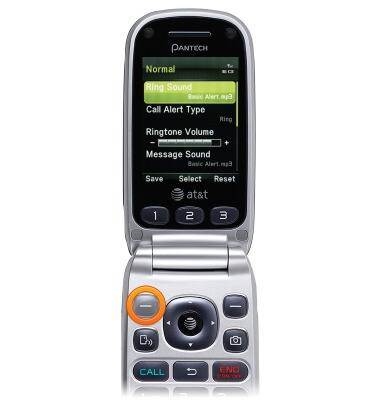
- Scroll to the desired profile, then press the Left Soft key.
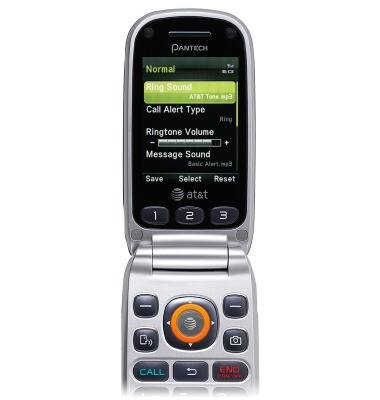
- Select Ring Sound, then press the AT&T key.
- Select the desired folder(s), then press the AT&T key.
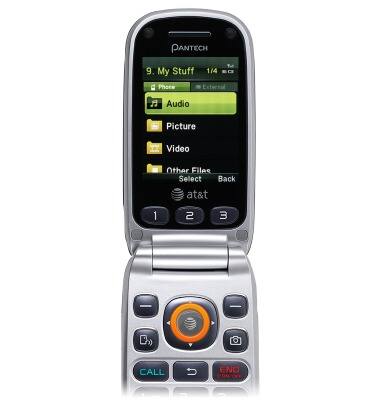
- Select the desired subfolder, then press the AT&T key.

- Scroll to the desired ringtone, then press the AT&T key to select.

- Press the Left Soft key to save.
Change ringtones
Pantech Breeze III (P2030)
Change ringtones
Choose which ringtone your device will use to alert you to incoming calls.
INSTRUCTIONS & INFO