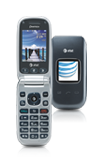
- From the home screen, press the AT&T key.

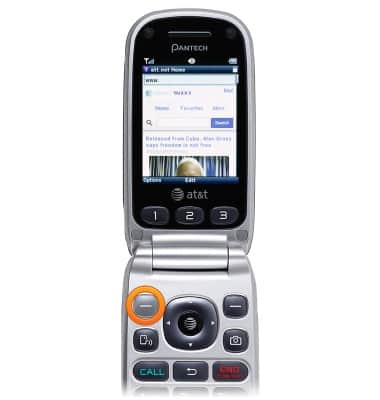
- Press the Left Soft key.
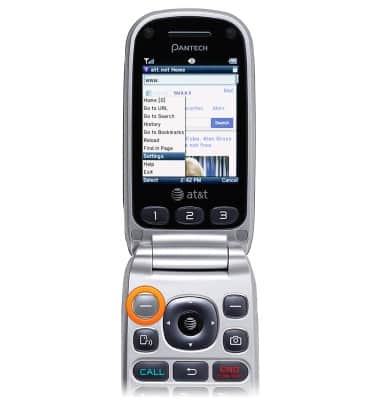
- Scroll to Settings, then press the Left Soft key.
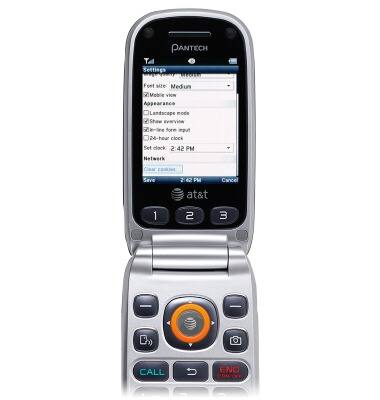
- To clear browsing info, scroll to Clear cookies..., then press the AT&T key to clear browser information.
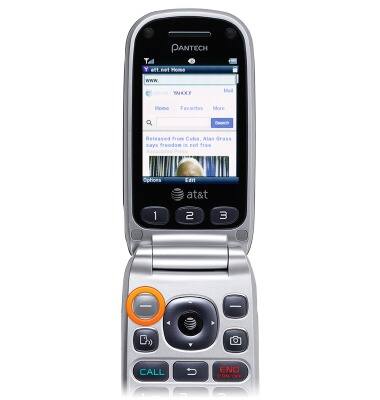
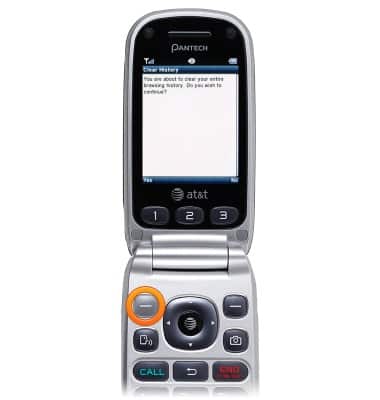
- To clear browser history, press the Left Soft key while browsing the web.
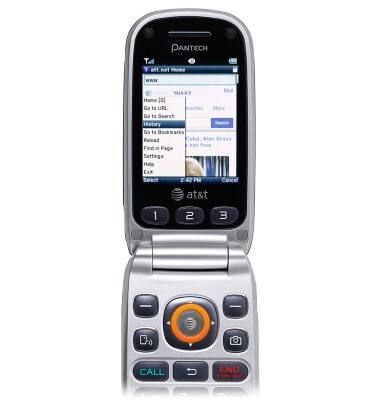
- Scroll to History, then press the AT&T key.
- Press the Left Soft key.
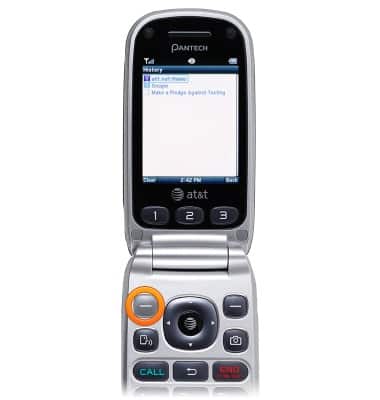
- Press the Left Soft key.
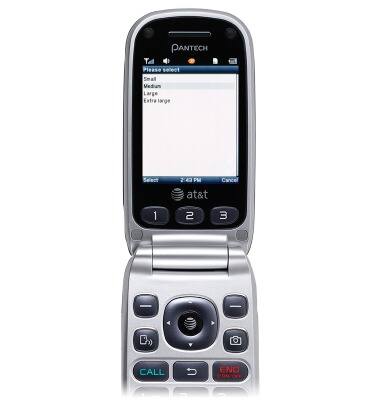
- To adjust font size, scroll to Font size in Browser settings, then press the AT&T key.
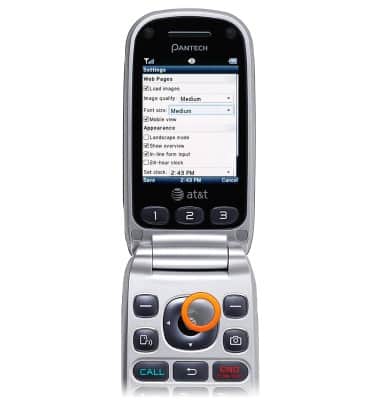
- Select the desired font size, then press the Left Soft key to select.
Browser options
Pantech Breeze III (P2030)
Browser options
Access browser settings to delete browser history, set the home page, and more.
INSTRUCTIONS & INFO