- From the home screen, press the Right Soft key.
Note: To optimize battery life, turn Bluetooth off when not in use.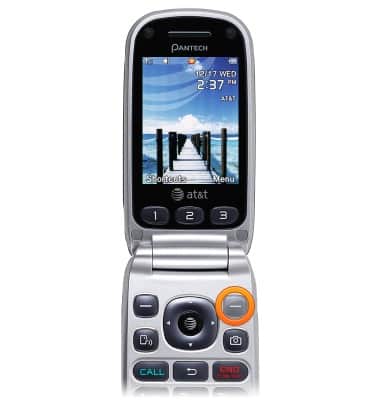
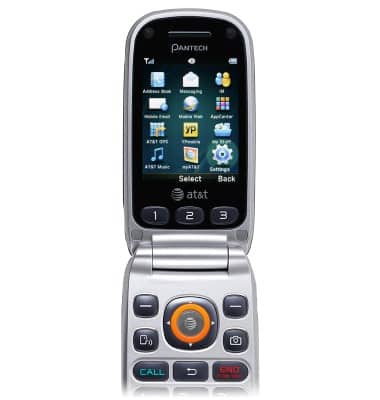
- Select Settings, then press the AT&T key.
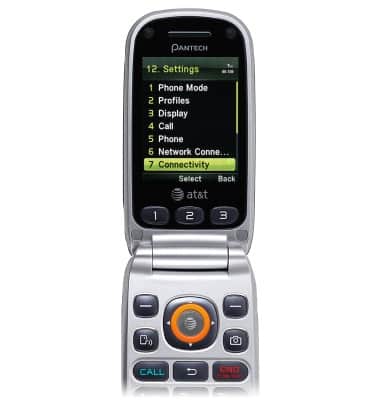
- Scroll to Connectivity, then press the AT&T key.
- Select Bluetooth, then press the AT&T key.
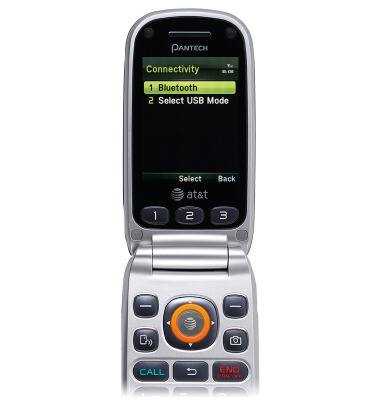
- Select Activation, then press the AT&T key.
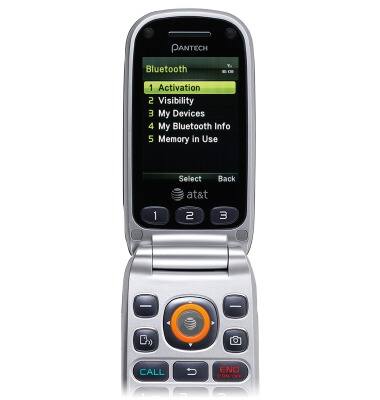
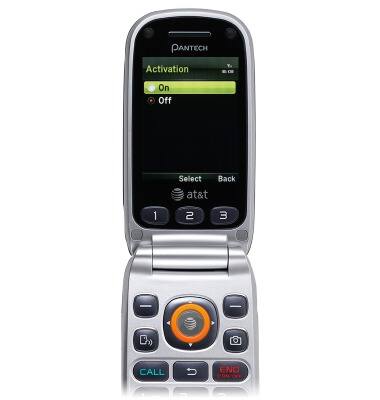
- Select On, then press the AT&T key.
- To connect to a device, ensure the connecting device is powered on and visible via Bluetooth. Scroll to My Devices, then press the AT&T key.
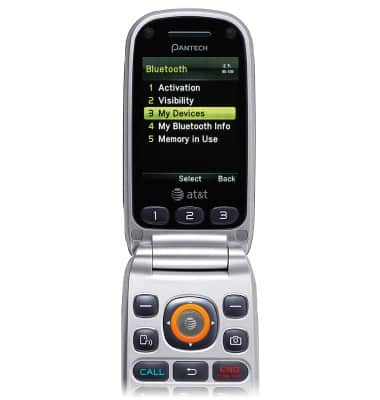
- Select Search for Devices, then press the AT&T key.
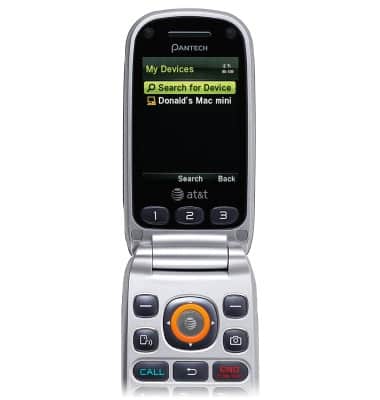
- Select the desired device, then press the AT&T key.
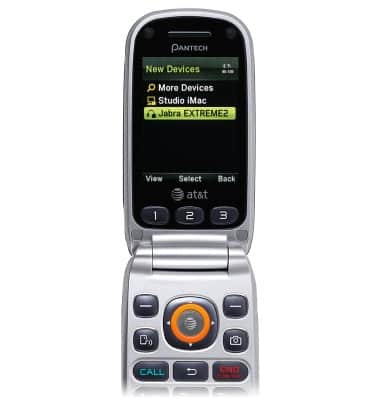
- Confirm the passcode on the connecting device, if prompted, then press the Left Soft key.

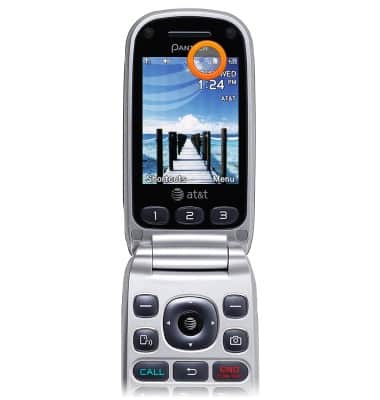
- While Bluetooth is connected to a device, a Bluetooth connection icon will appear in the Notifications bar.
Bluetooth
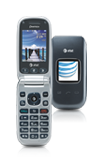
Pantech Breeze III (P2030)
Bluetooth
Turn Bluetooth on or off, scan and connect to other Bluetooth devices, and unpair a connected device.
INSTRUCTIONS & INFO