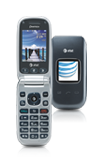
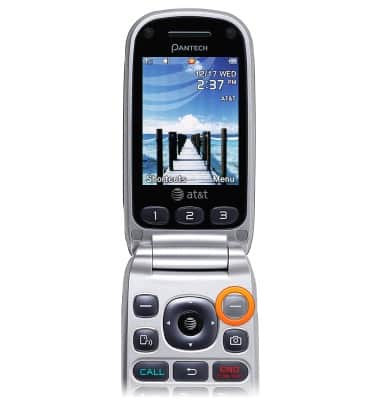
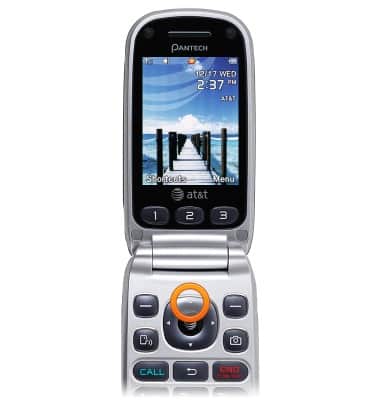
- From the home screen, press the Right Soft key.
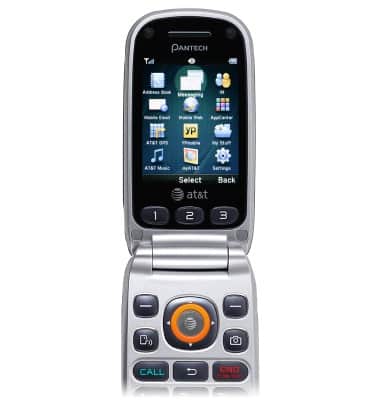
- Select Messaging, then press the AT&T key.
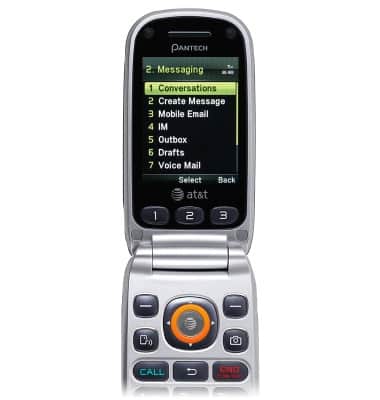
- Select Conversations, then press the AT&T key.
- Select the desired conversation, then press the AT&T key to view.
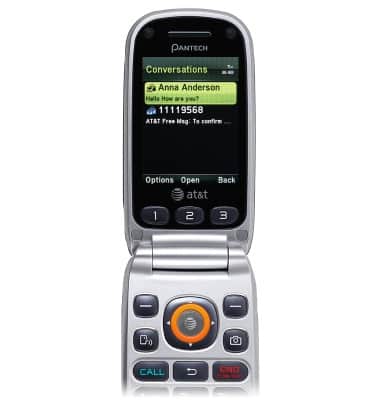
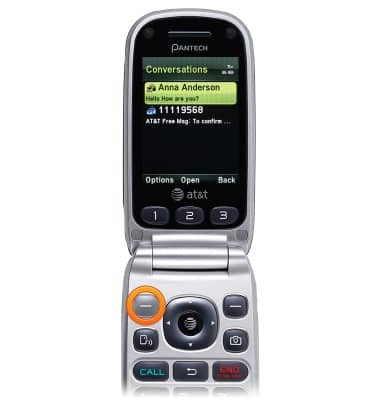
- To delete a conversation, select the desired conversation, then press the Left Soft key.
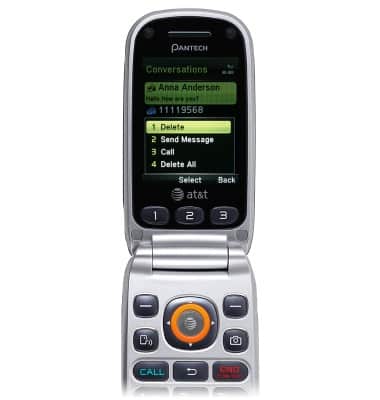
- Select Delete, then press the AT&T key.
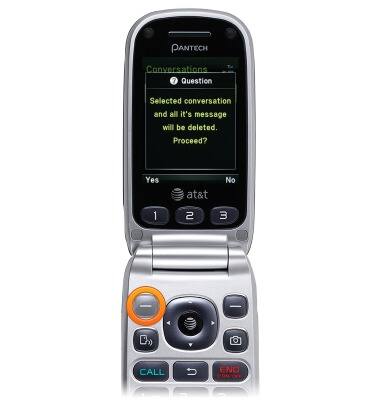
- Press the Left Soft key.
- To send a message, press the Up Nav key from the home screen.
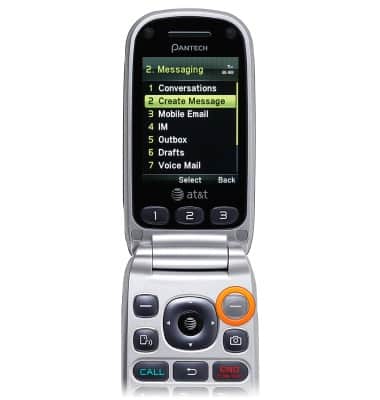
- Select Create Message, then press the Right Soft key.
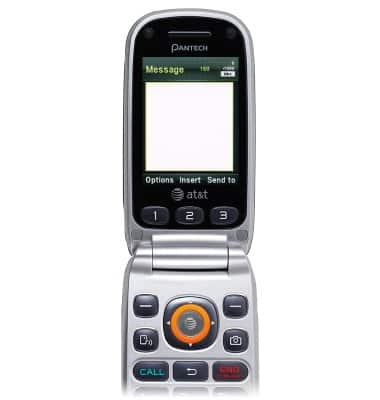
- Enter the desired message.
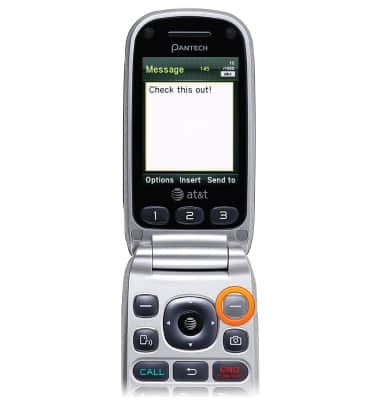
- Press the Right Soft key to send.
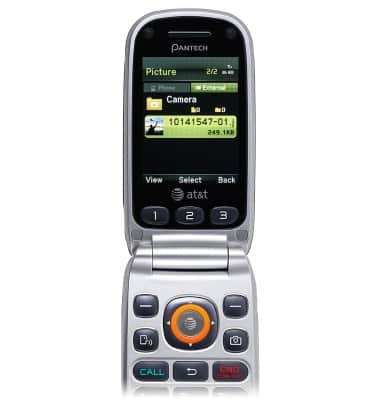
- Press the AT&T key while composing a message to send an attachment.
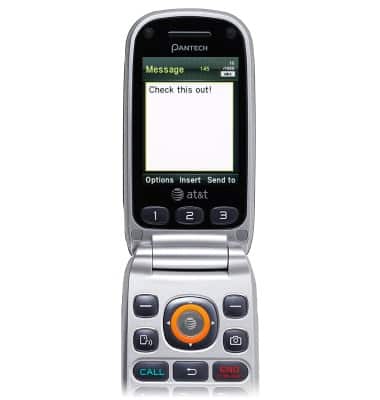
- Navigate to the desired attachment, then press the AT&T key to select.
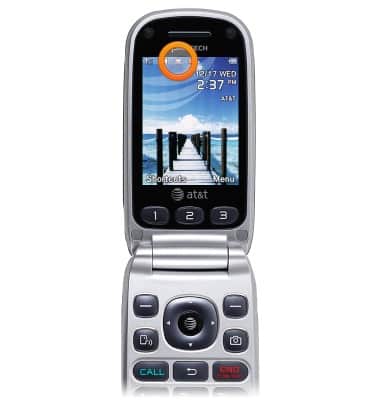
- A New Message icon will appear in the Notifications bar when a new message is received.
Send & receive messages
Pantech Breeze III (P2030)
Send & receive messages
How to send, receive, and delete picture (MMS) and text (SMS) messages.
Text messaging
This video demonstrates text messaging features.
Text messaging
1:43
INSTRUCTIONS & INFO