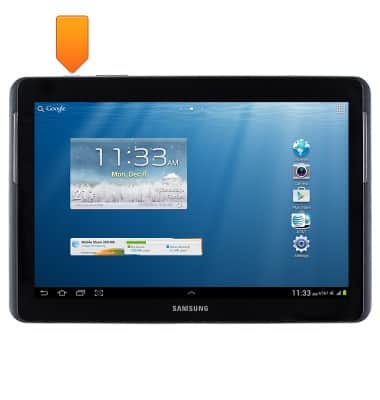
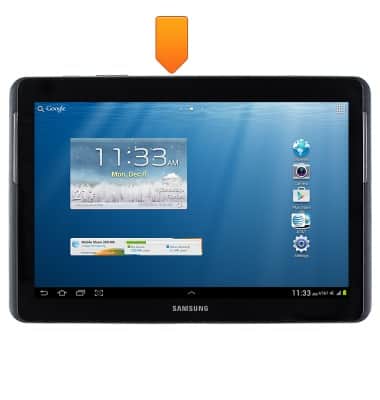
- Press the Power/Lock key to lock or unlock the screen. Press and hold to turn on the device or access power, airplane mode, and sound options.
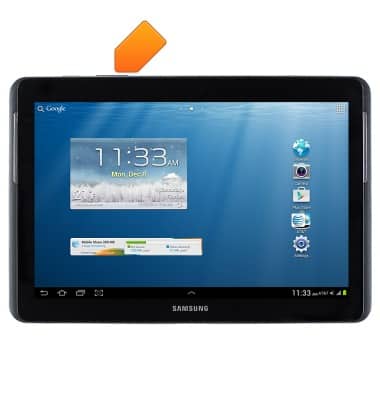
- Press the Volume keys to adjust the volume.
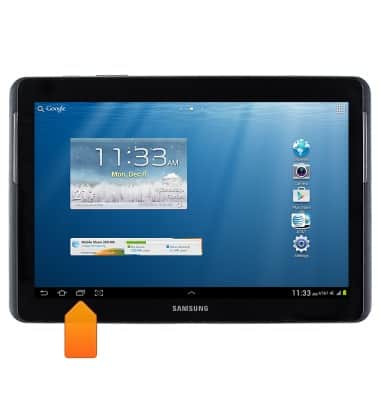
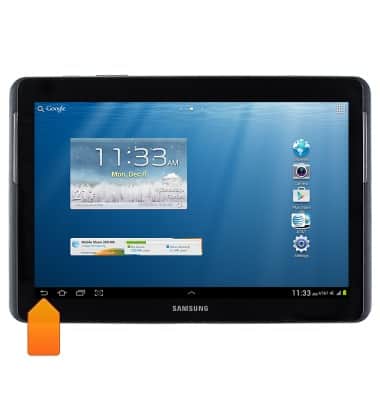
- Tap the Recent apps icon to access recently opened apps. Press and hold to edit the home screen.
- Tap the Home icon to access the home screen. Touch and hold to access Google Now.
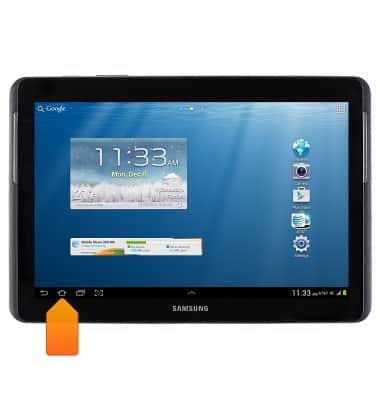
- Tap the Back icon to return to the previous screen.
- Insert a microSD card into SD card port for external memory.
- Insert the Samsung charging cable into the Samsung Charging port to charge the device.
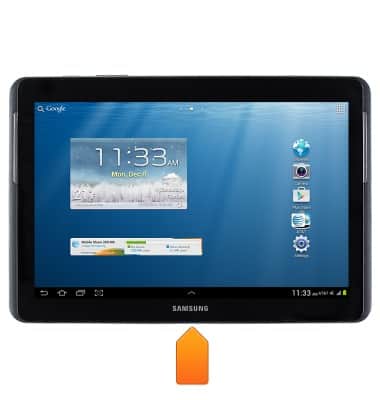
- Insert the Micro SIM card into the SIM port.
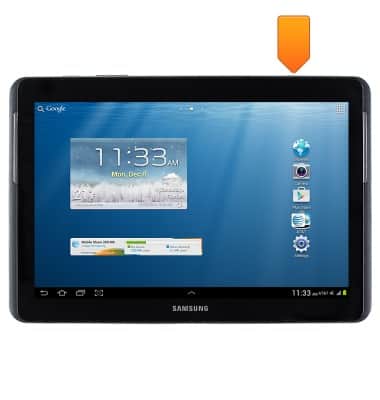
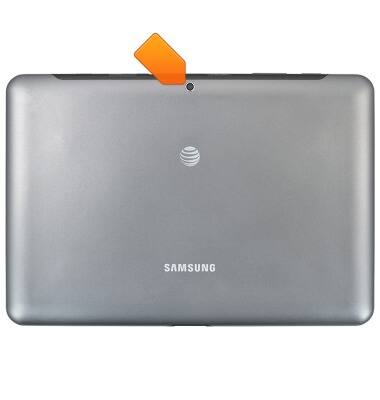
- The Camera lens is located on the back of the device.
Device layout
Samsung Galaxy Tab 2 10.1 (I497) OS 4.0-4.1
Device layout
This article provides an overview of the device layout.
INSTRUCTIONS & INFO