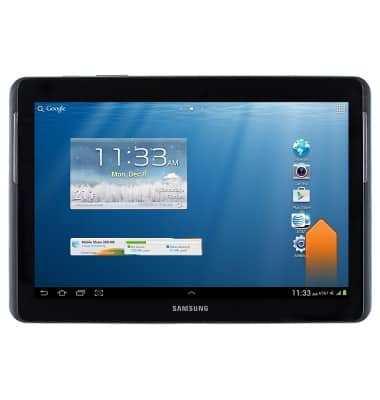
- From the home screen, swipe up from the bottom of the screen to reveal the Notification menu.
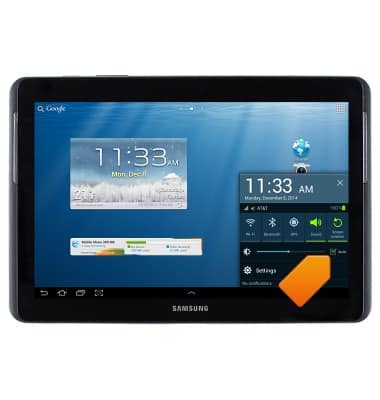
- Tap Auto to enable auto brightness.
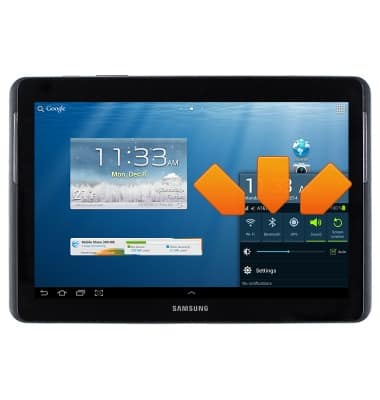
- Turn off Wi-Fi, Bluetooth, and GPS.
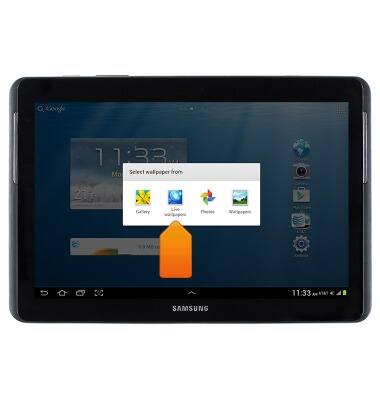
- Avoid using live wallpapers.
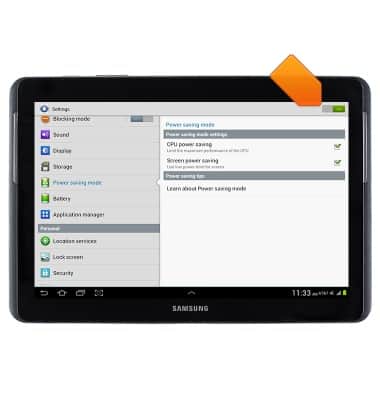
- Tap the Power saving mode and Ultra power saving mode switch to turn on.
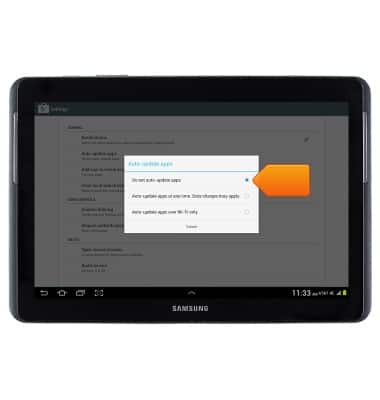
- Ensure that auto-update is disabled.
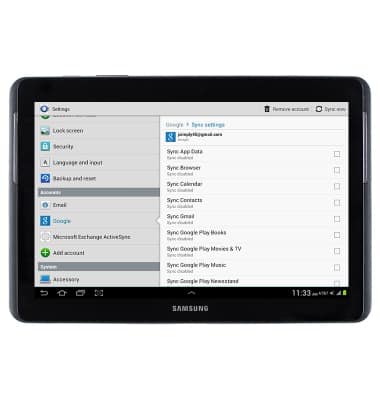
- Ensure that auto-sync is not enabled for any synced accounts.
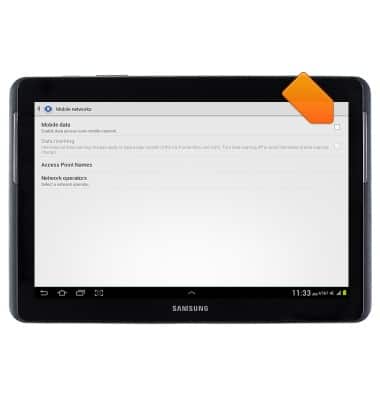
- Turn Mobile data off when not in use.
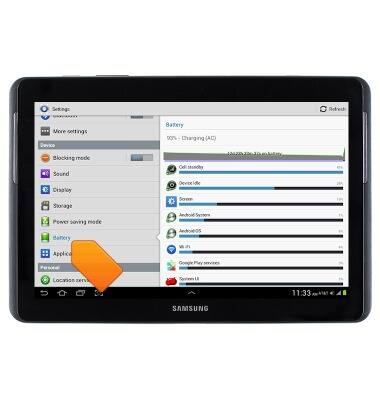
- To view battery usage, under the 'General' tab in Settings, tap Battery.
Battery life
Samsung Galaxy Tab 2 10.1 (I497) OS 4.0-4.1
Battery life
Tips & tricks to extend your battery performance.
INSTRUCTIONS & INFO