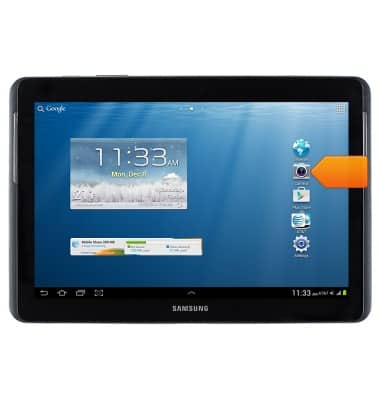
- From the home screen, tap Camera.
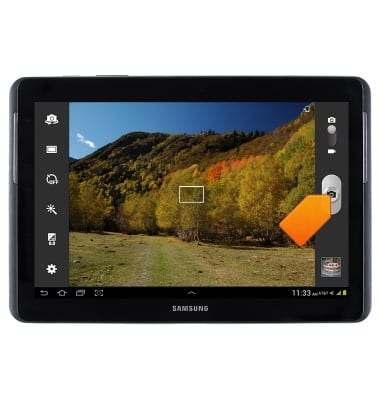
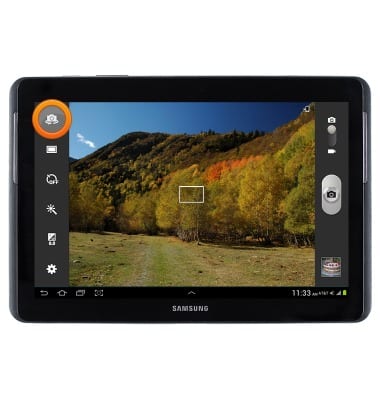
- Tap the Camera icon to take a picture.
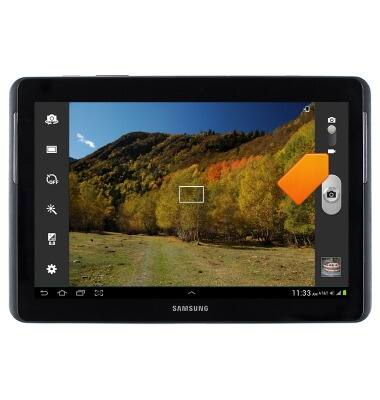
- Tap the Video icon to switch to video.
- Tap the Recording icon to begin recording.
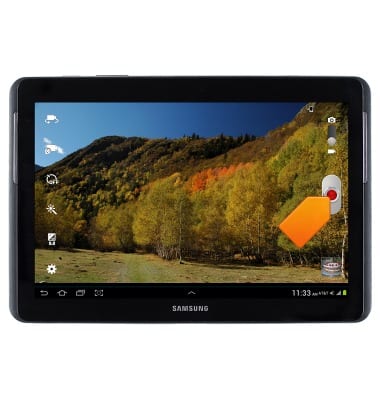
- Tap the Pause icon to pause the recording.
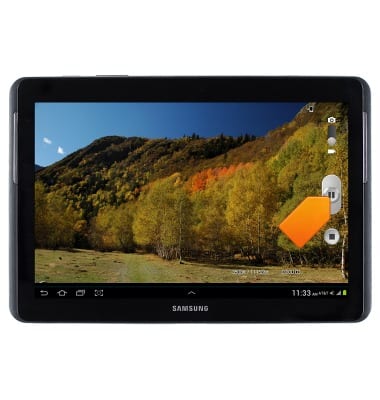
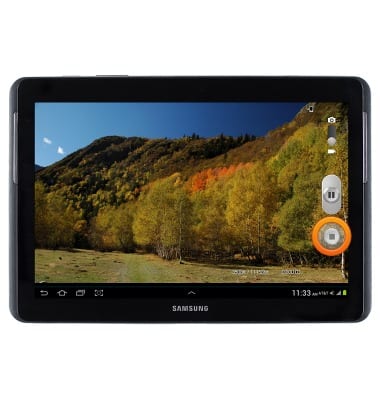
- Tap the Stop icon to end and save the recording.
- To change between front and rear camera, tap the Switch camera icon.
- The Samsung Galaxy Tab 2 10.1 rear camera is 3 MP and front camera is VGA. The video recorder is Full HD @30fps.
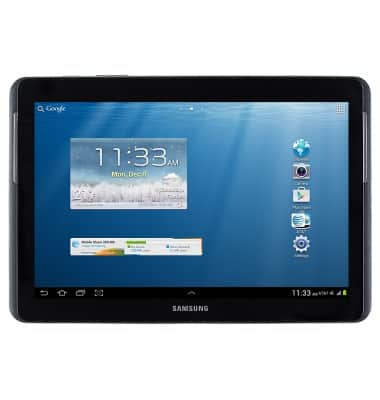
Take a picture or video
Samsung Galaxy Tab 2 10.1 (I497) OS 4.0-4.1
Take a picture or video
This article describes how to take a picture or video.
INSTRUCTIONS & INFO