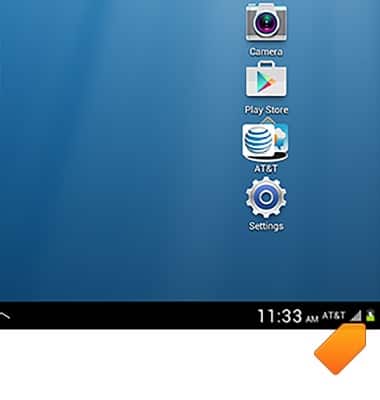
- A Charging icon will display in the Notifications bar when charging.
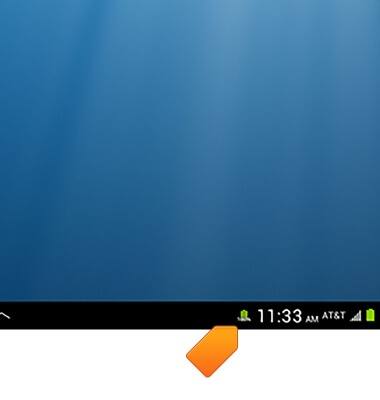
- A Fully Charged icon will be displayed in the Notifications bar when the device has finished charging.
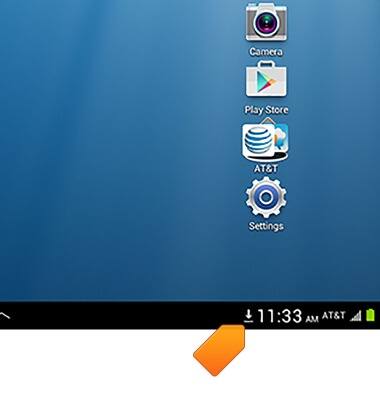
- While content is downloading, the Download icon will display.
- If an an update is available for an app, the Play Store Update icon will display.
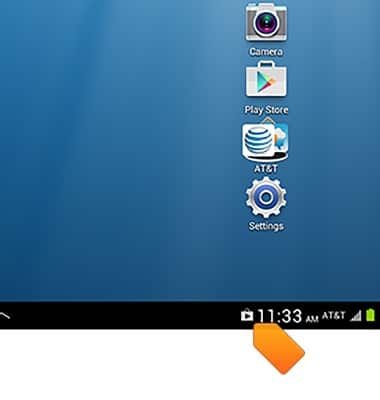
- When a Bluetooth device is paired, the Bluetooth paired icon will display.
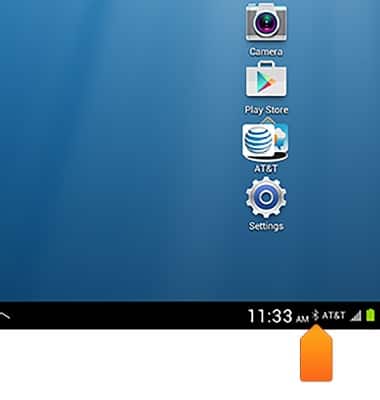
- The Signal Strength icon will display the strength of the network signal. When you are within range of a cellular tower the indicator will show more bars. If you are not in range of a cellular tower you will have fewer bars/less signal strength.
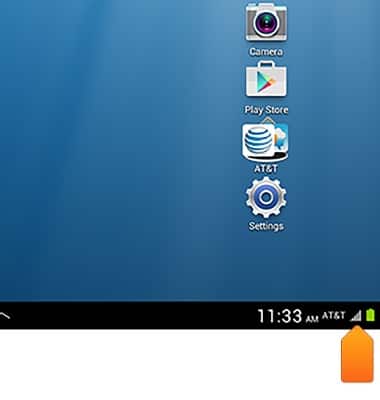
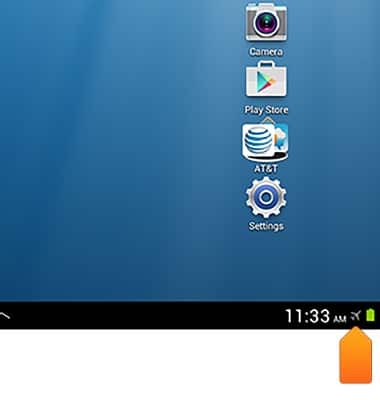
- If the Signal Strength icon is replaced by an Airplane icon, Airplane mode is turned on and the device will not receive wireless signals.
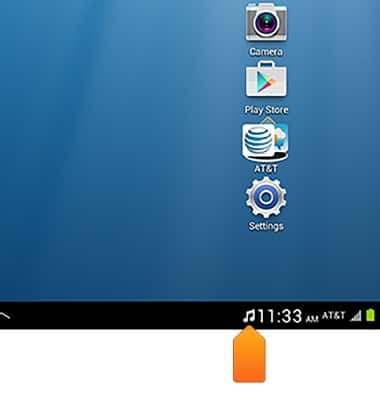
- When music is playing, the Music icon will be displayed.
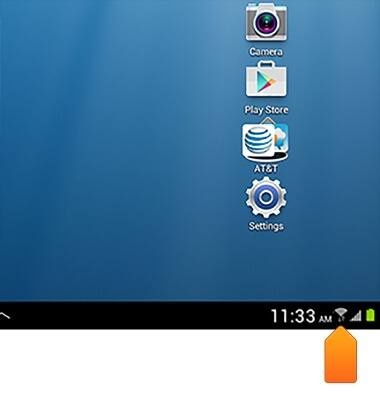
- When connected to a Wi-Fi network, the Wi-Fi icon will display.
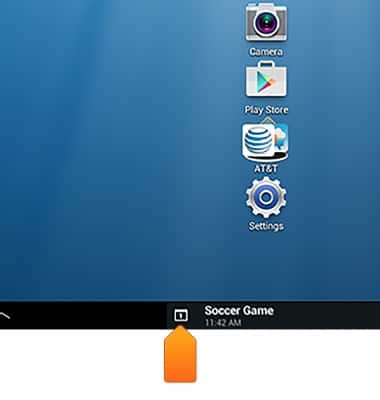
- When an event is upcoming, the Calendar icon will display.
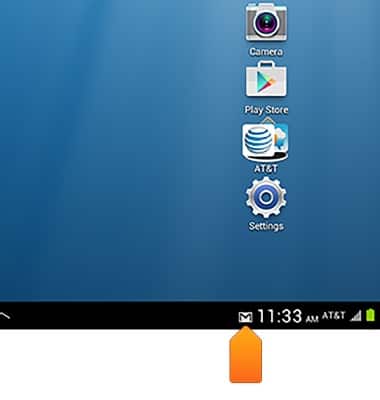
- When a new email is received, the New Email icon will display.
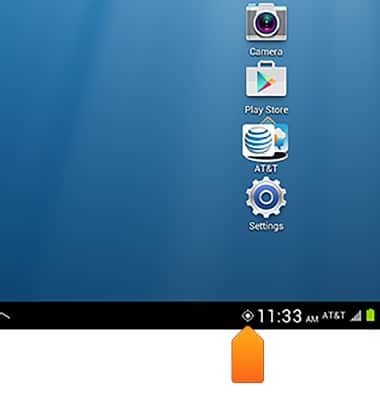
- When GPS is being used, the GPS icon will display.
Notifications & icons
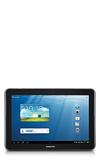
Samsung Galaxy Tab 2 10.1 (I497) OS 4.0-4.1
Notifications & icons
This article provides an overview of the messages and icons that appear in the notifications menu.
INSTRUCTIONS & INFO