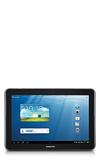
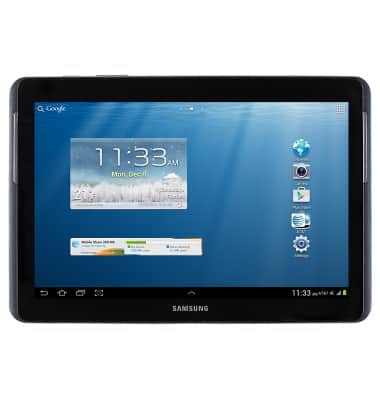
- From the home screen, tap the Apps icon.
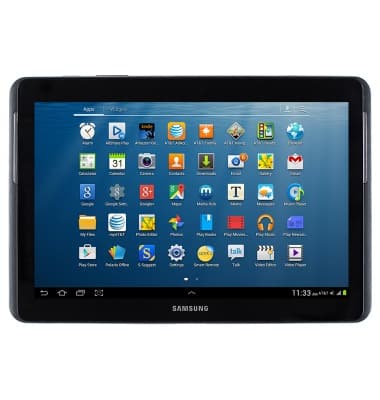
- Tap Gallery.
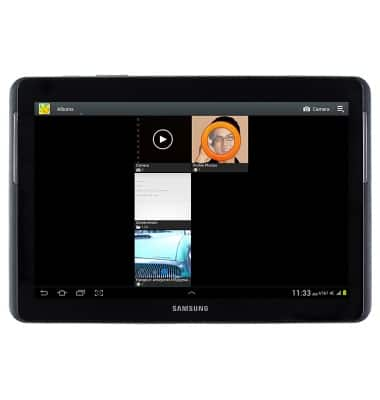
- Scroll to, then tap the desired picture or video.
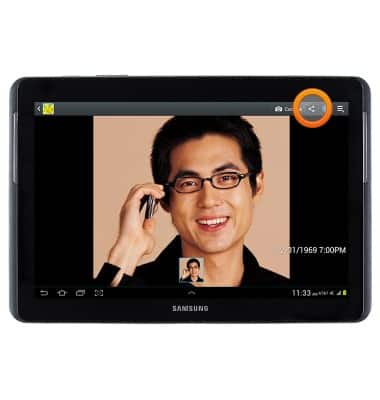
- To share, tap the Share icon.
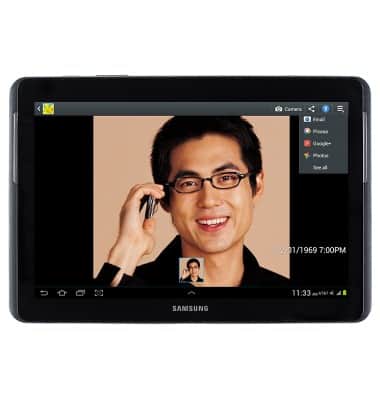
- Scroll to and tap the desired sharing option, then follow the on-screen prompts.
View & share photos or videos
Samsung Galaxy Tab 2 10.1 (I497) OS 4.0-4.1
View & share photos or videos
This article describes how to view and share photos or videos.
INSTRUCTIONS & INFO