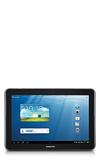
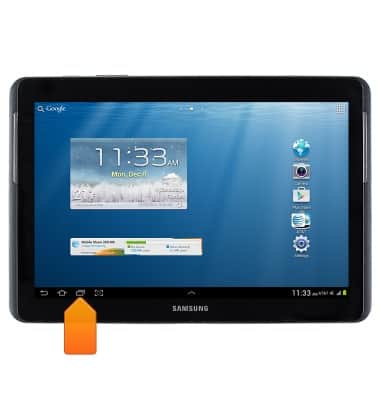
- From the home screen, tap the Recent apps icon.
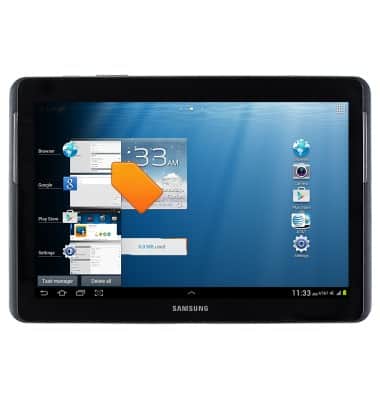
- Tap the desired app to open.
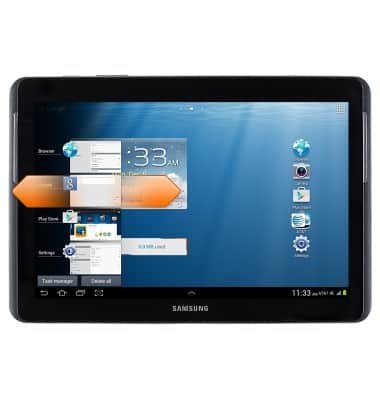
- Swipe left or right to remove an app.
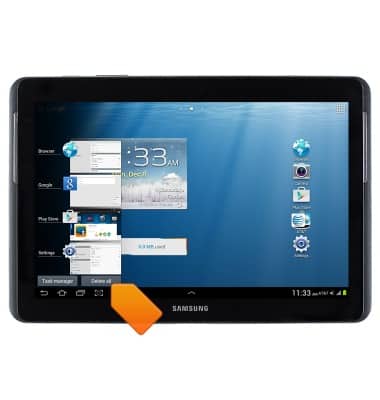
- To access the task manager, tap Task Manager.
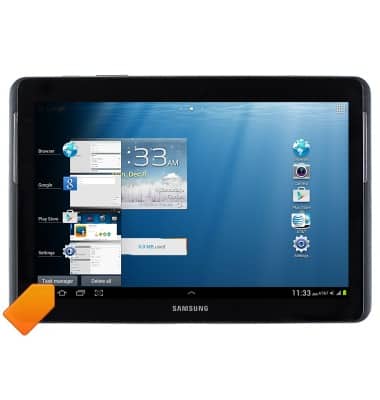
- To close all running apps, tap Delete all.
View or close running apps
Samsung Galaxy Tab 2 10.1 (I497) OS 4.0-4.1
View or close running apps
This article describes how to View and close running applications.
INSTRUCTIONS & INFO