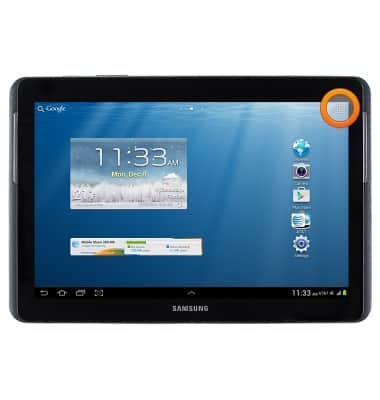
- From the home screen, tap the Apps icon.
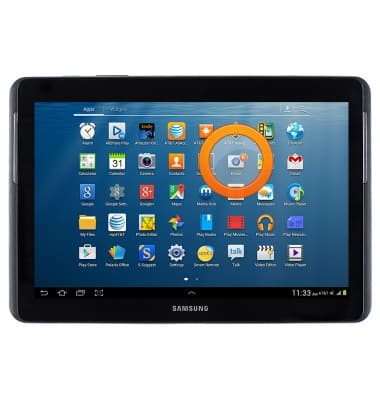
- Tap Email.
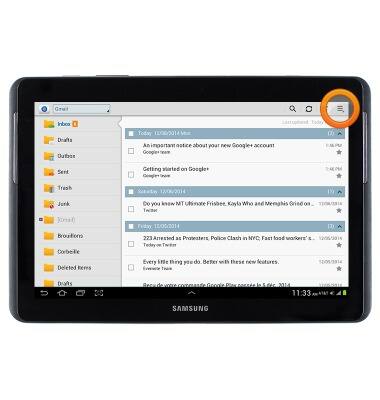
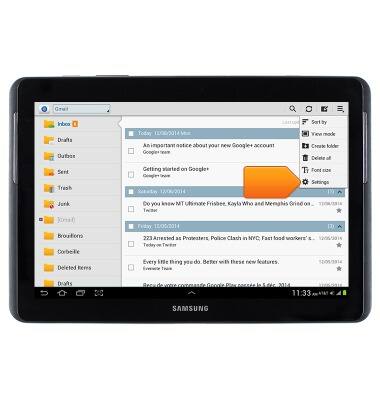
- Tap the Menu icon.
- Tap Settings.
- Tap the desired account.
Note: Accounts can be deleted from the Manage accounts option.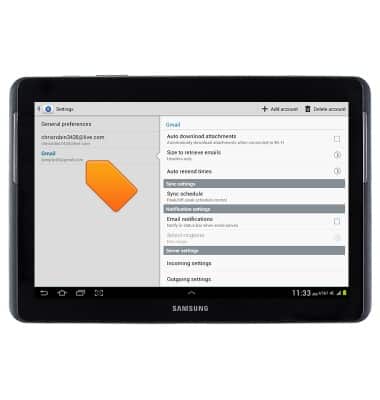
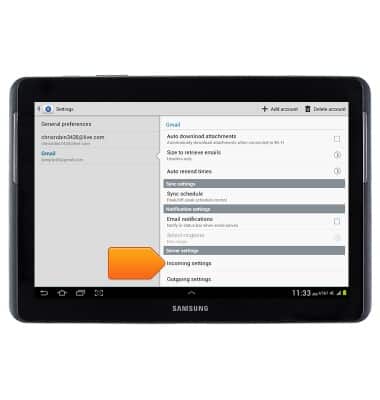
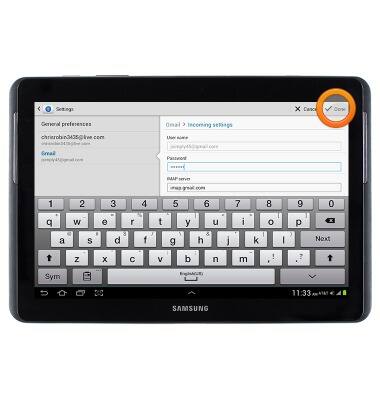
- To change the password, tap Incoming Settings.
- Tap the Password field, then enter the desired password.
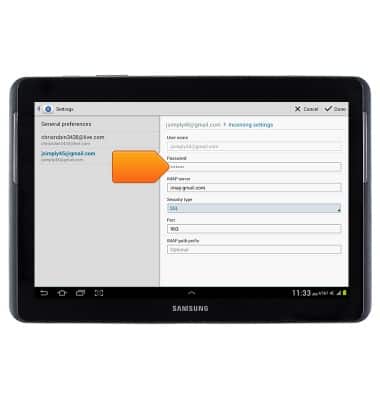
- Tap Done.
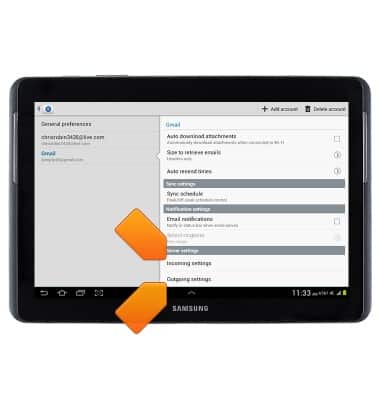
- To change server settings, tap Incoming settings or Outgoing settings.
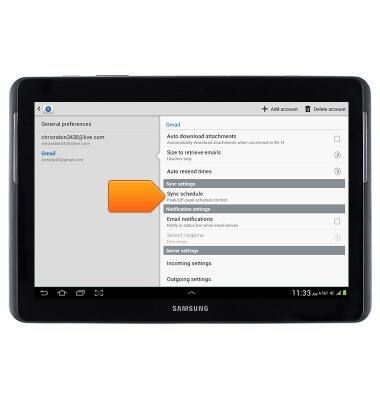
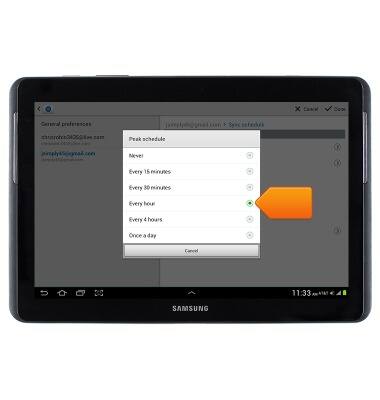
- To change the sync frequency, tap Sync schedule.
- Tap Peak schedule.
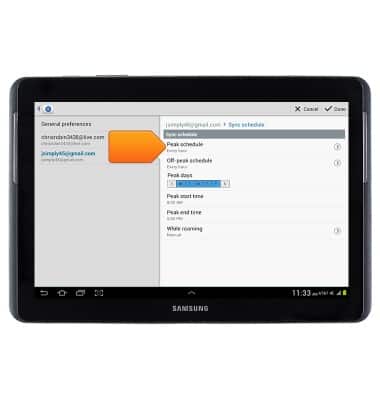
- Tap the desired option.
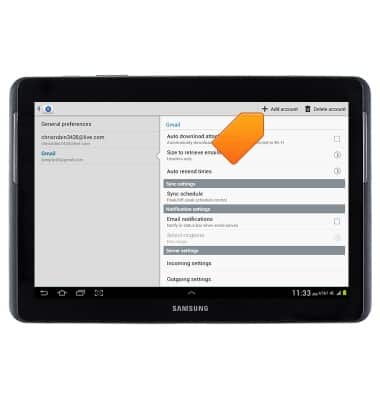
- To add an account, tap Add account.
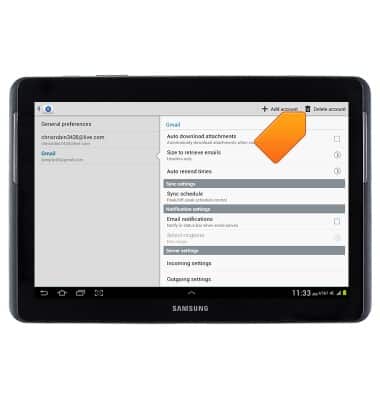
- To delete an account, tap Delete account.
- To add a signature, tap Signature.
Note: Ensure the 'Signature switch' is toggled on.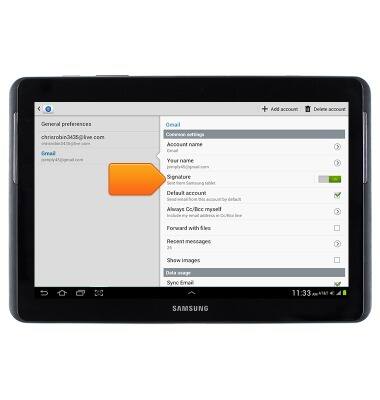
- Enter the desired signature, then tap OK.
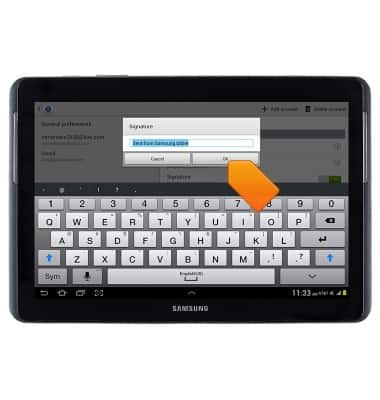
Email options
Samsung Galaxy Tab 2 10.1 (I497) OS 4.0-4.1
Email options
This article provides an overview of email settings.
INSTRUCTIONS & INFO