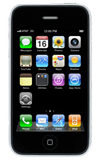
- From the home screen, tap Settings > General > Usage.
Note: To check your current month's data usage dial *data# (*3282#) on your mobile phone to receive a text message with the current bill cycle's usage.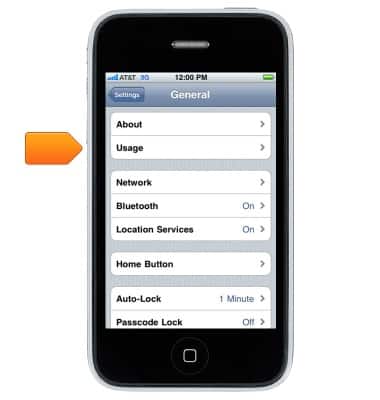
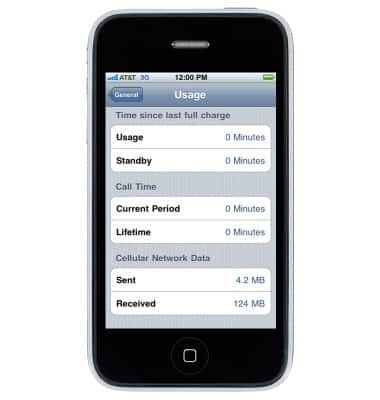
- Scroll to view the amount of cellular data that have been used.
View & manage data
Apple iPhone 3G
View & manage data
Access Usage Manager to view data usage, set data limits, & see the apps using the most data.
INSTRUCTIONS & INFO