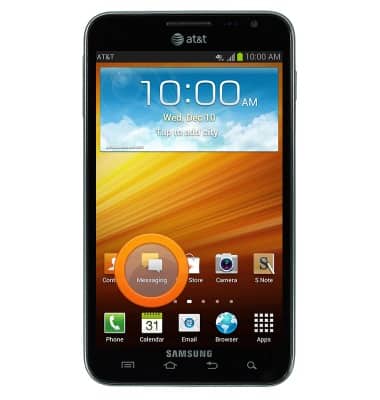
- From the home screen, tap Messaging.
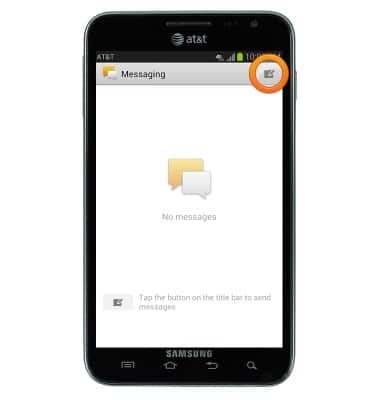
- To compose a message, tap the Compose icon.
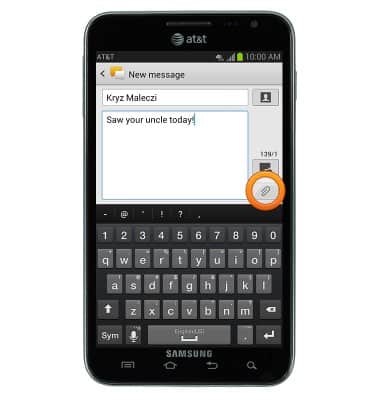
- Enter the recipient name or phone number, then tap the Message field.

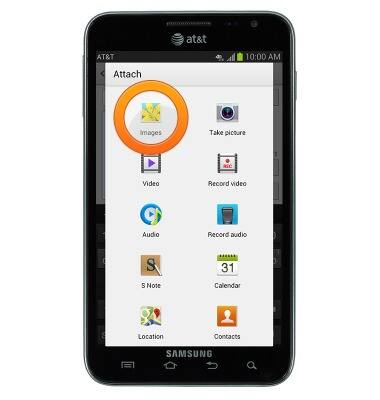
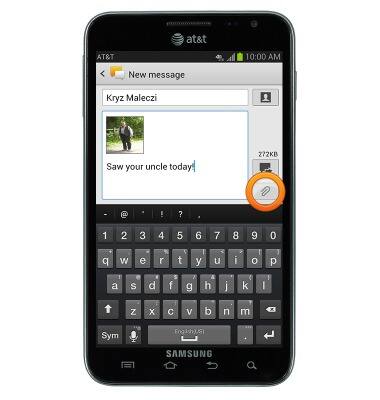
- Enter the desired message, then tap the Attach icon to attach media to the message.
- Tap Images.
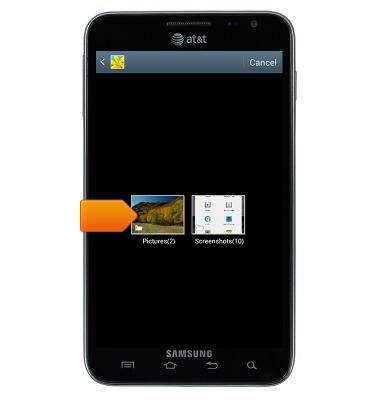
- Tap the desired album.
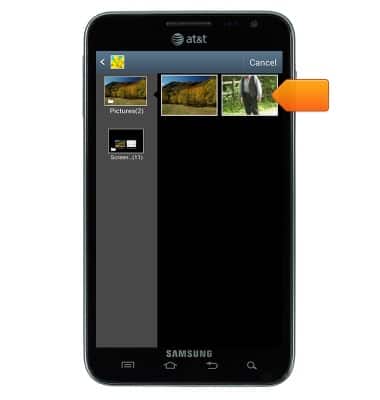
- Tap the desired image.
- Tap the Send icon to deliver the message.
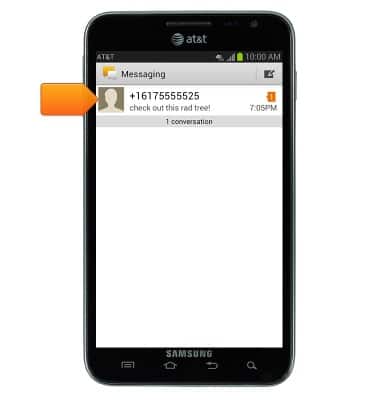
- To read a message, tap the desired conversation.
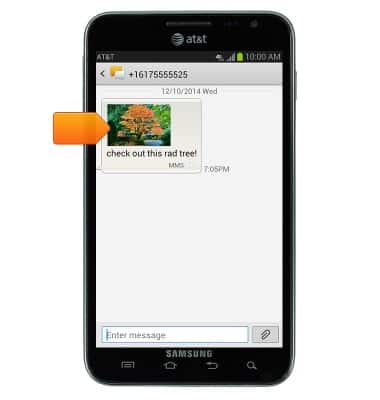
- Tap the attachment to view it.
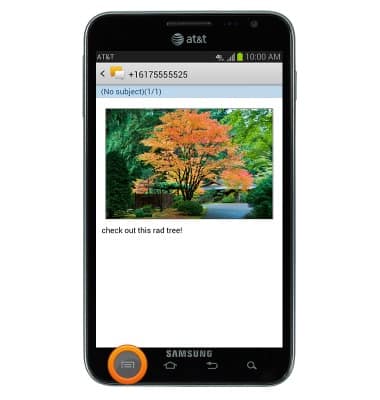
- To save the attachment, press the Menu key.
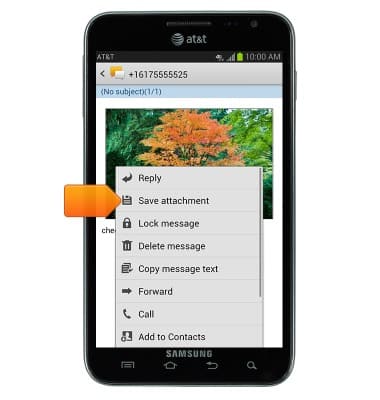
- Tap Save attachment.
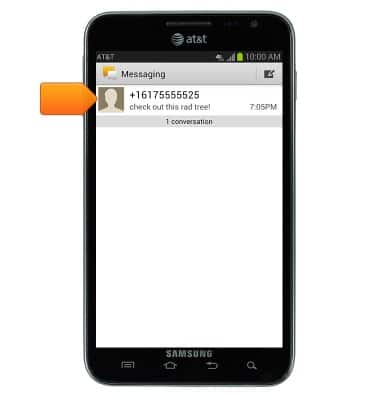
- To delete a conversation, touch and hold the desired conversation.
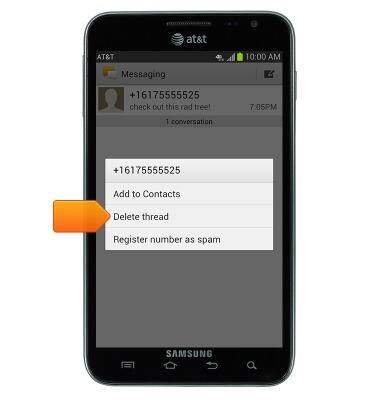
- Tap Delete thread.
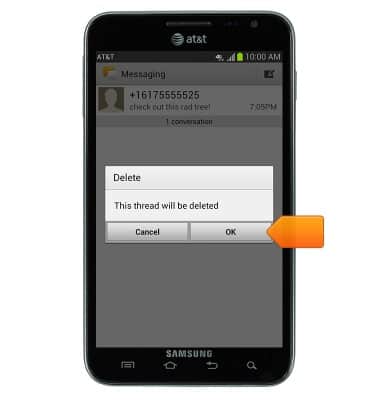
- Tap OK.
- When a new message has been received, the Messaging icon will be displayed in the notifications bar.

Send & receive messages
Samsung Galaxy Note (I717)
Send & receive messages
How to send, receive, and delete picture (MMS) and text (SMS) messages.
Text messaging
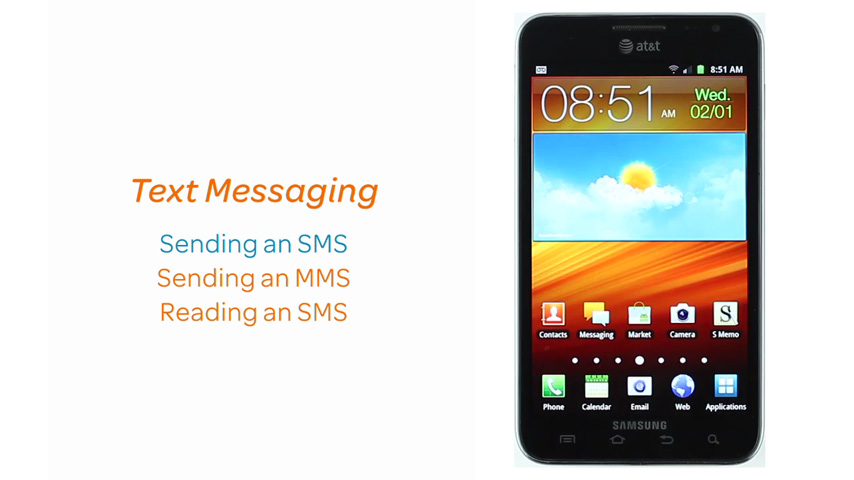
This video demonstrates how to send and receive text messages as well as how to send a photo via MMS.
Text messaging
1:22
INSTRUCTIONS & INFO