
- To view or close running apps, from any screen, press and hold the Home key.

- Scroll to, then tap the desired app to open it.
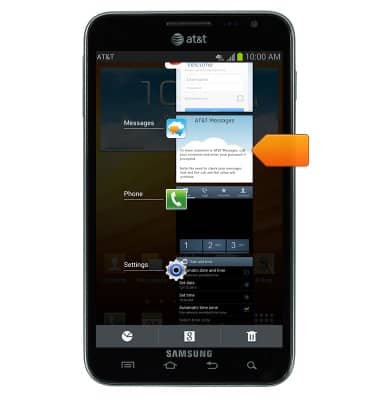
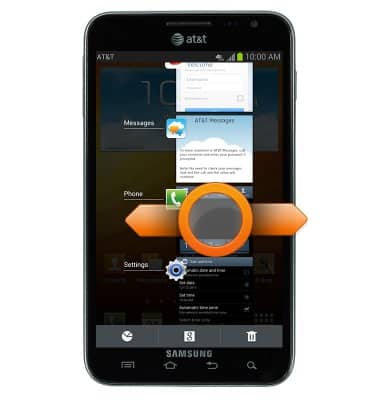
- Touch, then drag the app to the right or left to close it.
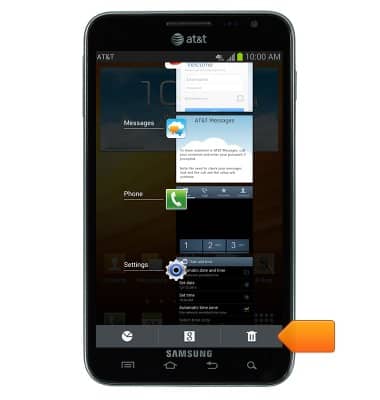
- To close all running apps, tap the Close all icon.
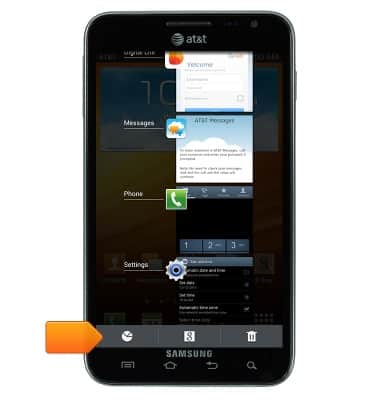
- To open the task manager, tap the Task manager icon.
View or close running apps
Samsung Galaxy Note (I717)
View or close running apps
How to view, switch between, and close running applications
INSTRUCTIONS & INFO