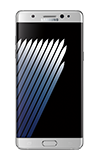
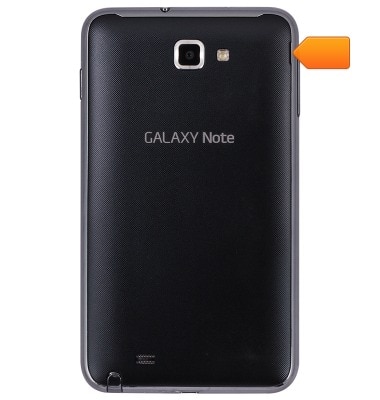
- Start by removing the battery cover by lifting up from the notch located on the top right of the device.
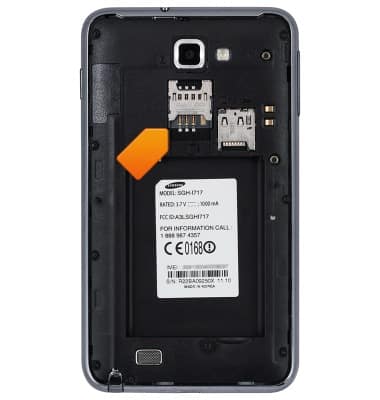
- Insert the SIM Card into the SIM Card Tray making sure that the gold contacts are facing down.
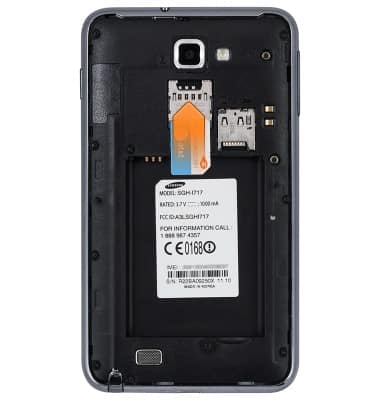
- Push the SIM Card in all the way.
- Insert the microSD Card into the microSD Card Tray.
Note: The micro SD card is not included and is optional.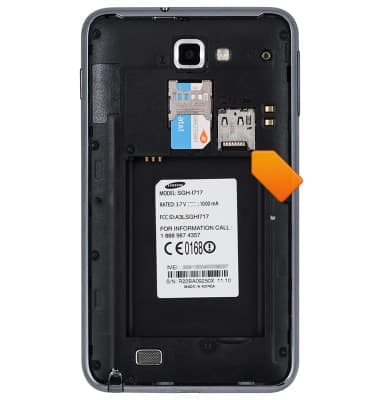
- Push the microSD Card in all the way.
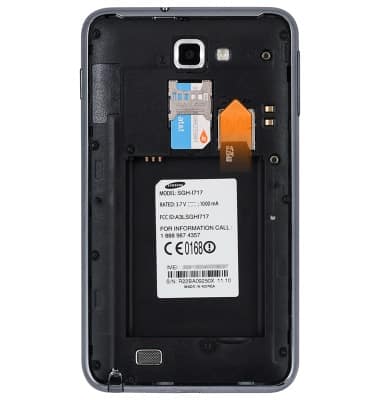
- Insert the Battery into the Battery tray making sure the gold contacts on the battery align with the gold contacts on the device.
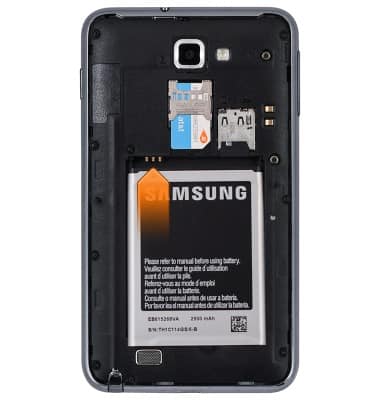
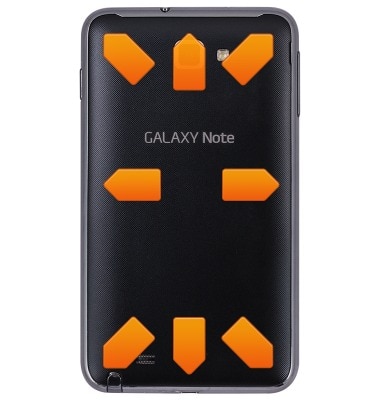
- Place the battery cover on the back of the device, and push down on all four edges to seat the battery cover in place.
Phone assembly
Samsung Galaxy Note (I717)
Phone assembly
How to install the battery, SIM, and memory card (for applicable devices).
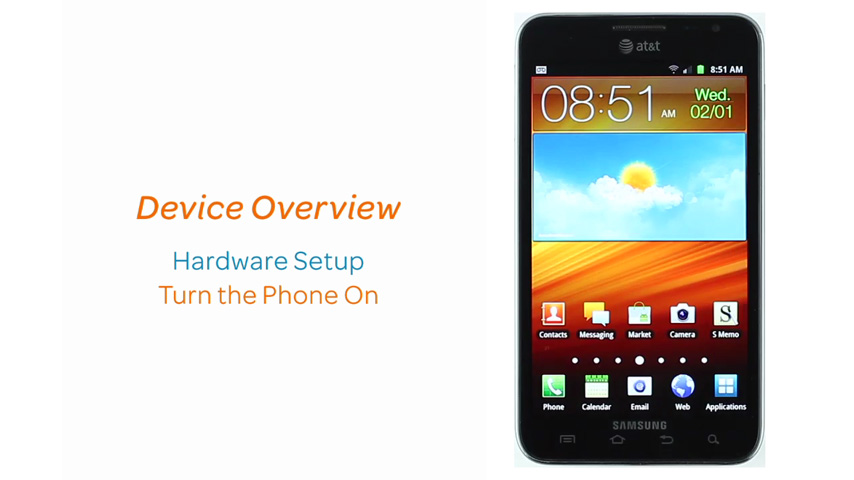
Device Overview
Device keys allow quick access to lock your screen, change volume, go to the home screen and other functions.
Device Overview
0:59
INSTRUCTIONS & INFO