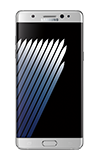
- Press the Power/Lock key.
Note: Airplane mode will disable all wireless services on the device. Calls, data, and text messages cannot be sent or received. Disable Airplane mode to restore regular device function.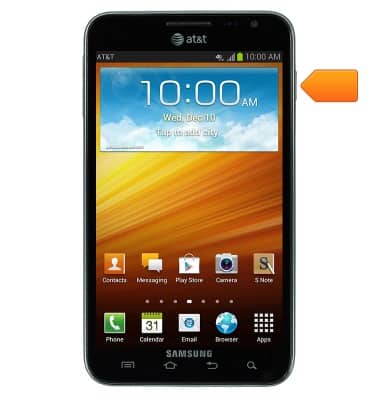
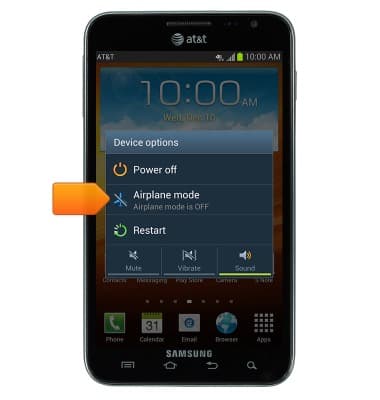
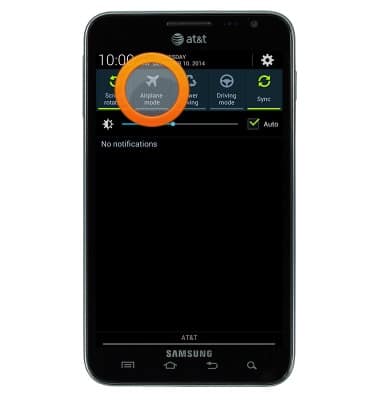
- Tap Airplane mode.
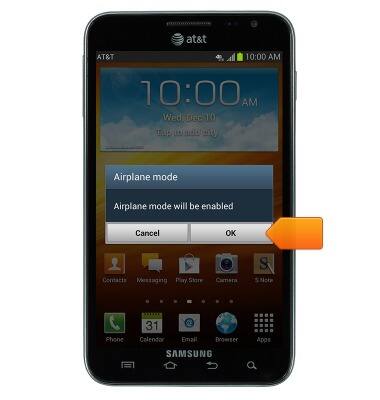
- Tap OK.
- When airplane mode is enabled, the Airplane mode icon will be displayed in the notifications bar.
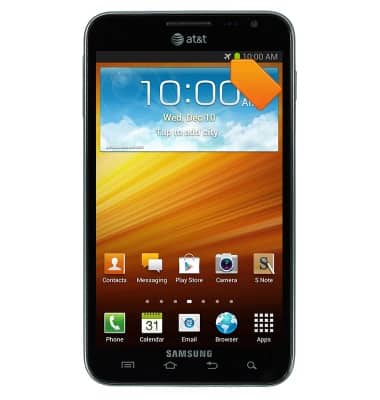
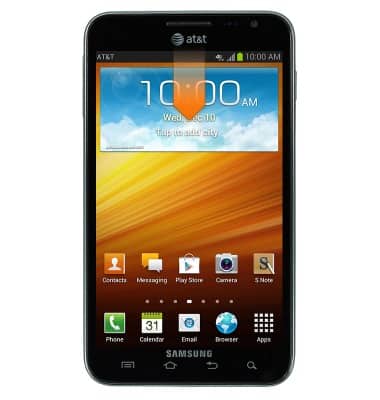
- To quickly enable or disable airplane mode, swipe down from the notifications bar.
- Swipe to, then tap Airplane mode to enable and disable airplane mode.
Airplane mode
Samsung Galaxy Note (I717)
Airplane mode
Learn how to turn Airplane mode on and off.
INSTRUCTIONS & INFO