- From the home screen, tap Email.
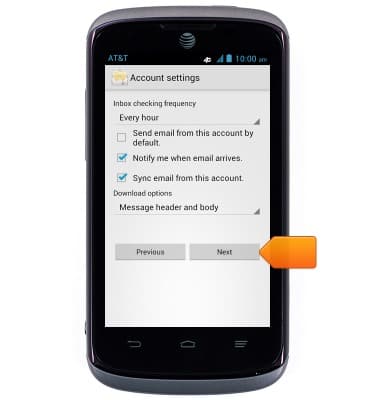
Note: If multiple accounts are configured, tap to check 'Send email from this account by default' if desired.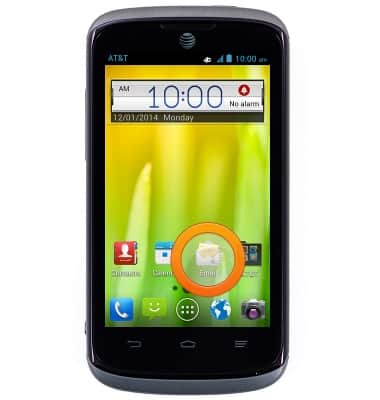
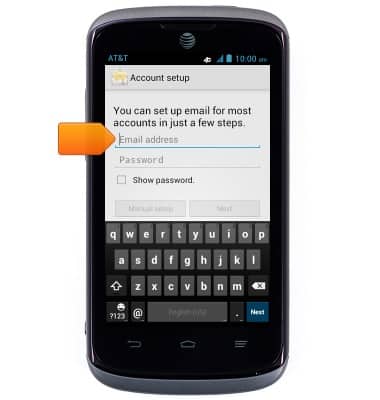
- Enter the desired email address and password.
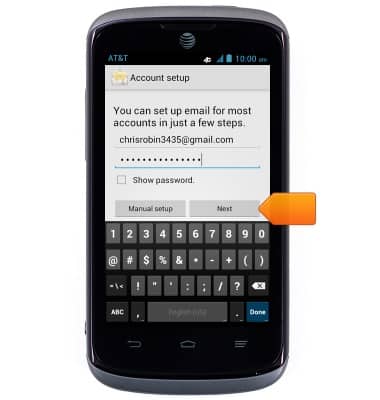
- Tap Next.
- Adjust additional settings as desired, then tap Next.
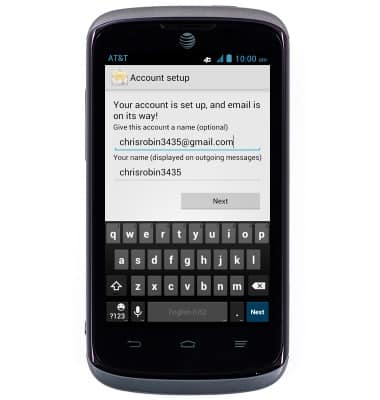
- Edit the account name and display name if desired.
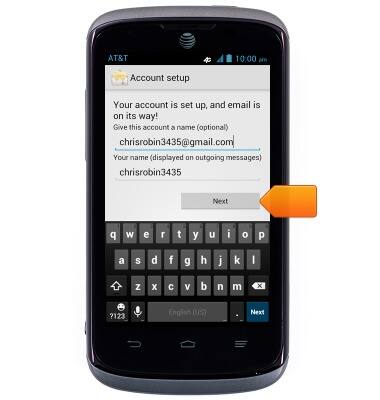
- Tap Next.
- Email is now ready for use.
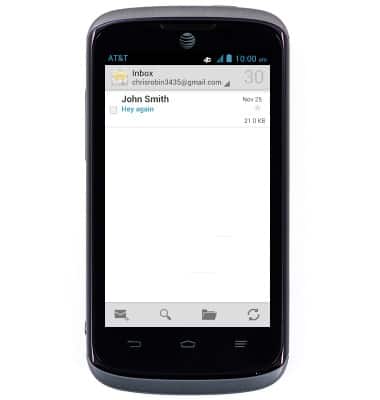
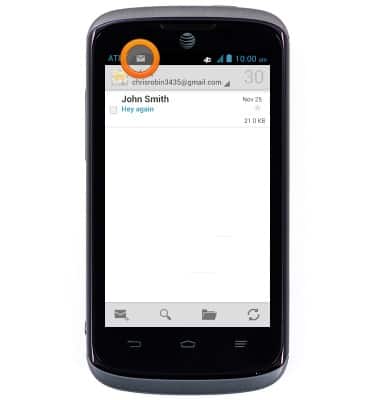
- When a new email is received, the New mail icon will display in the Notifications bar.
Set up personal email
AT&T Radiant (Z740)
Set up personal email
Add your personal email accounts so you can read and send email on your device.
INSTRUCTIONS & INFO